Associate II
May 13, 2024
Question

Run USBX on STM32H563VIT

  • May 13, 2024
  • 1 reply
  • 7073 views

Sorry, Google Translate changed my previous post to Polish. That's probably why no one answered me.
Now the post is correct.


I'm creating a custom board using a used STM32H563VIT. Nice processor, but I can't understand how to create an Audo class, even if it's BT 1.0.
In the F series of processors, e.g. STM32F720, it was simple, but here it is somehow mixed up.


USB parts diagram:
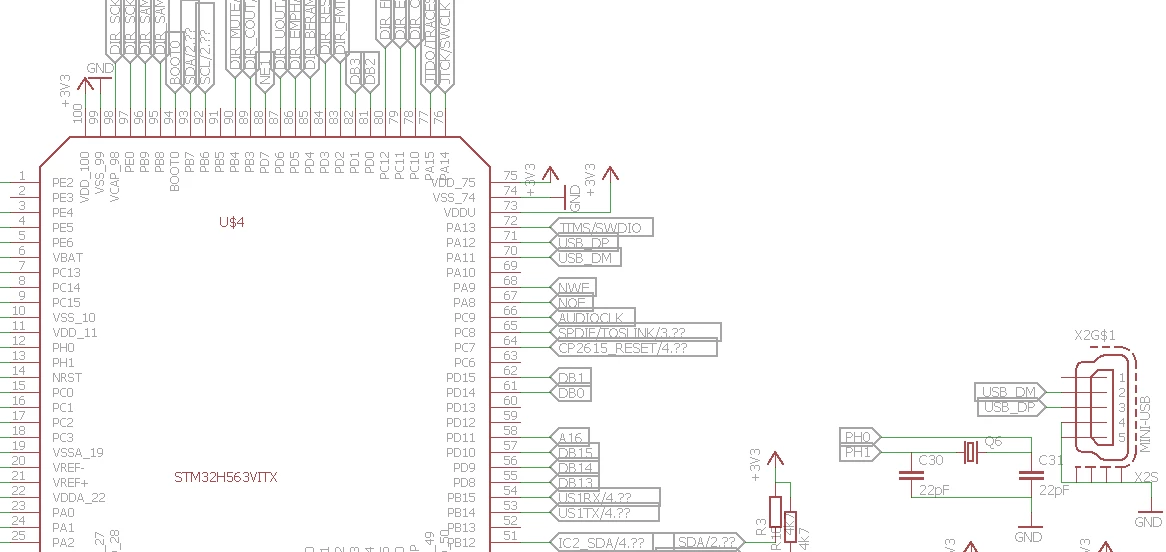
image.png


I am trying to use a USB Adio class device.
For this reason, there is no AZURE RTOS in the IDE (H5).
I have configured the USB
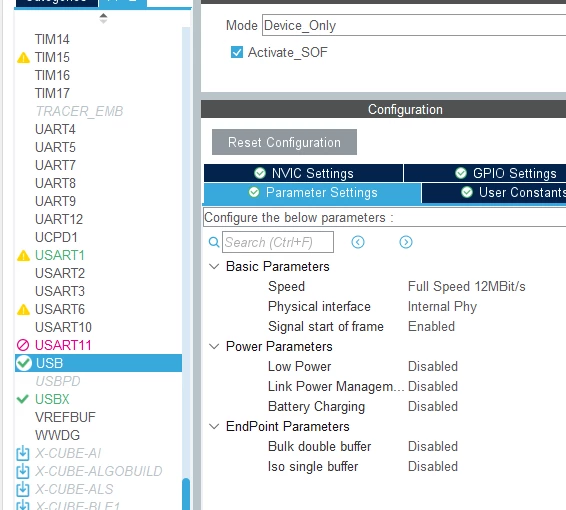
 

image (1).png

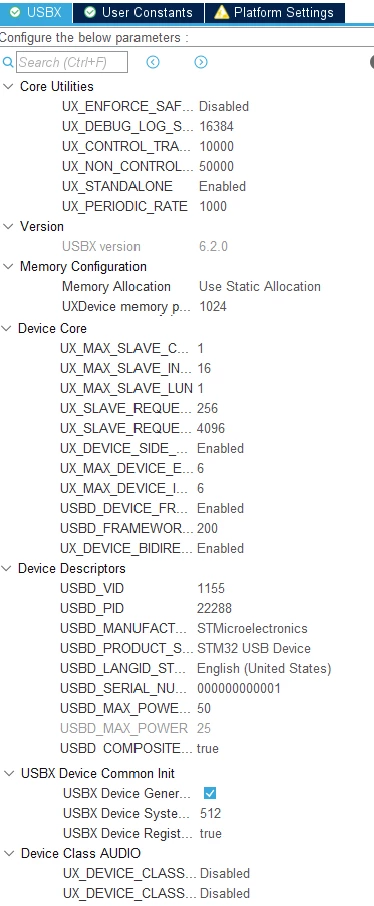
I configured USBX as FS_Device


image (2).png

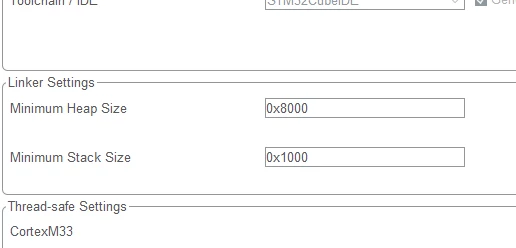
I took the stack size

image (3).png

After my changes


The device is in working order     HAL_PCD_STATE_READY


UINT MX_USBX_Device_Init(VOID)
{
UINT ret = UX_SUCCESS;

...
UX_PARAMETER_NOT_USED(ux_device_byte_pool_buffer);
...

return  ret;
}

However, the system does not detect the device.
What else should I do for the system to detect the device?



This topic has been closed for replies.

1 reply

AScha.3
Super User
May 13, 2024

Hi,

i made Audio host , with Azure/threadx, so its not same, but : 

- i needed a lot more memory, to get it work -> so try more memory

AScha3_0-1715586251451.png

+

AScha3_1-1715586278846.png

Try enabled ... if not sure, that disabled is, what you want.

"If you feel a post has answered your question, please click ""Accept as Solution""."
konsul41Author
Associate II
May 13, 2024

Ok. ThreadX They started.

Teraz krąży w tx_thread_schedule.

Zastanawiam się czy nie powinienem mieć
Jak tutaj:

https://github.com/STMicroelectronics/x-cube-azrtos-l4/blob/main/Projects/STM32L4R9I-Discovery/Applications/USBX/Ux_Device_HID_CDC_ACM/USBX/App/app_usbx_device.c

To jest przykład dla CDC

Did you have additional code to initialize the USB stack?


AScha.3
Super User
May 13, 2024

No...it should connect.


just try something to send.


"If you feel a post has answered your question, please click ""Accept as Solution""."