Associate III
January 22, 2026
Solved

RE: How to change the Repository directory (location)?

  • January 22, 2026
  • 2 replies
  • 436 views

A while ago I auto updated to 2.0.0. Prior to that, I was able to change the repository location. The instructions were nicely noted here:


https://community.st.com/t5/stm32cubeide-mcus/how-to-change-the-repository-directory-location/m-p/114938


Now with 2.0.0, the Firmware Updater option is missing from from Windows -> Preferences:
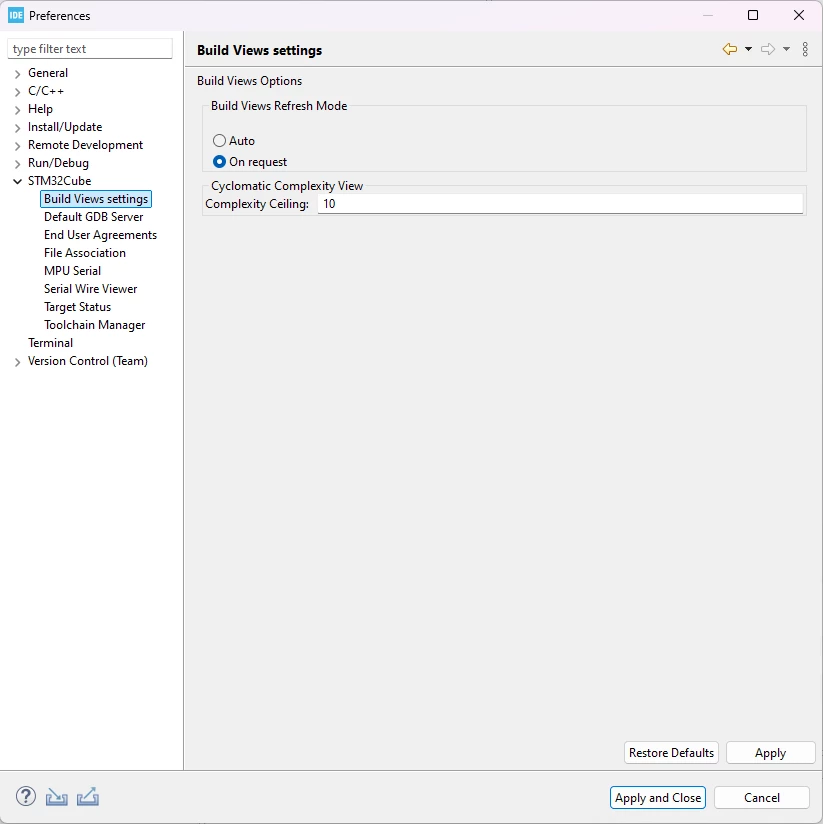
 

CCoder_0-1769098998082.png


I don't see anything listed in the release notes document found here:


https://www.st.com/resource/en/release_note/rn0114-stm32cubeide-release-v200-stmicroelectronics.pdf


Has this functionality been completely removed and we're now forced to have our repository in our User account folder on Windows?


FWIW, I also don't see a way of changing it in CubeMX.


Thanks,


C-Coder

Best answer by TDK

STM32CubeIDE doesn't include STM32CubeMX anymore so the option will not be in there.

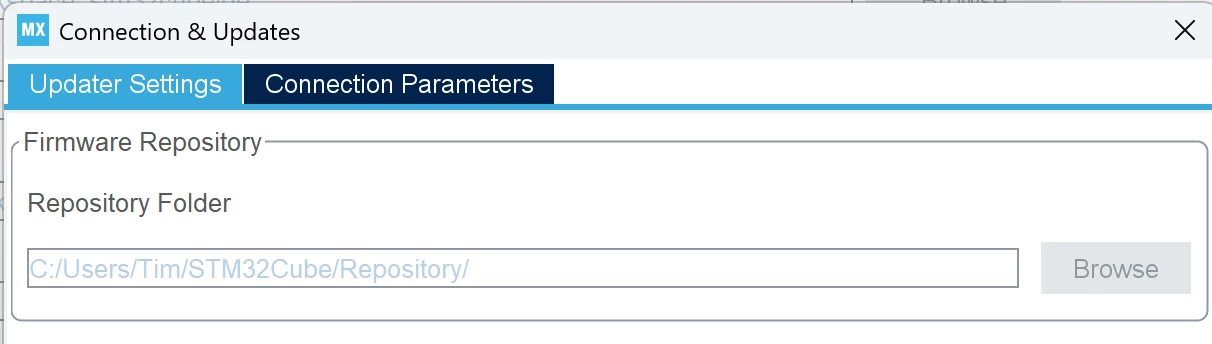
The option within STM32CubeMX is located here, under Help -> Connections & Updates:

TDK_0-1769099810780.png

(It is editable when a project is not open.)

2 replies

TDK
TDKBest answer
January 22, 2026

STM32CubeIDE doesn't include STM32CubeMX anymore so the option will not be in there.

The option within STM32CubeMX is located here, under Help -> Connections & Updates:

TDK_0-1769099810780.png

(It is editable when a project is not open.)

"If you feel a post has answered your question, please click ""Accept as Solution""."
C-CoderAuthor
Associate III
January 22, 2026

I'll stand corrected in that there is a way of changing it via MX. Thank you for correcting me. But can ST PLEASE update documentation for things like this? I realize that the Release Notes document says that MX was detached from the IDE integration, however it does not say anything about removing the Firmware Updater option from Preferences.


Thanks,


C-Coder