macOS 15.0 Sequoia (beta) - Login to MyST shows endless 'Loading.... Please wait.'
I don't know if this is the previously mentioned login issues or not, but I will explain.
Last week I received my new Macbook with an M2 MAX cpu. I installed the new macOS 15.0 Sequoia Beta on it, as I'm primarily an iOS developer. Then I installed STM32CubeIDE 1.15.1, because I also do firmware development sometimes, and I want to have the IDE working when I need it.
But when selecting myST ->Login from the menu, all I get is a small window with a spinner and the message 'Loading.... Please wait.". It never goes away.
Sometimes selecting myST->Login does nothing. But generating a project always fails with "Code generation could not be done most probably because the necessary firmware package is missing. etc. etc.".
I have read most or all the posts about login issues. But nothing seems to be helpful.
I have read this: https://community.st.com/t5/stm32-mcus/how-to-set-the-network-connection-parameters-for-stm32cubeide/ta-p/585694, but it does not make any sense to me. I am not running on Windows, and there is no proxy in my network.
How can I see what's going wrong, and how can I fix it?
Thank you!
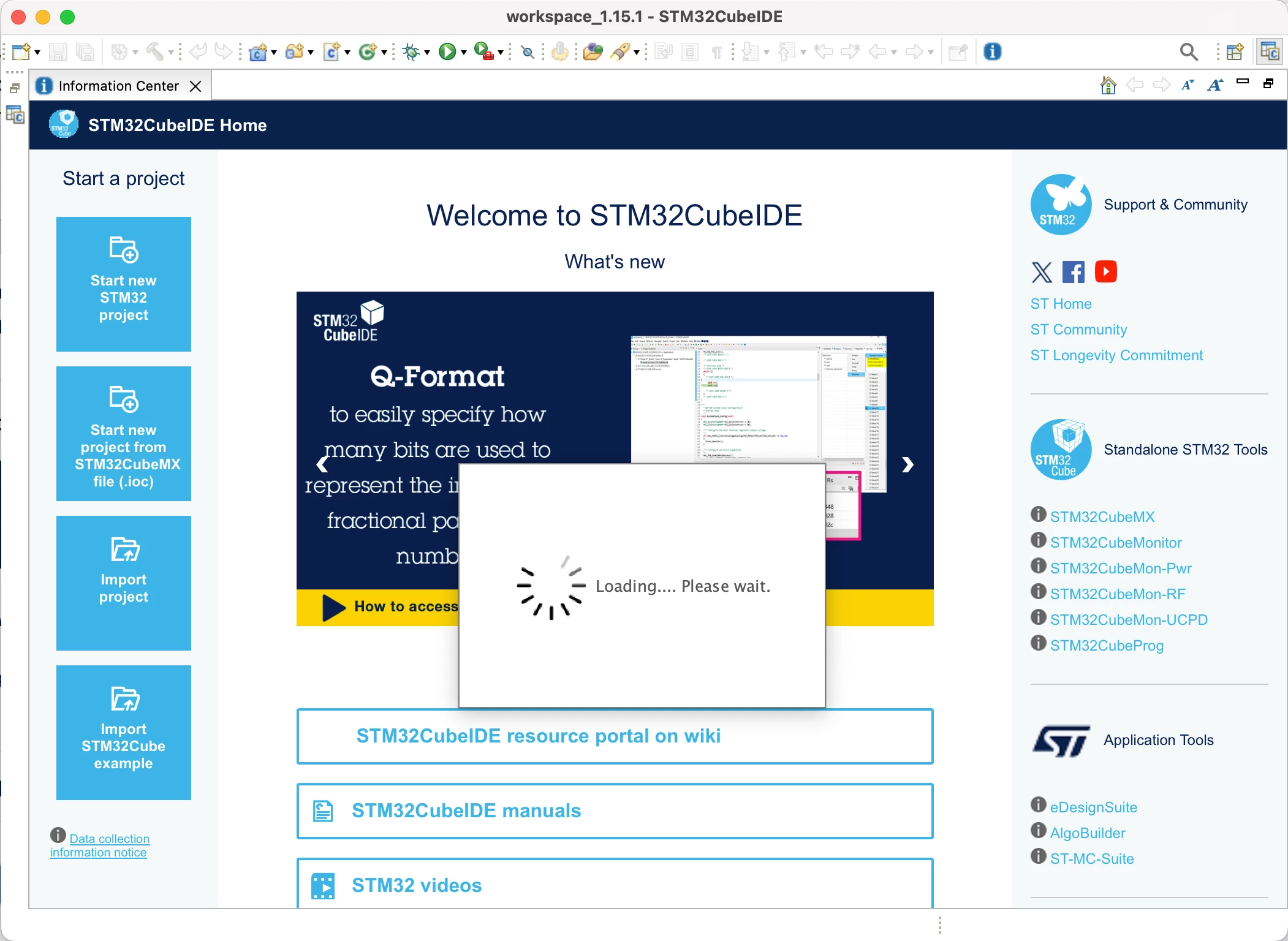
Note1:
On my old Macbook, using an Intel i7 processor and macOS 12.7.5 Monterey, it still works fine, even with STM32CubeIDE 1.15.1.
Note2:
I decided to try to manually download the FW package. I did so, but selecting Help->Manage Embedded Software Packages does nothing at all. So I cannot select the downloaded FW package.