


MMust.5
Senior
July 14, 2023
Solved

Can't paste text into Cube IDE main.c file

  • July 14, 2023
  • 5 replies
  • 2115 views
I need to copy text from internet to Cube IDE main.c file.
I copied the text from the internet, I click in the Cube IDE context menu "paste". And nothing happens. If I copy text from Cube IDE and paste that text into Cube IDE, then the text is pasted. I tried to copy text from the Internet first to a text editor, and then to Cube IDE, but still no text is pasted. Cube IDE restarted.
If I create a new Source File C and try to insert into it, then nothing is inserted into it.
(If I copy something from the Internet to this Source File.) What's the matter?
Nothing can be copied from Cube IDE either.
I'm trying to copy text from Cube IDE and paste this text into notepad.
It won't work.
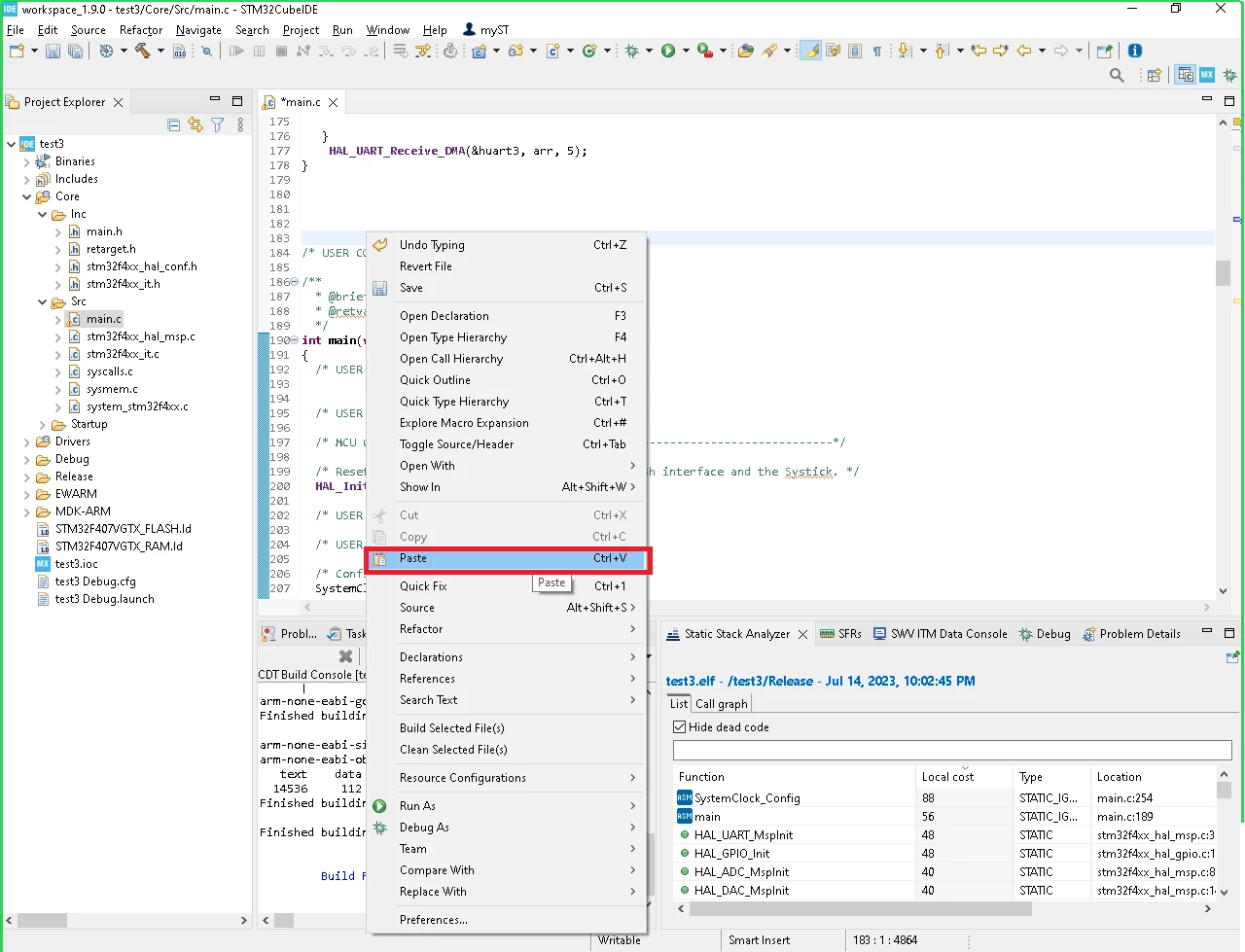
tim2.png
    This topic has been closed for replies.
    Best answer by MMust.5
    I found the reason.
    My firewall was blocking some process intended for Cube IDE.
    Since the Cube IDE was recently updated, the firewall blocked the process that it did not like.
    Cube IDE started, but did not work correctly due to a blocked process.
    Thanks to all)

    5 replies

    xisco
    Senior
    July 14, 2023

    I tested to copy-paste from your post (internet) to file main.c in cubeide 1.12.1 and cubeide 1.9.0 using Linux Mint.

    I haven't got any problem.

    Perhaps you are trying to copy from a protected PDF or a webpage on a strange format...


    MMust.5
    MMust.5Author
    Senior
    July 14, 2023
    No.
    The text I am trying to copy is not protected.
    Nothing can be copied from Cube IDE either.
    I'm trying to copy text from Cube IDE and paste this text into notepad.
    It won't work.
    Weird problem, I don't know what's going on.
    I created a new project, the new project should have default settings, but it didn't help.
    xisco
    Senior
    July 14, 2023

    Ok. I found this thread.


    MMust.5
    MMust.5AuthorBest answer
    Senior
    July 15, 2023
    I found the reason.
    My firewall was blocking some process intended for Cube IDE.
    Since the Cube IDE was recently updated, the firewall blocked the process that it did not like.
    Cube IDE started, but did not work correctly due to a blocked process.
    Thanks to all)