


Question
TouchGFX Designer Project (using a template) import into STM32CubeIDE to build, debug & flash via ST-Link V2
Good afternoon,
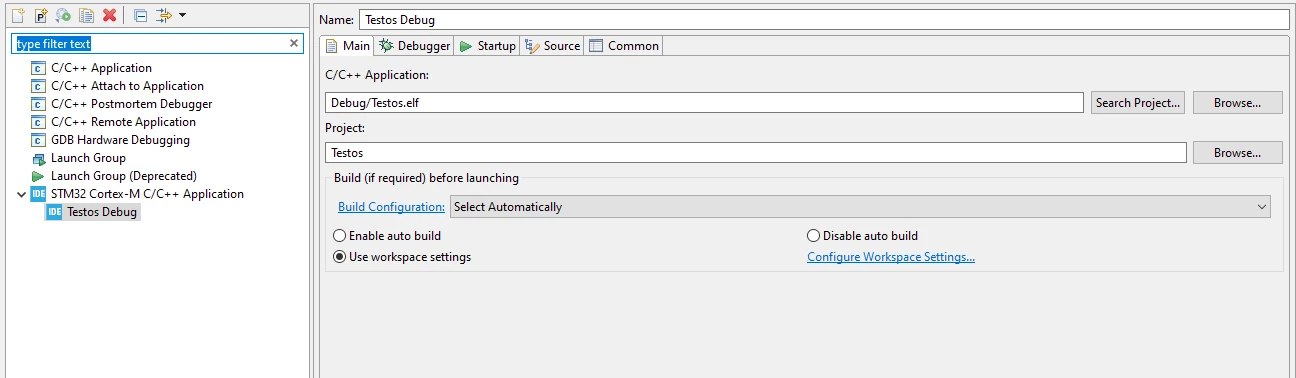
I was trying to find a step by step tutorial on how to import a Project using TouchGFX Designer with a given template (e.g. STM32F746G Discovery Kit), using some matching UI Template, generate code and afterwards import the project into STM32CubeIDE.
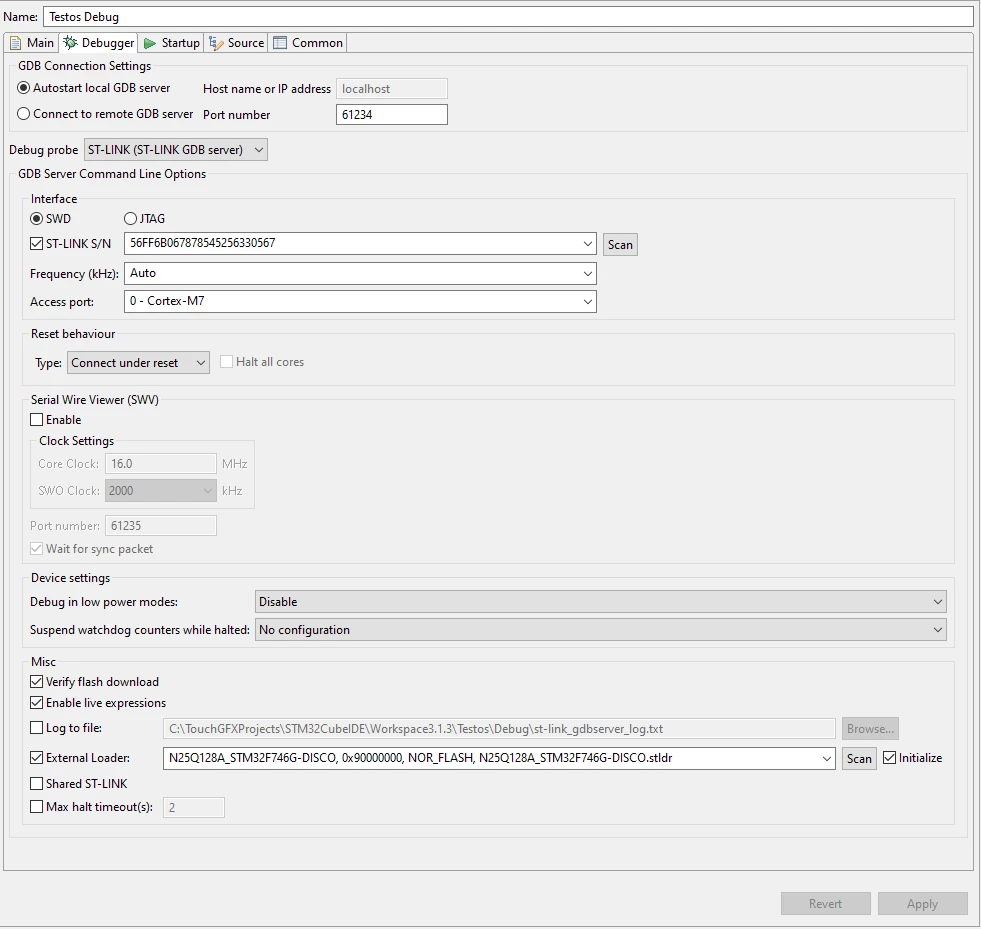
Finally build the project inside STM32CubeIDE and debug / flash it via ST Link V2 onto my board.
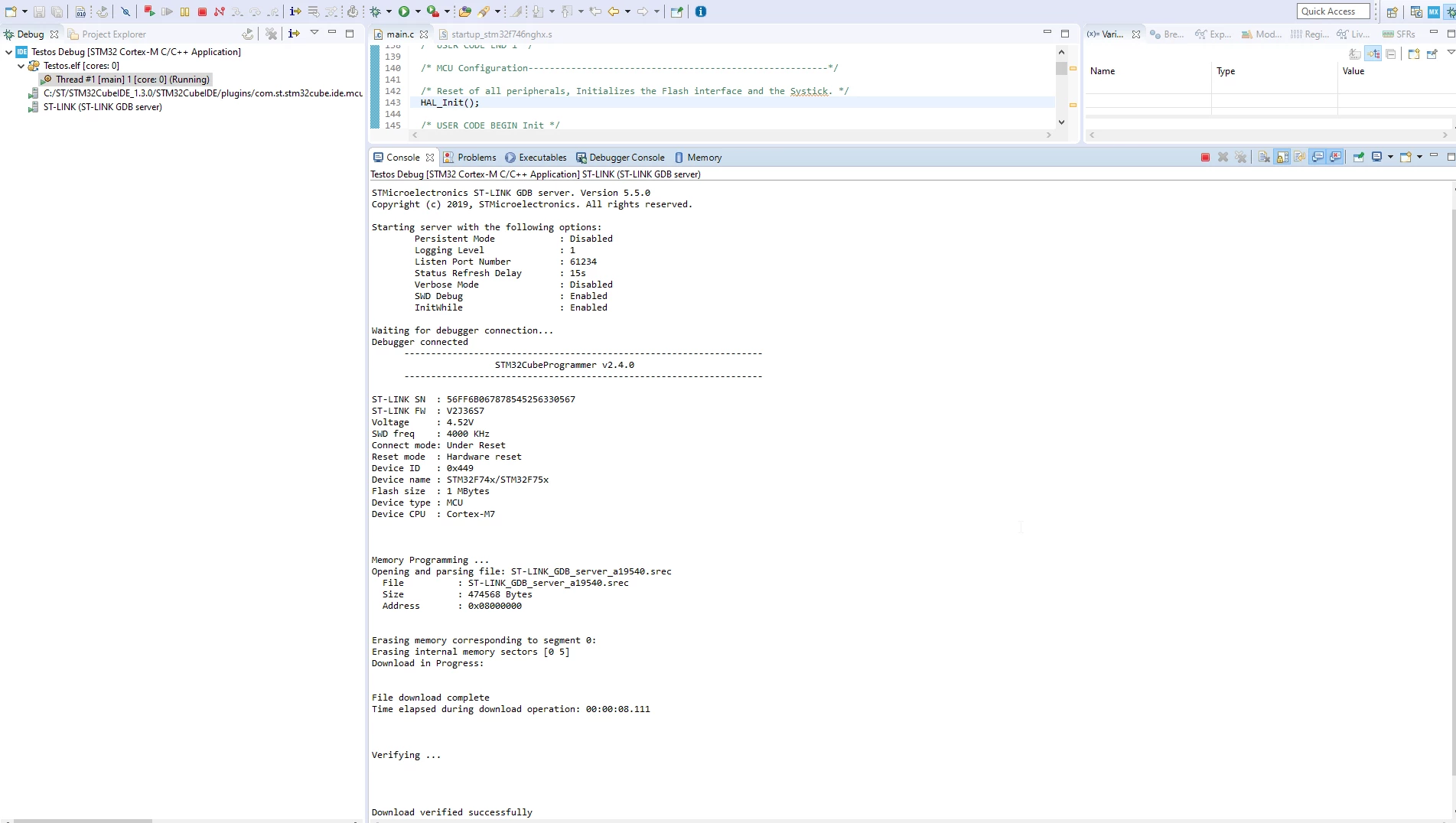
Unfortunately I end up with a Black screen + some Background light.
No Errors during the build, connect to ST Link V2 Debugger and flash.
Is there such a tutorial I might have failed to find?
Or does it have to be the other way around.
- Create STM32 Project in CubeIDE, select suiting Board
- Open TouchGFX Designer within the Project inside CubeIDE
- Create GUI
STM32CubeIde 1.3
TouchGFX Designer 4.13
ST-Link V2 V2J36S7
Appreciating any help or links!
/Rafael