


How to configure the STM32WB LE Central(Client) or Peripheral(Server) for Whitelist Operation "Part 4"
Continuation of Part 1,2,3.
4. Teraterm Connection States
The outputs to be presented are screen captures of both the client and server during the various states of the Whitelist demonstration process.
4.1 Initial Power Up

Figure 3: Client Indication Initial State
Figure 4: Peripheral Indication Initial State
4.2 Scanning/Advertising Connection Process
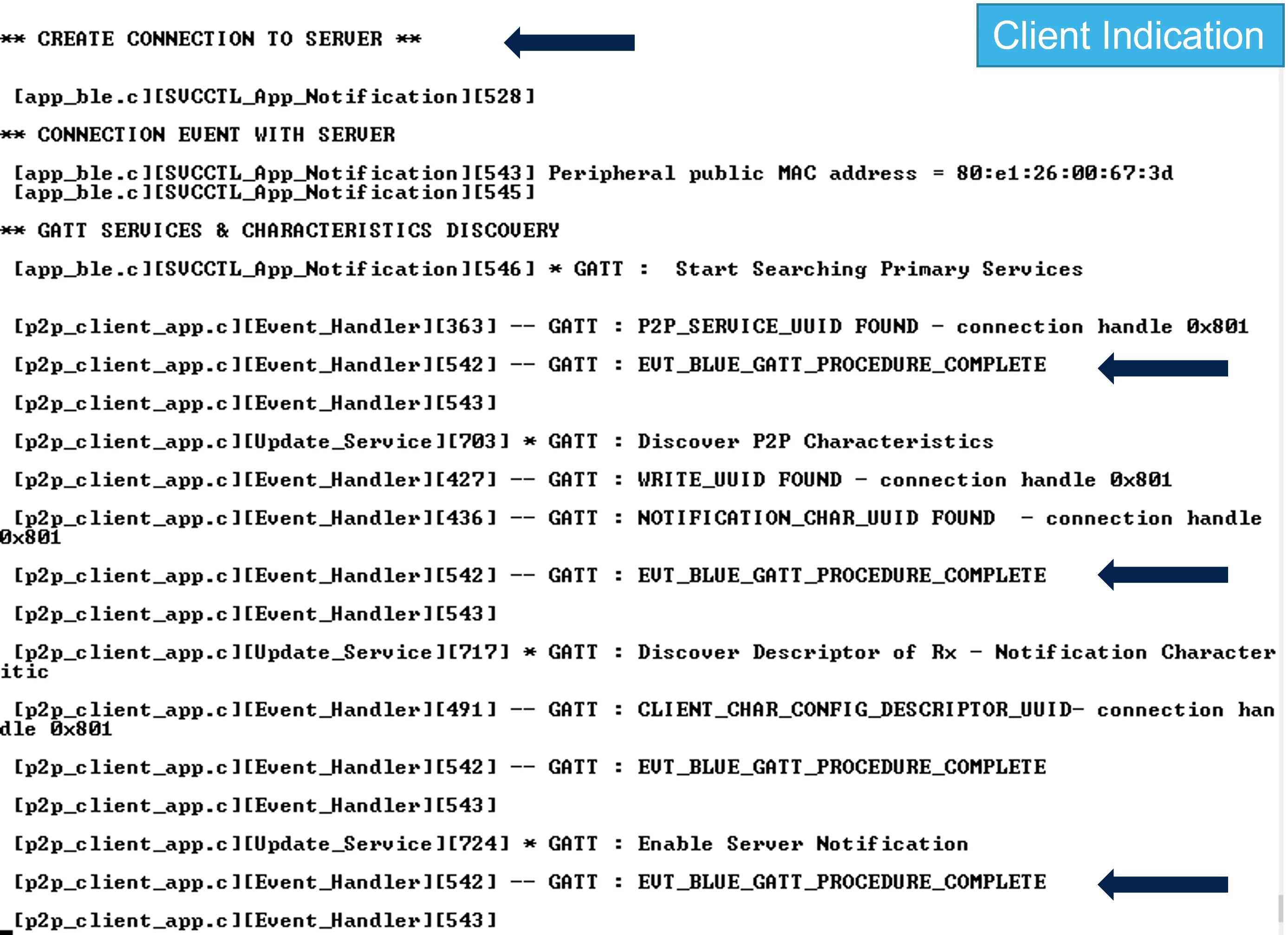
Figure 5: Client Connection Process and Connected State
Figure 6: Peripheral Connected State
4.3 Security, Pairing, Numeric Comparison
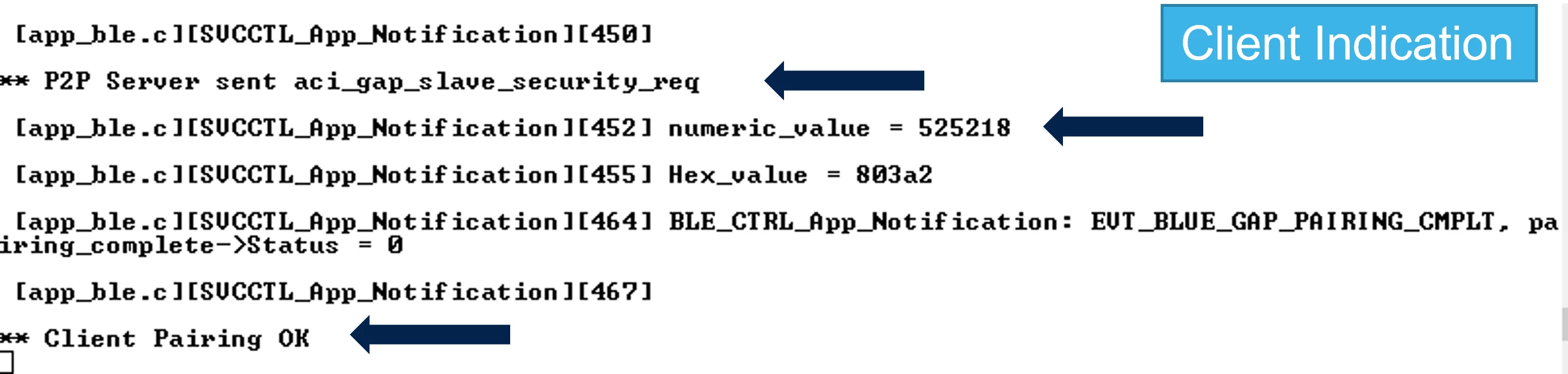
Figure 7: Client Pairing, Security Confirmation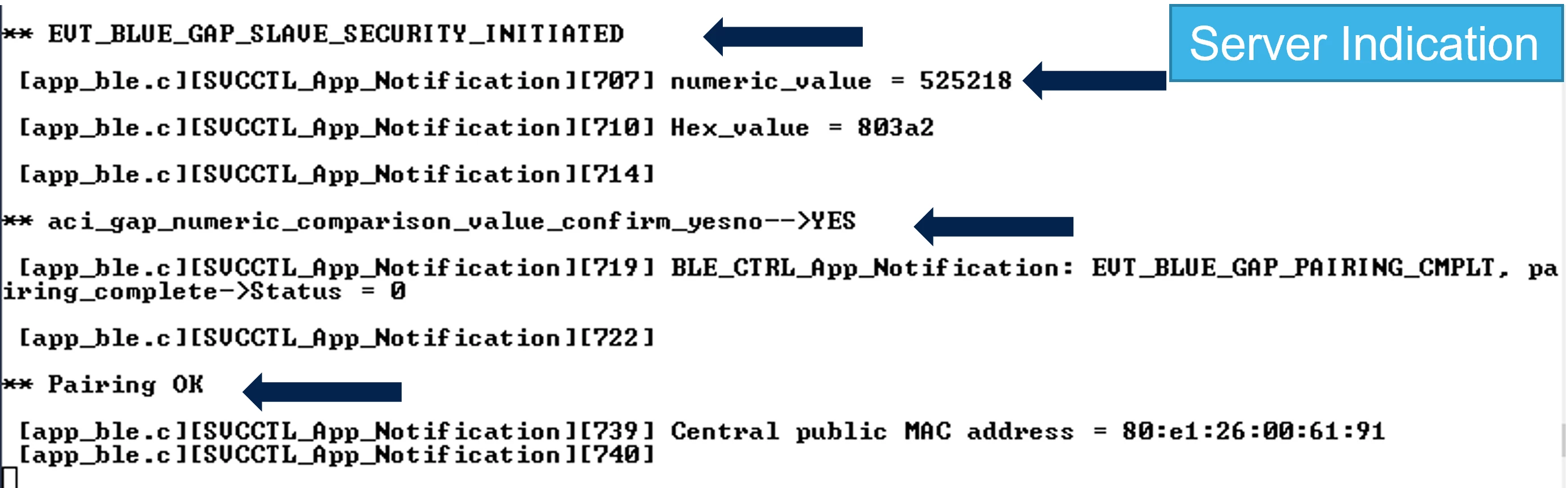
Figure 8: Peripheral Pairing, Security Connected State
4.4 Disconnection from Client and Restart Advertising From Server

Figure 9: Client Intentional Disconnect With Peripheral
Figure 10: Server, saving Whitelist and New Advertising with Whitelist Filter
4.5 Reconnection Confirmation Client and Server
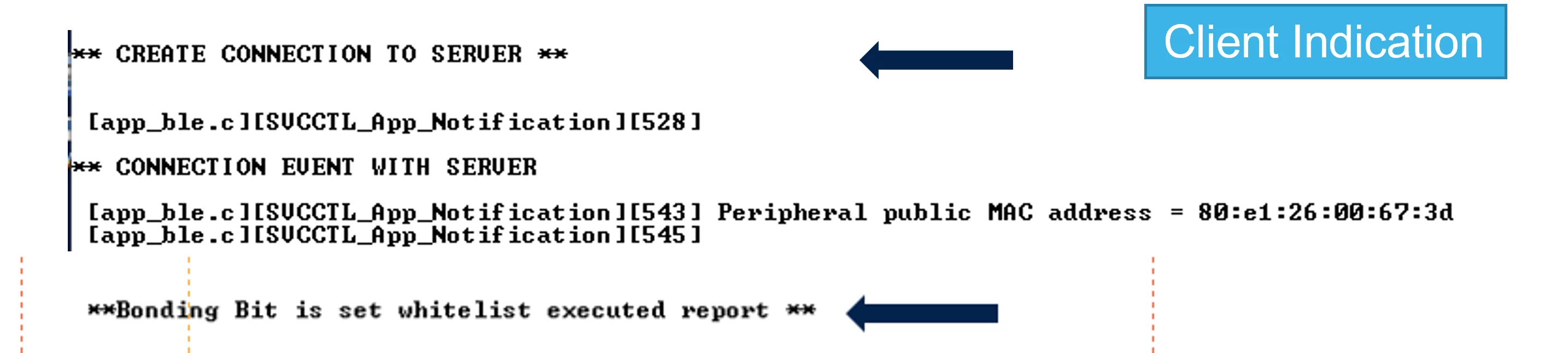
Figure 11: Client Reconnection with Whitelist Device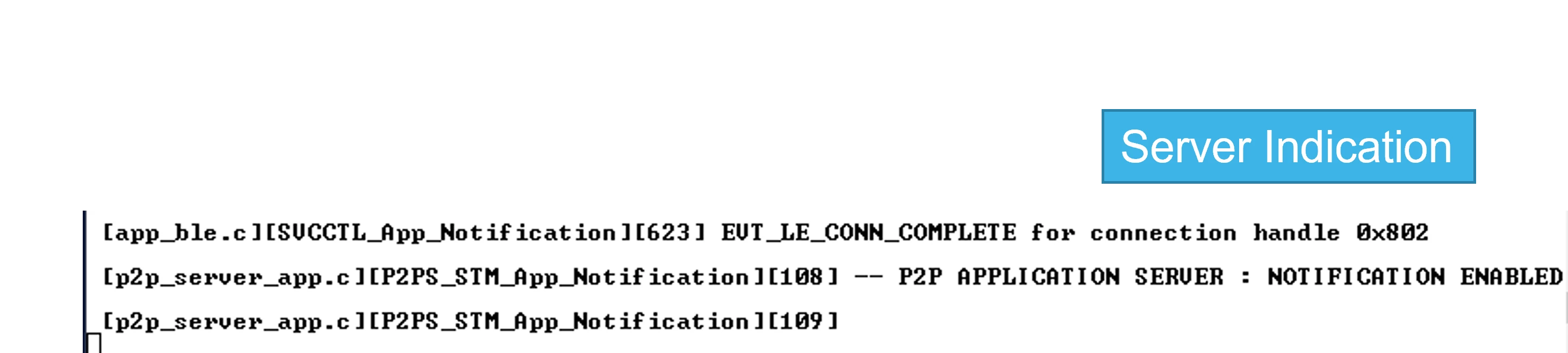
Figure 12: Peripheral Connection with Client
5. Summary
In this document, the process of enabling Whitelisting between a client (master) and server (peripheral) device has been presented. The process required to enable the Whitelist feature, modifications required to enable the Whitelist re-connect has been provided.
It is also important to note that the project provides a specific forced example. In other words, once the connection is established, the client purposefully terminates the connection in order to begin the Whitelist reconnection process. The user is shown the necessary elements that must be set up and is free to implement the Whitelist management through custom application code.