


Martin KJELDSEN
Principal III
January 8, 2020
Question

OFFICIAL RELEASE: X-CUBE-TOUCHGFX v4.13.0

  • January 8, 2020
  • 48 replies
  • 69004 views

Goodmorning everyone!

With the release of CubeMX 5.5.0 we've removed TouchGFX from the Middleware section of CubeMX and are now offering TouchGFX configuration through an X-CUBE.

The X-CUBE pack contains the following:

  1. TouchGFX Designer .msi, as per usual
  2. TouchGFX Generator - A tool through "additional software" for creating your TouchGFX HAL based on CubeMX settings.

CubeMX is a tool for configuring your MCU.

CubeMX is not a tool for completely configuring peripherals like touch controllers and external memories.

TouchGFX Generator (new since 4,13) is a CubeMX extension that can generate all or parts of your TouchGFX HAL Layer based partially on settings taken from your MCU configuration in CubeMX.

TouchGFX Generator (new since 4,13) is not a tool that provides complete configurations for touch controllers, external memories, etc. It only generates the TouchGFX HAL - Rendering strategies, acceleration strategies, etc.

TouchGFX Designer is a tool that can supply you with application templates for existing stm32 display kits. We are working on getting all of them updated to use the new Generator.

Please read the following guides for instructions on how to install the new TouchGFX X-CUBE and how to use the TouchGFX Generator to develop your TouchGFX HAL:

From now on it is the X-CUBE that receives a version bump, bumping the version of both tools contained within.

A few application templates already support the new TouchGFX Generator (and thus CubeMX 5.5.0), with lots more to come. One of our main priorities is to get the rest of the application templates ported to use the TouchGFX Generator,

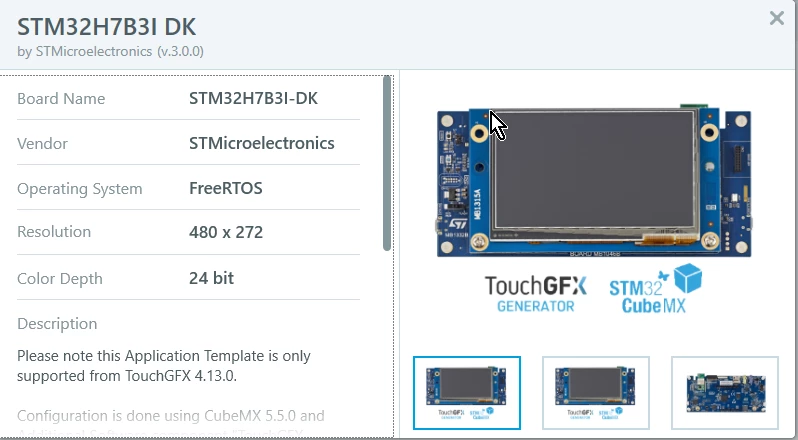
  • STM32H7BI-DK v.3.0.0 (uploaded)
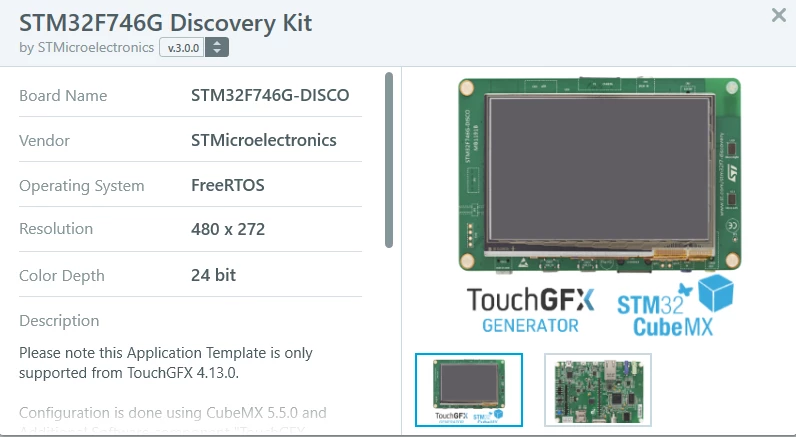
  • STM32F746-DISCO v.3.0.0 (uploaded)
  • STM32F769I-DISCO v.3.0.0 (uploaded)
  • STM32H750B-DK v3.0.0 (uploaded)
  • STM32F750-DK v3.0.0 (in progress)
  • STM32L4R9-DISCO v3.0.0 (in progress)
  • STM32L4P5-DISCO v3.0.0 (in progress)
  • STM32H743-EVAL v3.0.0 (In progress)

Generally, any application template that supports the Generator/CubeMX 5.5.0 will be major version 3.
0690X00000BviXRQAZ.png 

0690X00000BviXWQAZ.png

Let me know here if you have any questions or face any issues! We're eager to see how this works for everyone.

Now that we are officially live with X-CUBE-TOUCHGFX we'll continue working on improving documentation, offering support and updating the current application templates you can find through the designer.

Aside from that i'll do my best to catch up on this community, something i've had to neglect a bit because of the new Generator.

Best regards,

TouchGFX Generator Team

This topic has been closed for replies.

48 replies

egoltzman
Senior
January 8, 2020

Good news for the new year! Great!

One question for a start:

In the "TouchGFX HAL Development" page it says:

"After installing TouchGFX Generator through CubeMX or manually (See "installing TouchGFX"), users can now enable the TouchGFX Generator for almost any MCU in CubeMX. TouchGFX Generator is activated through "Additional Software""

Where is this "Additional Software" option in CubeMX?

Thanks,

Eyal

Anders Nedergaard PETERSEN
Senior II
January 8, 2020

Hi @egoltzman​,

The "Additional Software" option is located at the top of CubeMX

0690X00000BviRdQAJ.png

Best Regards

Anders

Martin KJELDSEN
Principal III
January 8, 2020

Hi Eyal,

That's the most asked question so far, so we'll go ahead and update the live documentation to explicitly mark where "Additional Software" is actually located.

/Martin

egoltzman
Senior
January 8, 2020

Thanks for the quick response!

egoltzman
Senior
January 8, 2020

After following the list of actions I generated a project for STM32CubeIDE (attached) but was not able to get a project that can be loaded to the CubeIDE.

I guess this is an issue related to the CubeIDE\CubeMX group, is it?

Any pointer? Idea how can I solve this?

Thanks,

Eyal

Martin KJELDSEN
Principal III
January 8, 2020

You don't seem to have generated a STM32CubeIDE project (it's not present any way).

Please try selecting "Advanced structure" and do not "Generate under root" when generating your project in the "Project Manager" tab.

Ensure you have 64-bit version of Java installed, or you won't be able to generate CubeIDE projects either. I know this is something CubeMX team is looking into.

/Martin

egoltzman
Senior
January 8, 2020

I have both of those requirements but still no project.

See attached.

And this:

C:\Users\egolt>java -version

java version "1.8.0_231"

Java(TM) SE Runtime Environment (build 1.8.0_231-b11)

Java HotSpot(TM) 64-Bit Server VM (build 25.231-b11, mixed mode)

How can I communicate this to the CubeIDE\MX group?

Thanks

Martin KJELDSEN
Principal III
January 8, 2020

Try selecting the Advanced application structure in a new project and try again.

egoltzman
Senior
January 8, 2020

I tried the advance option with no success.

I do get a warning message after generating the code, it is attached

egoltzman
Senior
January 9, 2020

Martin? Any idea how to solve this?

Bob Bailey
Senior
January 8, 2020

I believe most of us reading this have active projects using the old/current version. In my case, based on the 746G-DISCO board. The base template in the old version of CubeIDE did not enable the QSPI or touchscreen so based on various Youtube videos those things were added by hand. Those changes get overwritten when regenerating the cube code, but not when regenerating the TouchGFX code.

Are these functions combined now (it sounds like it)? If this is the case I hesitate to upgrade unless the template for the 746G-DISCO is fixed and generates code for all of the board peripherals (or at least the minimum to make the TouchGFX demos work).

What are the improvements and enhancements in this version?

Thanks!

Bob

Martin KJELDSEN
Principal III
January 9, 2020

CubeMX does not care about board related stuff. SDRAM CAS Latency, QSPI Memory mapped mode, etc. Only MCU configuration. I doubt it ever will. As long as you have your code in USER CODE sections, it won't get overwritten. There's an application template for F746G-DISCO using the new generator available through the 4.13.0 designer.

/Martin

scottSD
Senior III
January 8, 2020

Can CubeMX 5.4 still be used after installing CubeMX 5.5?

With the previous update to STM32CubeIDE 1.1.0, I was still able to keep an the older version of TouchGFX as well using the older version of STM32CubeIDE. This was convenient because I did not lose older projects.

However, when starting to install the new version of CubeMX 5.5, it appears that it will wipe out the previous version of CubeMX. Is there a way to continue to use both versions of CubeMX?

Martin KJELDSEN
Principal III
January 9, 2020

Sure, simply install them at different locations. Default path does not have a version attached to it, so that's what i usually do. Just rename the install path "<whatever>/CubeMX-5.5.0". During development of the generator i had maybe 15 different versions of CubeMX installed :D

/Martin

scottSD
Senior III
January 9, 2020

Thanks Martin!

I should have figured that one out on my own. :sad_but_relieved_face:

I do appreciate the capability of being able to have multiple versions of these tools installed.

Bob Bailey
Senior
January 8, 2020

I want to also comment on your statement that the Disco boards are used for GUI development and the hardware development is mainly done on target hardware.

In my experience, development of both is done on the disco boards using the 'arduino' connectors, prototyping areas, and other equivalent features. This reduces the number of iterations of hardware development. With the 746G-DISCO board I will be able to develop and test ~95% of the final code/features before moving to target hardware. As such, all of the hardware feature support needs to be functional in the Cube so that both GUI and hardware code can be developed. I am using CubeIDE for this project. For previous projects I used Codewarrior with Motorola/......../NXP (for 20 years). TouchGFX is the main reason I am changing to STM32 for this one.

Bob

Martin KJELDSEN
Principal III
January 9, 2020

Thanks for that insight, Bob. Maybe i'll update the current documentation to reflect your scenario.

/Martin