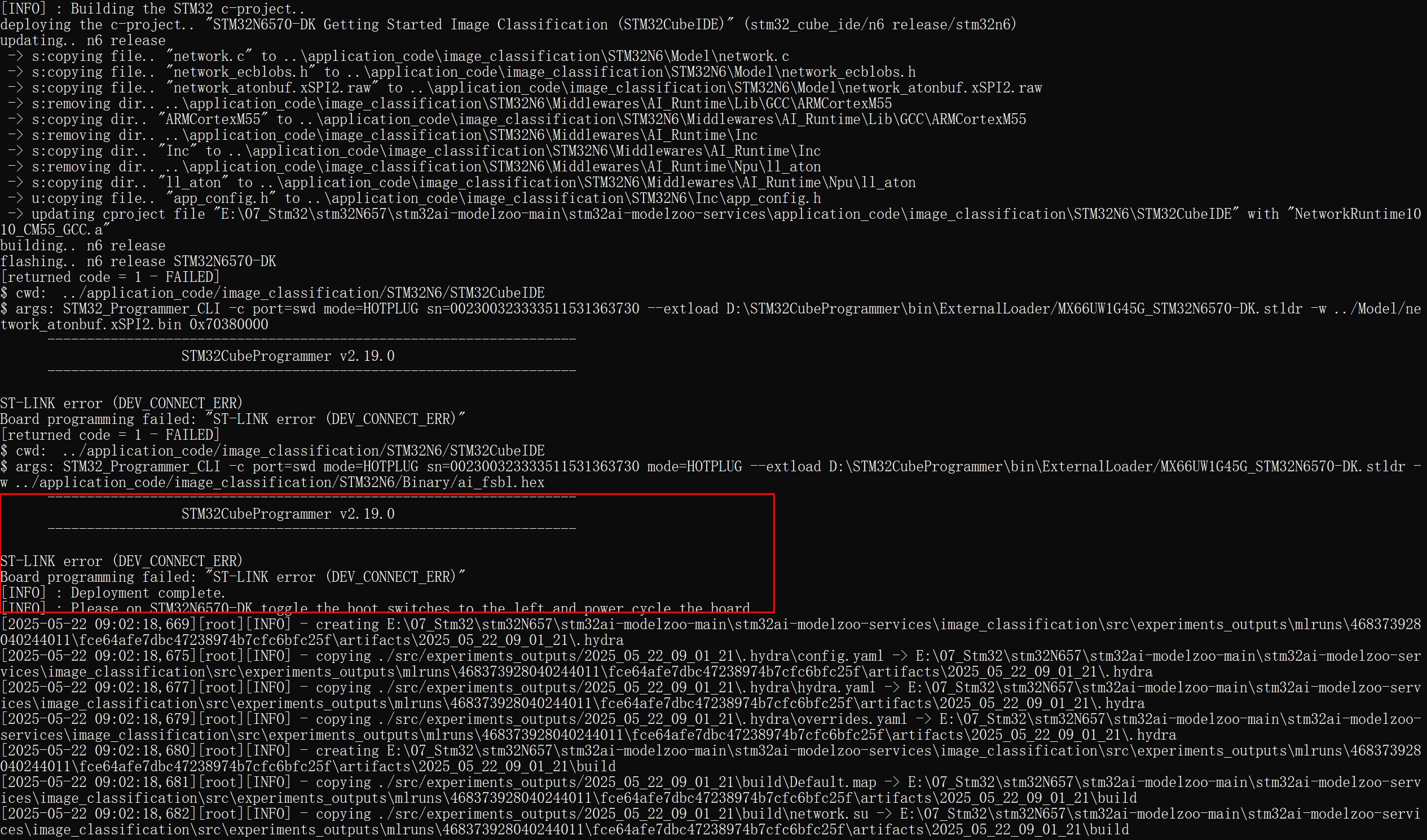
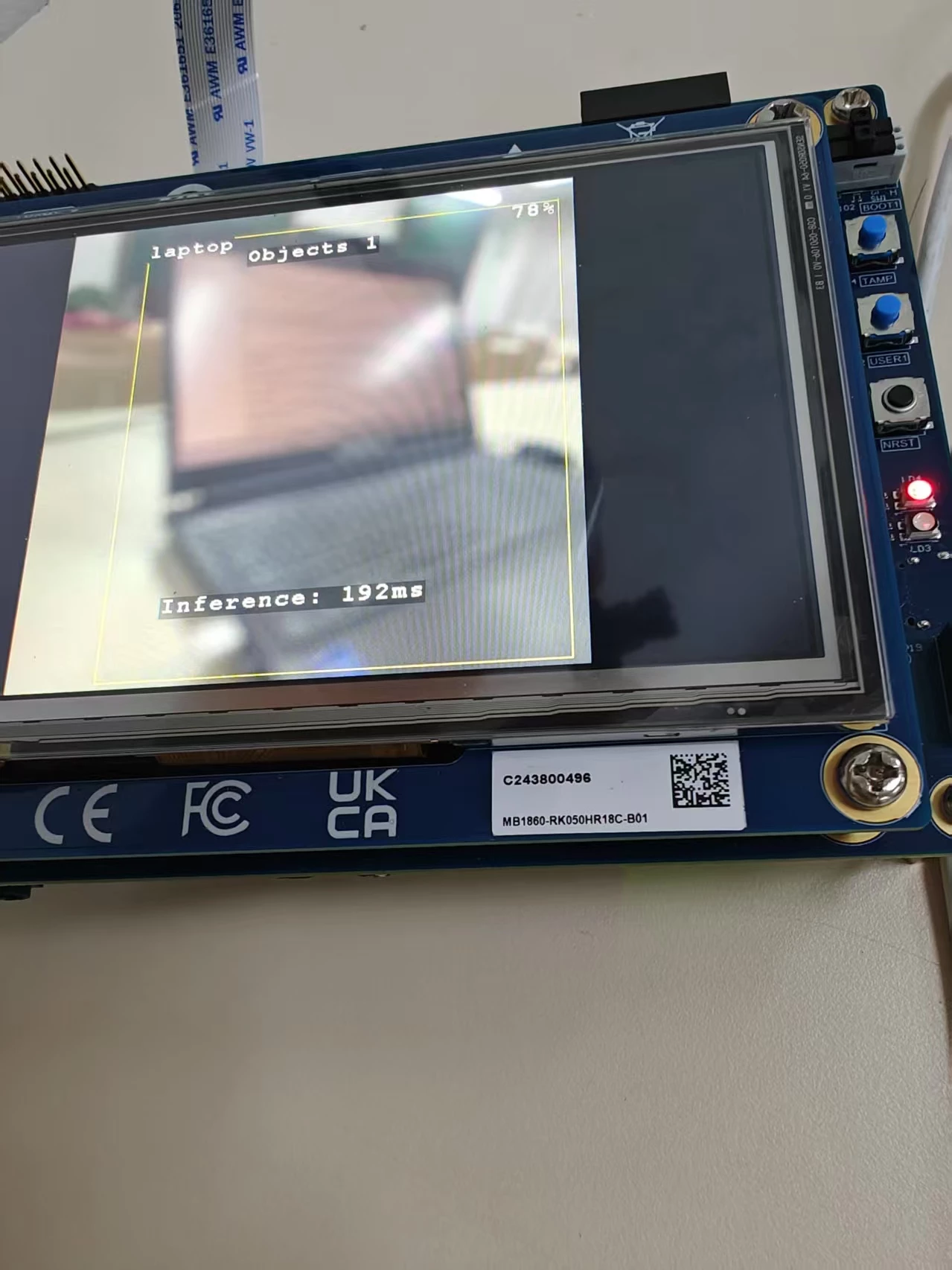
I have now resolved this issue. After encountering the error, I followed the method described in the link below. After the build succeeded, I set both Boot1 and Boot2 to the left position, switched the Type-C connection from the ST-LINK_V3EC port to the USB1 port, and connected the jumper to 5V-USB_SNK. Then, I powered on the board, and it worked successfully.https://community.st.com/t5/edge-ai/stm32n6570-dk-model-zoo-delpoyment-error/m-p/784139#M4163
Hello When executing the script to prepare for burning, an error occurred. The message prompted that my boot position might be wrong, but my Boot0 0 (left), Boot1 1 (right), is this correct? I tried many times but it still didn't work. I thought it was insufficient power supply at first, but I used 5V-USB_SNK and a 5V power adapter for power supply, and it still didn't work. Can you give me an answer?
I managed to solve that problem. If anybody encounters similar problem, here's what I've done:
I used ST-Link v2 and ST-Link Utility. In setting, I set "Connect under reset" and SWD interface (I'm not sure about frequency). Then I press the reset button on my board and clicked "Target" -> "Erase chip" and just after clicking I released the button - It erased the chip so I can now reprogram my MCU.
Anyway, if you need to use SWD pins as output, then add some delay at the beginning of the program or use some jumper to disable/enable setting these pins as outputs.
In order to give better visibility on the answered topics, please click on 'Accept as Solution' on the reply which solved your issue or answered your question.
I have now resolved this issue. After encountering the error, I followed the method described in the link below. After the build succeeded, I set both Boot1 and Boot2 to the left position, switched the Type-C connection from the ST-LINK_V3EC port to the USB1 port, and connected the jumper to 5V-USB_SNK. Then, I powered on the board, and it worked successfully.https://community.st.com/t5/edge-ai/stm32n6570-dk-model-zoo-delpoyment-error/m-p/784139#M4163
In order to give better visibility on the answered topics, please click on 'Accept as Solution' on the reply which solved your issue or answered your question.