

cancel
Showing results for 
Search instead for 
Did you mean: 

STM32Cubeprogammer V2.21 Problem open file with windows 11

Fredolive
Associate III

Hello,

I had windows 10 and the CubeProgrammer was without problems.

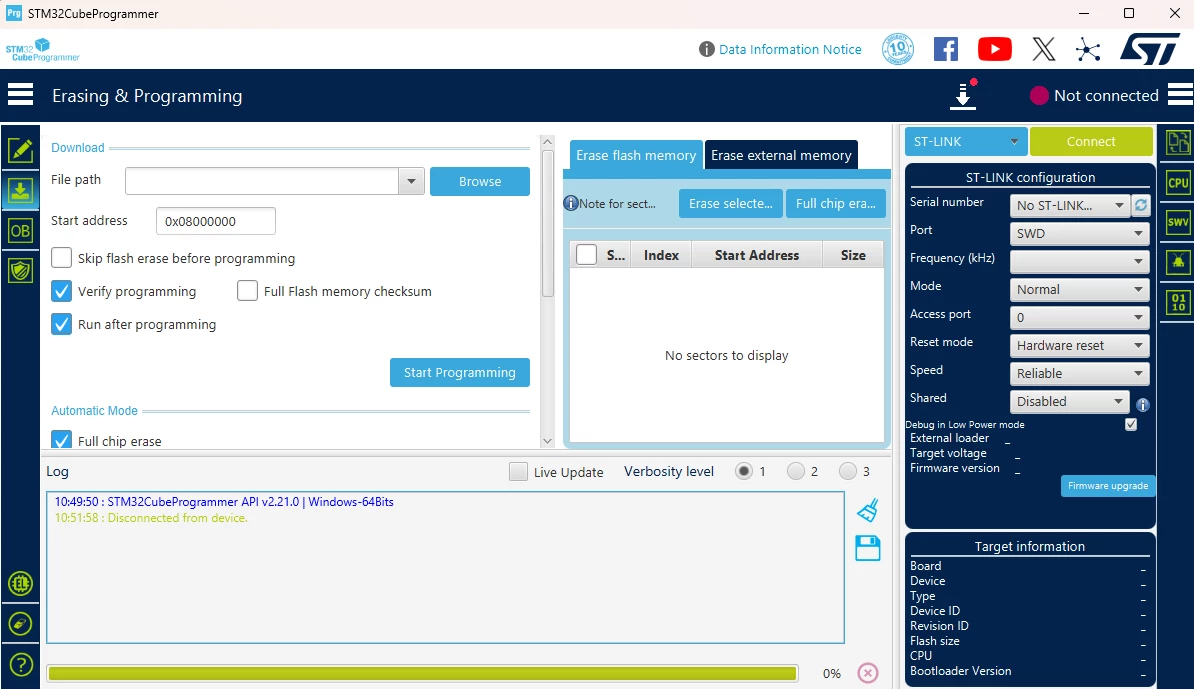
Now, on this PC with new windows 11 when I try to open file (hex, srec) in Erase & Programming  with Browse then a new windows is opening and after I can't choice my file and STM32CubeProgrmmer is closed.

I tryed in administrator excecution but the problem is always.

I looked this problem on all the windows with open file.


Could you help me , please?

Best regards
 

Fredolive_0-1770804019948.png


1 ACCEPTED SOLUTION

Accepted Solutions
Fredolive
Associate III

I realise this is sometime after your initial post but I think I've found a workaround after I was hit by the same bug you experienced.

This bug occurs because STM32CubeProgrammer remembers the last file path it attempted to access and in the event of an error gets locked up and can no longer access files. This can happen either because there was an error with the file you attempted to open, or simply that the path you last accessed with the program no longer exists, like a network drive.


There is a file called config.properties which by default is located in:

<Your User Path>\STMicroelectronics\STM32CubeProgrammer

By deleting the saved values for readFileLastPathWB, readLastOpenFile, and readFileLastPath I was able to restart STM32CubeProgrammer and open files again.


https://community.st.com/t5/stm32-mpus-software-development/why-stm32cubeprogrammer-suddenly-stopped-working-amp-openfile/m-p/618531/highlight/true


Now, I can opening a file with STM32CubeProgrammer.

Bye

View solution in original post

1 REPLY 1
Fredolive
Associate III

I realise this is sometime after your initial post but I think I've found a workaround after I was hit by the same bug you experienced.

This bug occurs because STM32CubeProgrammer remembers the last file path it attempted to access and in the event of an error gets locked up and can no longer access files. This can happen either because there was an error with the file you attempted to open, or simply that the path you last accessed with the program no longer exists, like a network drive.


There is a file called config.properties which by default is located in:

<Your User Path>\STMicroelectronics\STM32CubeProgrammer

By deleting the saved values for readFileLastPathWB, readLastOpenFile, and readFileLastPath I was able to restart STM32CubeProgrammer and open files again.


https://community.st.com/t5/stm32-mpus-software-development/why-stm32cubeprogrammer-suddenly-stopped-working-amp-openfile/m-p/618531/highlight/true


Now, I can opening a file with STM32CubeProgrammer.

Bye