

Question
STM32F429DISO connection failed
Posted on January 26, 2015 at 21:27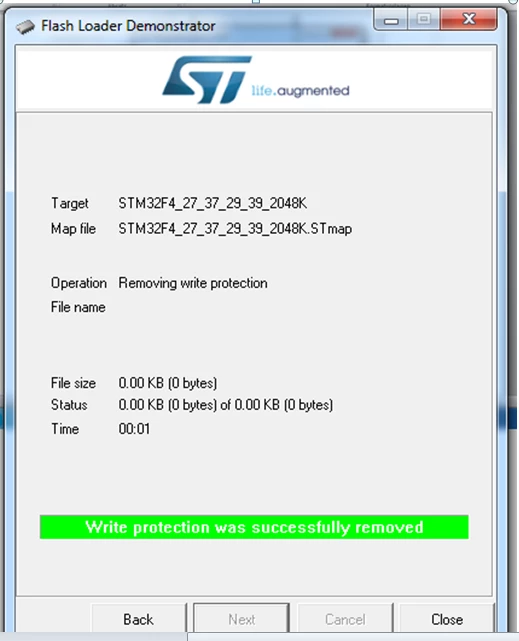
 #stm32f4-connection-fail
Hello,
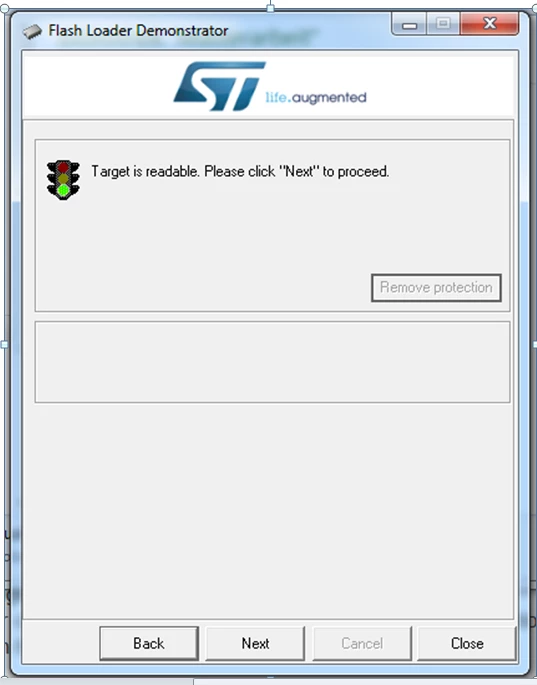
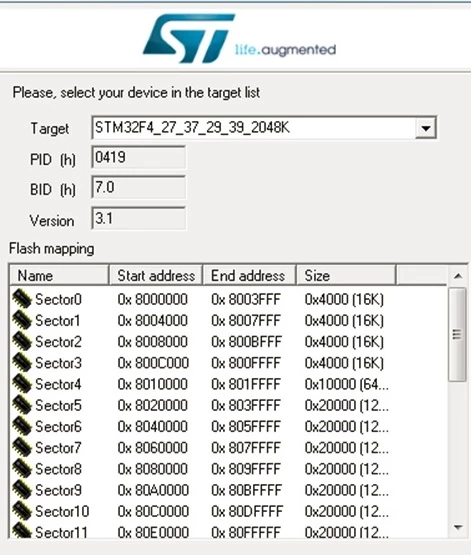
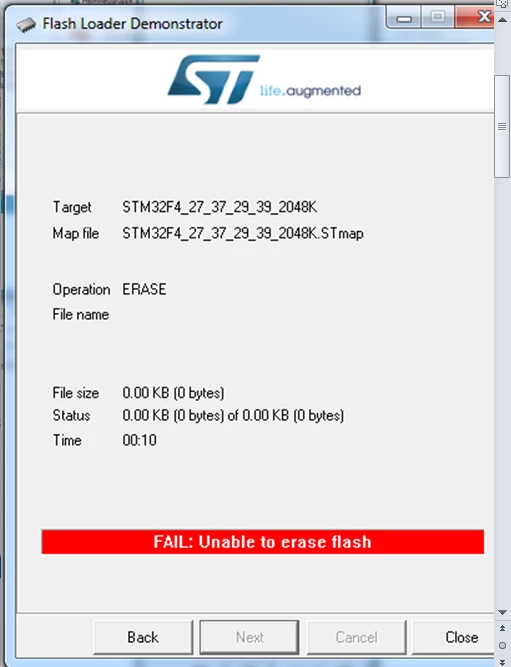
I hope you can help me. A long time I flashed and debugged my STM32F429DISC. And then the connection failed, the IDE (coocox) said, I should to check the cable connection. I tried to use an other program CoFlash to flash the STM32F4, but it fail, too. I assumed, I have the same error like in this tread: https://my.st.com/public/STe2ecommunities/mcu/Lists/STM32Discovery/Flat.aspx?RootFolder=https%3a%2f%2fmy.st.com%2fpublic%2fSTe2ecommunities%2fmcu%2fLists%2fSTM32Discovery%2fproblem%20in%20downloading%20program%20inflash&FolderCTID=0x01200200770978C69A1141439FE559EB459D75800084C20D8867EAD444A5987D47BE638E0F¤tviews=649 It becomes recommend to do this: 1.) Disconnect your board from usb or other voltage supply. 2.) Connect the BOOT0 Pin with High (3V). 3.) Plugin power/usb cable again. 4.) Start the Flash Loader Demonstrator software, doing a Flash Mass Erase. 5.) Disconnect the usb again. 6.) Disconnect the BOOT0 from High (3V). 7.) Plugin the USB, and check if the board works normal again. 8.) Investigate the code you flashed last time, as it is presumably the source of your trouble. In point 2.) I have the BOOT1 Pin connect with GND and BOOT0 with 3V. And Im at point 4.), but it dont works. In the pictures, you can see the problems. It can not erase. The only thing, I can do is to remove the write protection. I would like to ask you for help. Best regards, Dirk #stm32f4-connection-fail