Andrew Neil
Super User
April 11, 2024
Question

Can't paste image from website

  • April 11, 2024
  • 1 reply
  • 1965 views

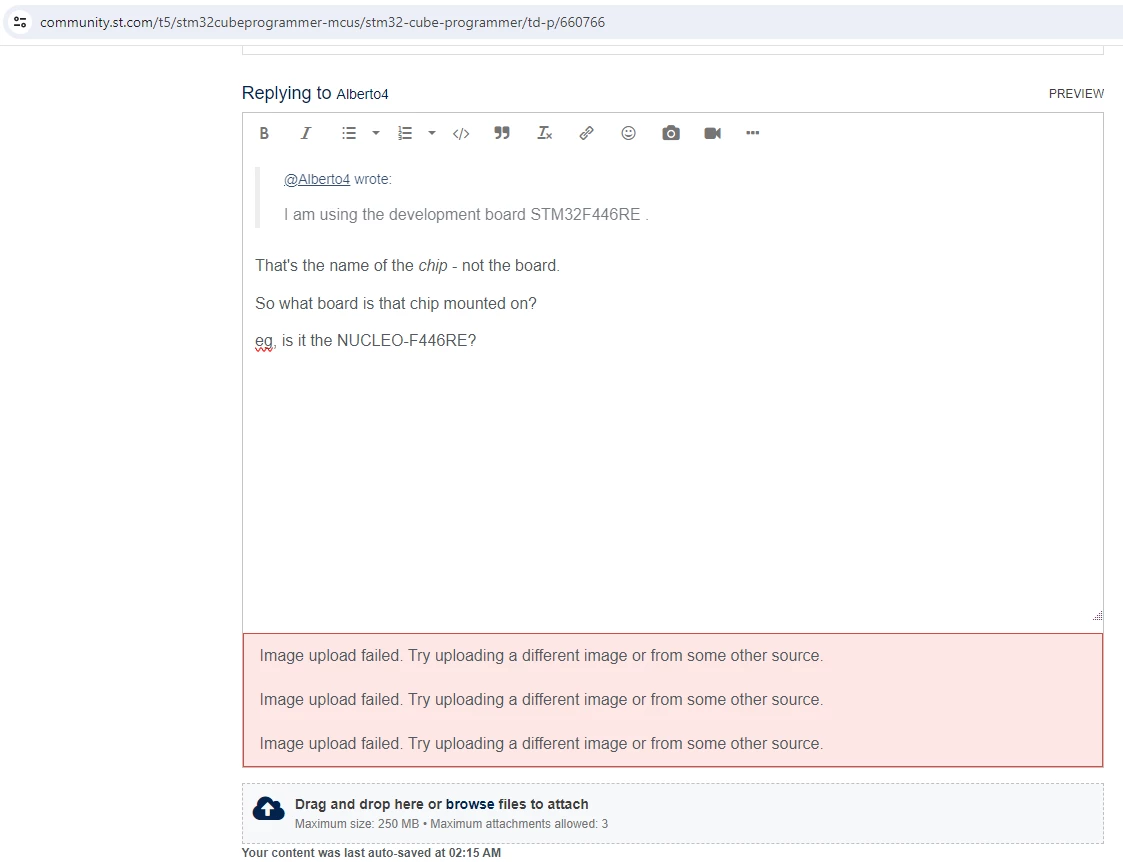
For example:

AndrewNeil_0-1712827121174.png

https://community.st.com/t5/stm32cubeprogrammer-mcus/stm32-cube-programmer/m-p/660800/highlight/true#M6204 

I wanted to post the picture of the NUCLEO-F446RE from the ST Product Page. So I right-clicked the image on that page, and chose 'Copy Image':
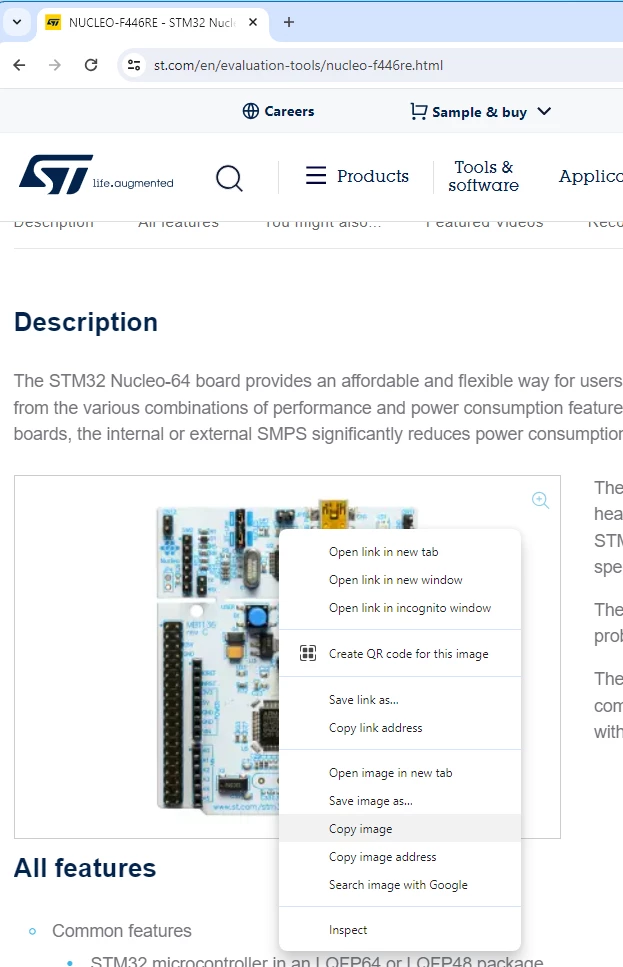
AndrewNeil_1-1712827267427.png

Then went back to the forum, and pasted into the composition window - and got the error shown (there's multiple errors because I retried a few times).

I even tried opening the image in a separate tab, and copying from that:

https://www.st.com/bin/ecommerce/api/image.PF262063.en.feature-description-include-personalized-no-cpn-medium.jpg 

Same error.

The workaround was to copy into my image editor, then immediately copy again from there, and paste into the post.

This has been happening increasingly lately.

 

This topic has been closed for replies.

1 reply

April 11, 2024

Hi @Andrew Neil,

Thanks for sharing your experience. We are investigating this issue.

Best,

Adam

Andrew Neil
Super User
April 11, 2024

I should add that it's not just images from ST pages.

And sometimes there is no message - the paste just does nothing (I can verify that there is an image on the clipboard by pasting into something else)


A complex system that works is invariably found to have evolved from a simple system that worked.A complex system designed from scratch never works and cannot be patched up to make it work.