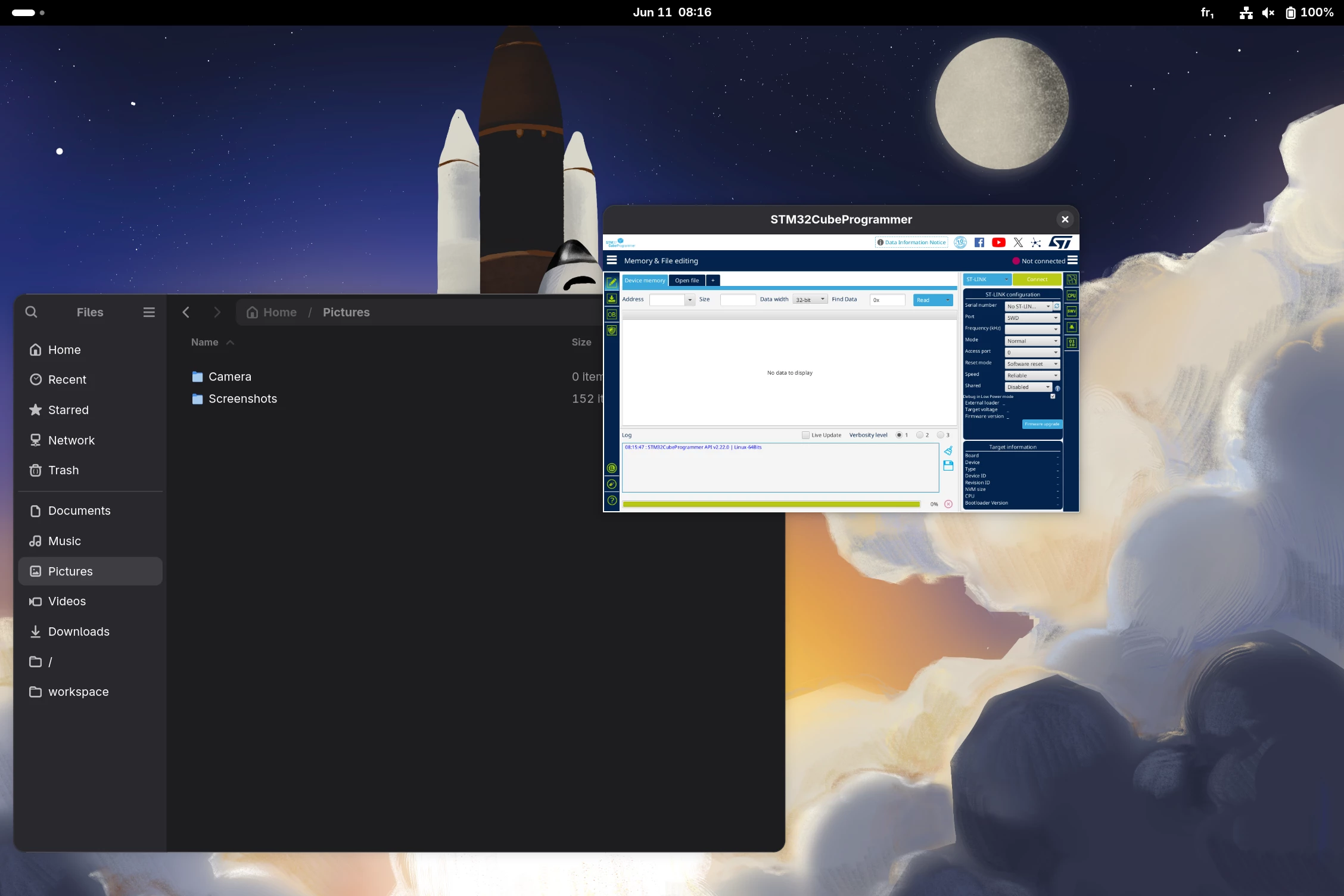
Managed to get this working on Fedora 43, needed to do some extra stuff to get OpenJDK 17 and OpenJFX 11 however.
OpenJFX has to be downloaded from this link: https://gluonhq.com/products/javafx/ and you have to include the archived versions to access the version 11. I copied the content into “/usr/lib/jvm/openfx-11/” so all java packages are in the same folder.
Then, OpenJDK needs the temurin repo, which can be added with the following commands:
sudo dnf install adoptium-temurin-java-repository
sudo fedora-third-party enable
sudo dnf install temurin-17-jdk
Then the modified bash launch script looks something like this:
#!/bin/bash

CUBE="$HOME/STMicroelectronics/STM32Cube/STM32CubeProgrammer/bin"

GDK_BACKEND=x11 \
LD_LIBRARY_PATH="$CUBE/../lib:$LD_LIBRARY_PATH" \
/usr/lib/jvm/java-17-temurin-jdk/bin/java \
-Djdk.gtk.version=3 \
-Dglass.gtk.uiScale=2 \
--module-path /usr/lib/jvm/openjfx-11/lib/ \
--add-modules javafx.controls,javafx.fxml,javafx.web,javafx.swing \
-jar "$CUBE/STM32CubeProgrammerLauncher"
This will work for Fedora 43 but I hope an official fix gets implemented in CubeProgrammer directly as this is a lot of work for something that should not be on the user’s side to fix. JavaFX 11 has been deprecated for a while now, having to rely on it is far from ideal. Same for Java 17, it’s not available by default on Fedora 43 because newer versions should be used instead.