


franz2
Associate III
March 22, 2022
Question

STM32CubeProgrammer graphical Windows working, same hardware STM32CubeProgrammer Cmd Line is not working,
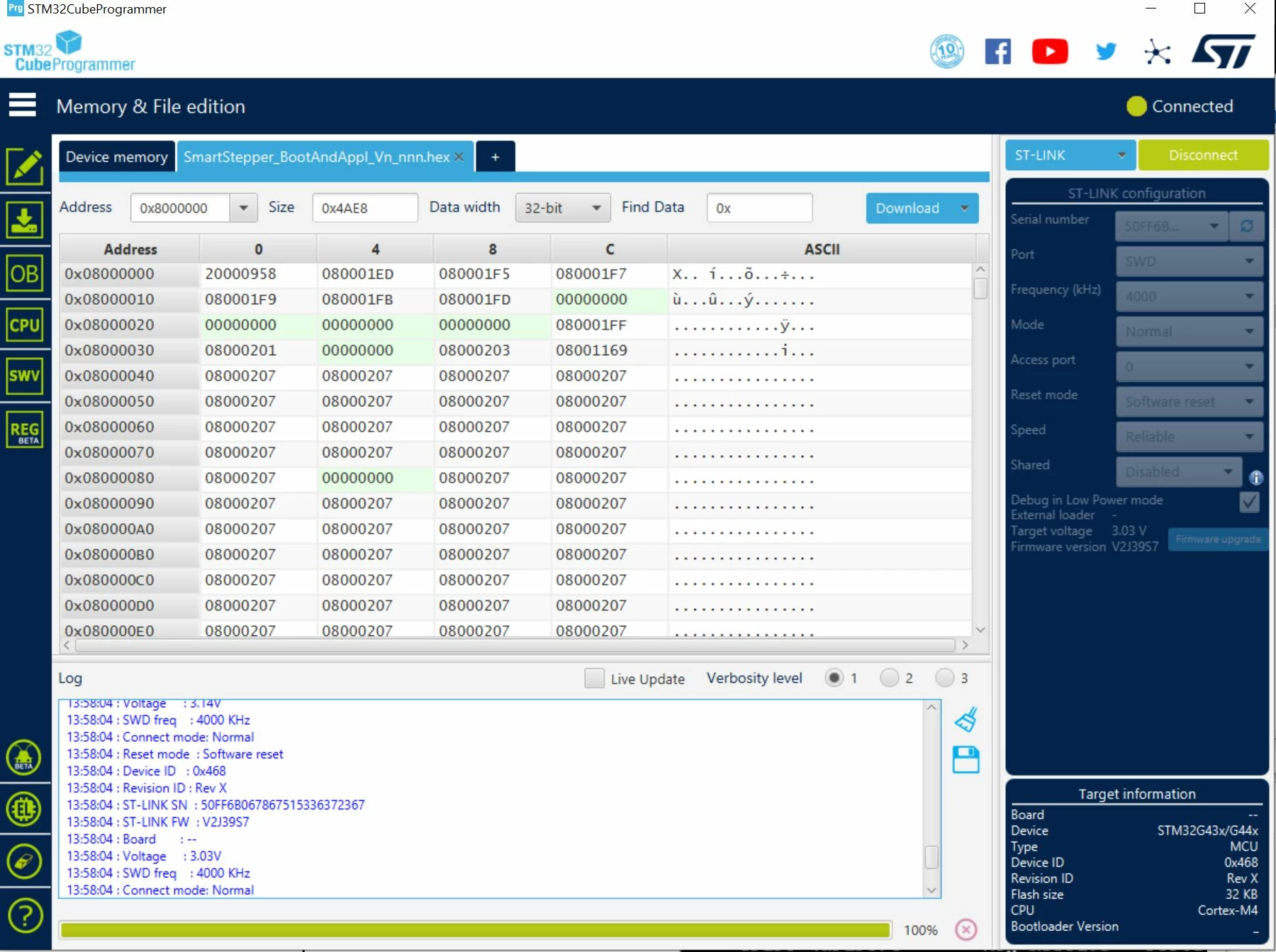
0693W00000KdYTeQAN.jpgCubeProgrammer under Windows (graphical Version) is working fine.

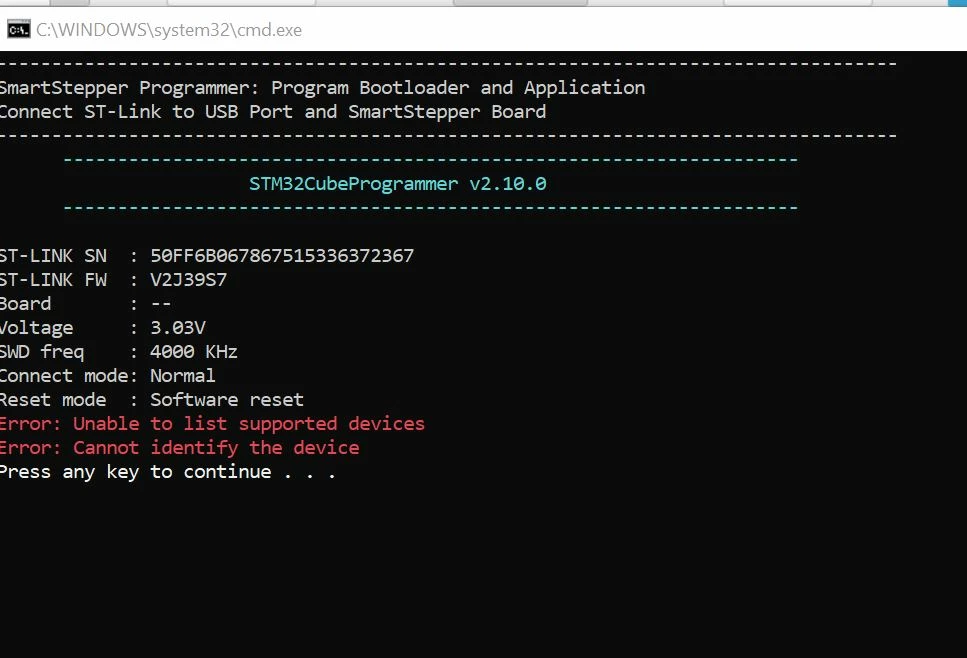
CubeProgrammer with Cmd Line brings error:

Output
0693W00000KdYUDQA3.jpg 

    -------------------------------------------------------------------

                     STM32CubeProgrammer v2.10.0

    -------------------------------------------------------------------

ST-LINK SN : 50FF6B067867515336372367

ST-LINK FW : V2J39S7

Board     : --

Voltage   : 3.03V

SWD freq  : 4000 KHz

Connect mode: Normal

Reset mode : Software reset

Error: Unable to list supported devices

Error: Cannot identify the device

Press any key to continue . . .

This is my command in Batch File:

STM32_Programmer_CLI.exe -c port=SWD -vb 3 -e all -w SmartStepper_BootAndAppl_Vn_nnn.hex

pause

My hardware is a STM32G431 with ST-Link V2 Iso. Hardware is completely working with the graphical version or with Keil debugger.

Thanks for any idea

Franz

This topic has been closed for replies.

1 reply

franz2
franz2Author
Associate III
April 13, 2022

0693W00000LxpM5QAJ.jpgI found the problem. The cmd line program works only in the installation file. As default ST uses this path: C:\Program Files\STMicroelectronics\STM32Cube\STM32CubeProgrammer\bin

Because this path uses spaces. In a batch File a space is not allowed.

My solution:

I installed ST Cube Programmer in this folder:

C:\ST\STM32CubeProgrammer\bin

And then I made a batch in my project folder:

@echo off

cls

echo ----------------------------------------------------------------------------------

echo SmartStepper Programmer: Program Application only (without Bootloader)

echo Connect ST-Link to USB Port and SmartStepper Board

echo ----------------------------------------------------------------------------------

@echo on

C:\ST\STM32CubeProgrammer\bin\STM32_Programmer_CLI.exe -c port=SWD -vb 3 -e [4 15] -d build\SmartStepper.hex -rst

In my project: Sector 0-3: Bootloader, Sector 4-15: Application

This batch file I call from my Keil developer system (because internal flash loader has problem if Flash cannot be erased complete)

Find the the Keil installation on top.