

Solved
ST-LINK stuck in DEV_USB_COMM_ERR until USB replug after connecting with no target
Hello,
I am encountering an issue when connecting an ST‑Link with no target attached. On the first connection attempt it reports “No STM32 target found.” If I attempt to connect a second time, the adapter returns the error “ST‑LINK error (DEV_USB_COMM_ERR).” The only reliable recovery I have found is to unplug and replug the USB device:
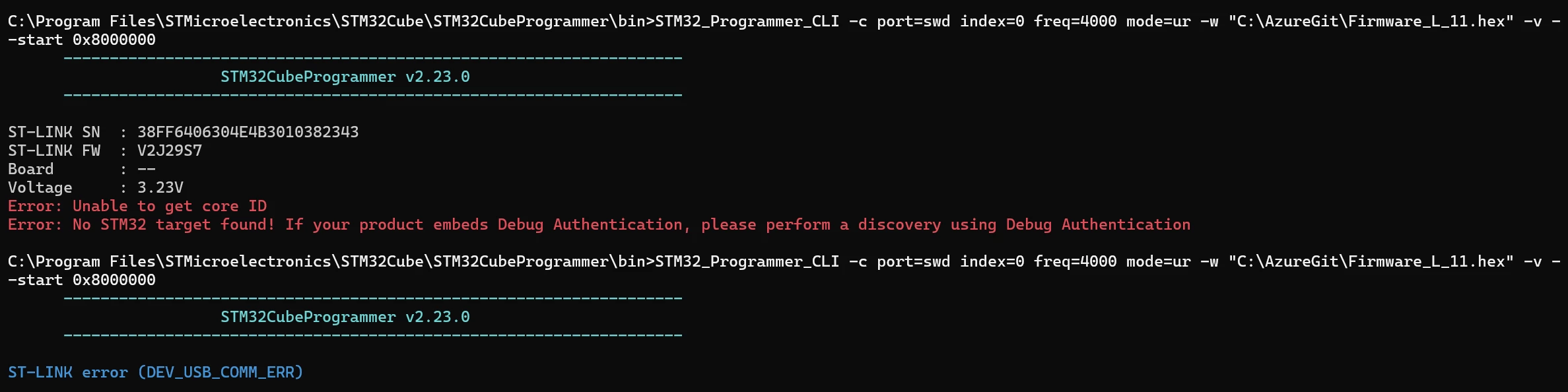
When I use a different ST‑Link from the same batch (B 2022 48) with the same firmware, it behaves as expected and reports “No STM32 target found” until a target is present:
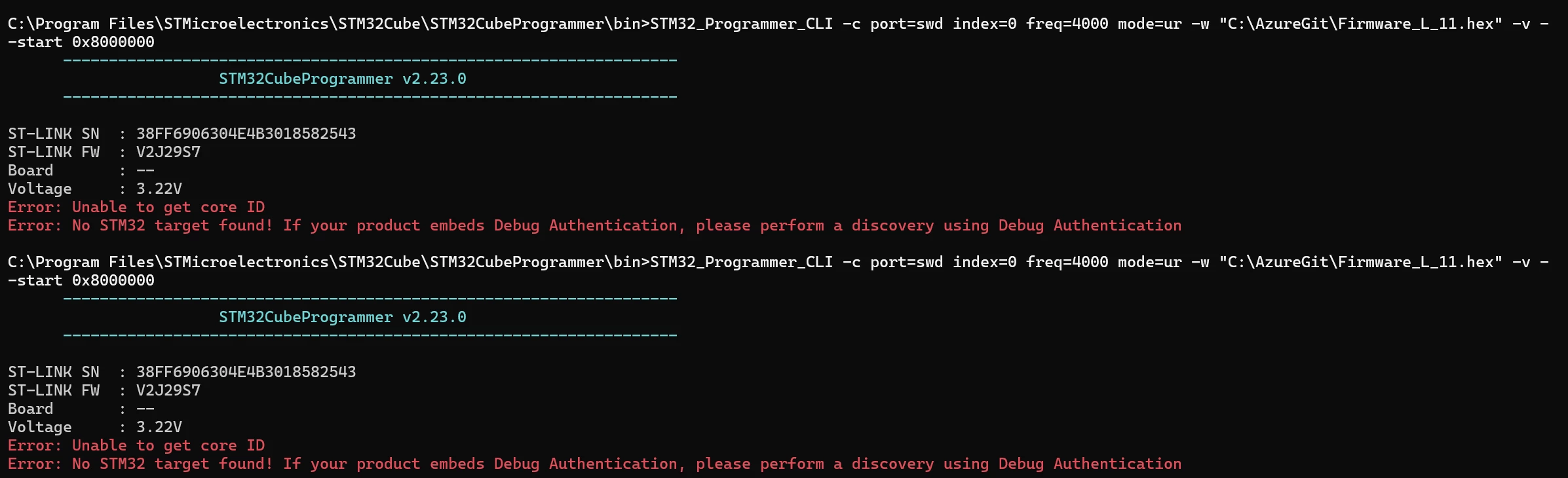
Environment and reproduction steps:
- Software: STM32CubeProgrammer CLI and GUI v2.23.0 (issue also reproducible with v2.22.0)
- Commands (basically any -c):
STM32_Programmer_CLI -c port=swd index=0 freq=4000 mode=ur -w "<Firmware path>" -v --start 0x8000000STM32_Programmer_CLI -c port=swd
- OS: Windows 11
- USB: Direct connection to PC
- Cable: Same behavior with a Tag‑Connect or no target cable attached
- ST‑Link firmware: V2J29S7 (factory firmware)
- Version: ST-LINK V2
Notes:
- I prefer not to update the ST‑Link firmware because downgrading is not possible (the earliest firmware I can find is V2J36S7), and I want to reproduce the issue reliably.
- While a faulty unit is a possible explanation, we have observed similar behavior across multiple St-Link. I frequently need to unplug and replug the devices to restore functionality. Even on units with latest firmware.
I would appreciate any suggestions for diagnosing the root cause or a reliable workaround that avoids manually reconnecting the USB.
Thank you for your help.