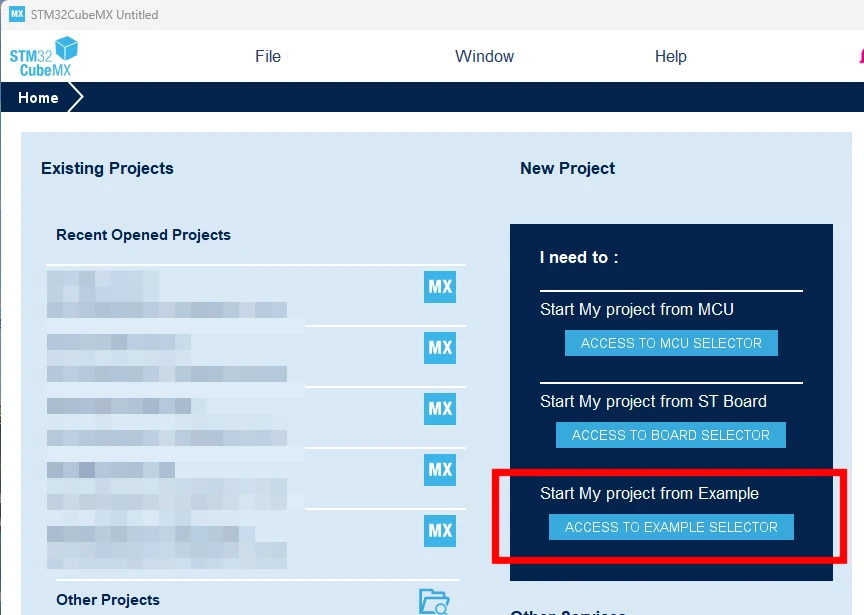
Thanks, for STM32C5, this is already available through the online STM32 Example Library.
Filter by STM32C5 and choose an example marked STM32CubeMX2 in the Configurable column. Use Select IDE to choose the project format. Download and extract the example, then import its .ioc2 file into MX2.
The online library is the intended entry point. We do not plan a separate “Start from example” button inside MX2.
Well, no - my point is that’s not like having the ‘Start from example’ button which MX1 has.
It is an added friction point not found in MX1.
Especially as the Example Library link is not always visible in MX2:
We do not plan a separate “Start from example” button inside MX2.
Oh well - fair enough.
A complex system that works is invariably found to have evolved from a simple system that worked.A complex system designed from scratch never works and cannot be patched up to make it work.
A complex system that works is invariably found to have evolved from a simple system that worked.A complex system designed from scratch never works and cannot be patched up to make it work.