warm38
Associate III
October 1, 2026
Solved

The latest H5 repository 1.7.0 is "Not available"

  • October 1, 2026
  • 11 replies
  • 58 views

I was attempting to follow the STM32H563ZI video but I cannot get the current repository for the STM32H5.

See Problem1.jpg

I want it to upload it but ti comes back with a failure

See Problem2.jpg

What steps do I need to take to fix this?


Best answer by AScha.3

@warm38 ,

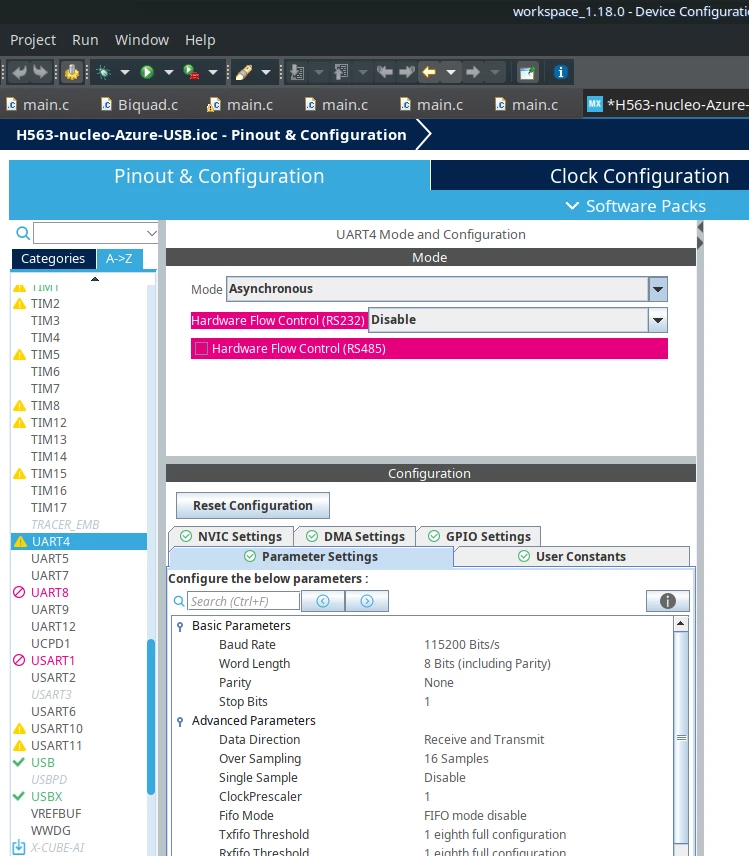
uart4…

+

again: just try IDE 1.19. ; dont need separate Mx then, its included.

11 replies

ST Technical Moderator
October 2, 2026

Hello ​@warm38 

Let me thank you for posting.

For more investigation, could you please specify the STM32CubeMX version.

Knowing that I was able to install successfully the STM32H5 Package with STM32CubeMX 6.18.1.

I recommend that you set the network connection before installing the package. 

I will be waiting for your feedback.

Thanks.

Mahmoud

To give better visibility on the answered topics, please click on Accept as Solution on the reply which solved your issue or answered your question.
Visitor II
October 2, 2026

STM32CubeMX 6.18.1

STM32CubeIDE 2.2.0

Yes, I “Use System Proxy Parameters”

I do have a directory in my Repository named “STM32Cube_FW_H5_V1.7.0”, but that is not recognized.  How it got there, I haven’t a clue. There is no stm32cube_fw_h5_v170.zip and I can’t get it.  I do have stm32cube_fw_h5_v130.zip, but STM32CubeMX has no interest in that one. If I knew where st.com hides the file, I could manually download it. Any hints?

While stumbling around I did see the “Connection & Updates”, but I don’t know how to get back to that to “Check Connection”.  I need a clue to that as well.

AScha.3
Super User
October 2, 2026

ed. sorry, this for IDE 1.18xxx ; just see, you use new ide 2.xxx .

so for Mx6.18  menu >help> conn.&update


set your login here. then try again…

you should see then in your project : software pack manager > 


updates + check conn.

menu > window > preferences -- then >

+

to get the download in Mx , you have to login : 

menu > help > updates > connect. to stm ….login there. then try again…


If you feel a post has answered your question, please click on " Best Answer ".