


kgai
Associate II
March 8, 2022
Solved

The font perfomance far more better when: I start the STM32CubeIDE in CubeMX software. whats the reason?

  • March 8, 2022
  • 3 replies
  • 1444 views

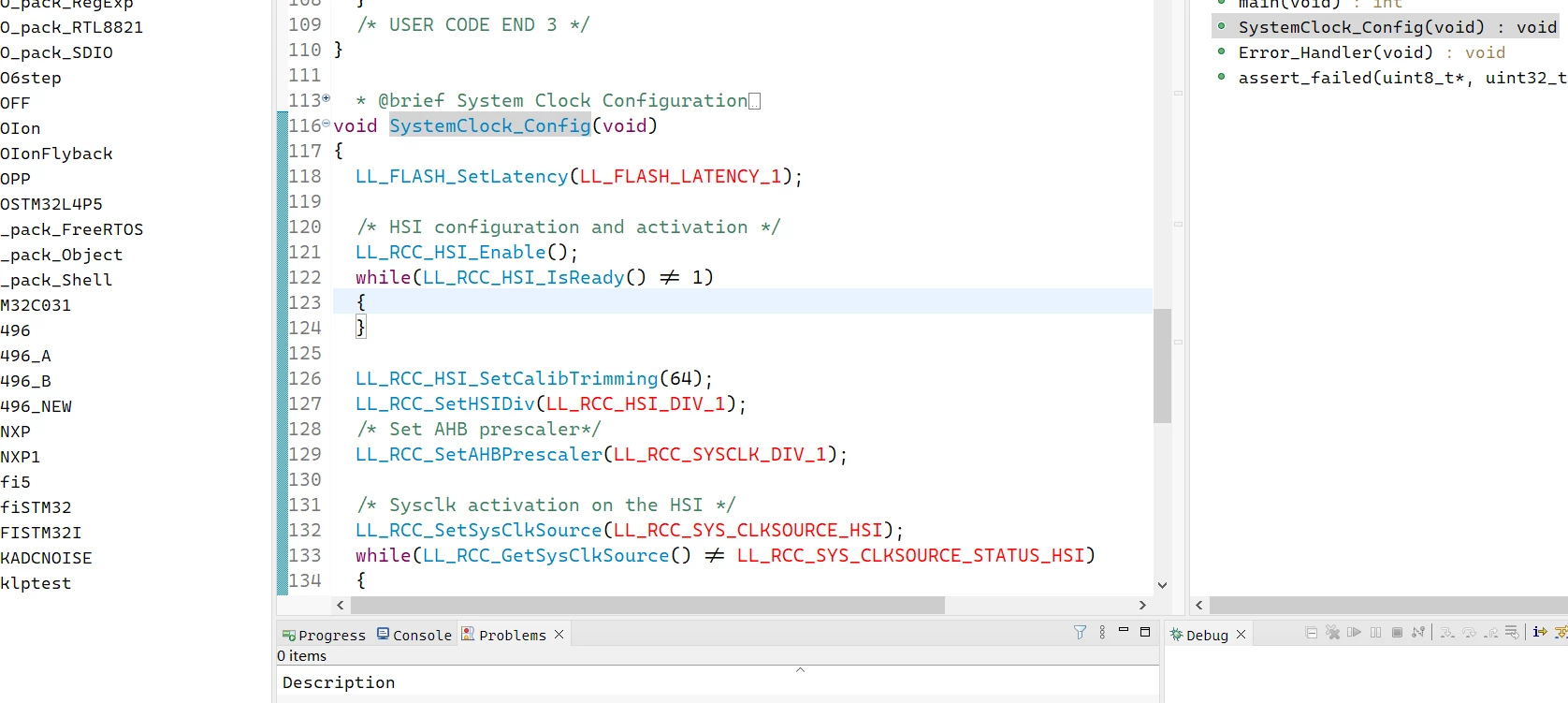
condition 1. Start the STM32CubeIDE directly by mouse.(in windows 10 os)

condition 2. Open the CubeMX software. Choose one project & click Code Generation. And wait for it finished then Click "open project" button. then the Stm32CubeIDE A.K.A eclipse Start.

Condition2 the IDE look far more comfortable. Why? I want to get the same performance in condition 1. Any one can help me? Thanks a lot.0693W00000Kbq3QQAR.pngabove is condition 1: open IDE with mouse.
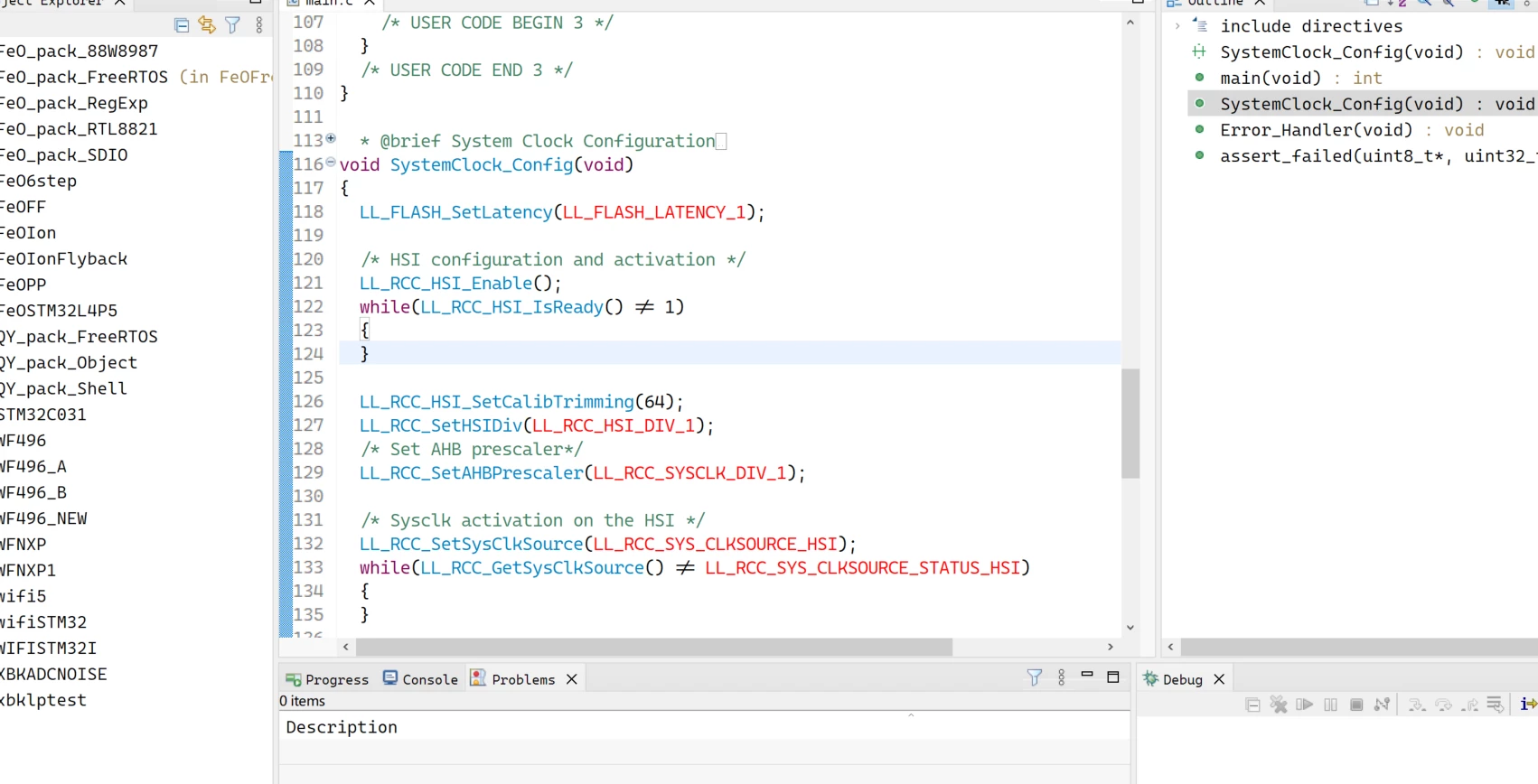
0693W00000Kbq2wQAB.pngabove is condition 2: open IDE with CubeMX

This topic has been closed for replies.
Best answer by kgai

I solved this problem. In stm32cubeIde.ini file:

-vm

xxxxxxxxxxxxxxxxxxxxxxxx

above is the original set, modify it by:

[the path of jre in cubeMX]/bin/javaw.exe

perfect!

3 replies

Pavel A.
March 8, 2022

Hmm... it's a far shot but CubeMX is a java app and has some java ini files in its program directory.

Could CubeIDE use these ini files instead of its own?

kgai
kgaiAuthor
Associate II
March 9, 2022

I understand ur opinion. but how to achieve it

kgai
kgaiAuthorBest answer
Associate II
March 9, 2022

I solved this problem. In stm32cubeIde.ini file:

-vm

xxxxxxxxxxxxxxxxxxxxxxxx

above is the original set, modify it by:

[the path of jre in cubeMX]/bin/javaw.exe

perfect!