Associate II
July 11, 2024
Solved

STPackCreator Global/Project define.

  • July 11, 2024
  • 3 replies
  • 1138 views

Hi all.

Working with the Pack Creator I know I can create a header file that contains defines that are editable in the CubeMX view.

I'd like to know if it's possible to have a pack that places defines in the project settings instead of a header file?

 

This topic has been closed for replies.
Best answer by pywtk

Update, the solution I used:

When using the Pack Creator, in the STM32CubeMX tab

pywtk_0-1721901577174.png

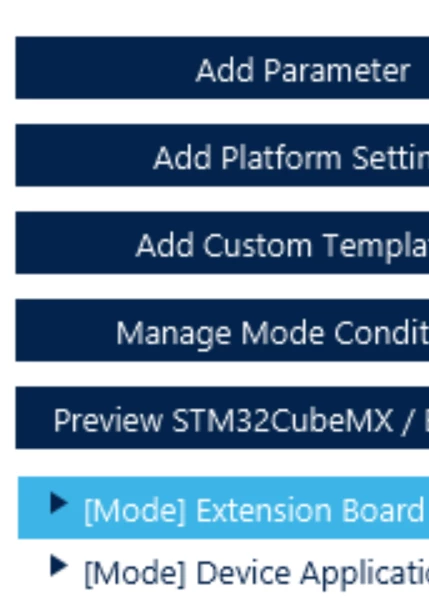
Select the relevant "mode" on the left hand side

pywtk_1-1721901654669.png

Select the "Preprocessor Defines" tab

pywtk_2-1721901722329.png

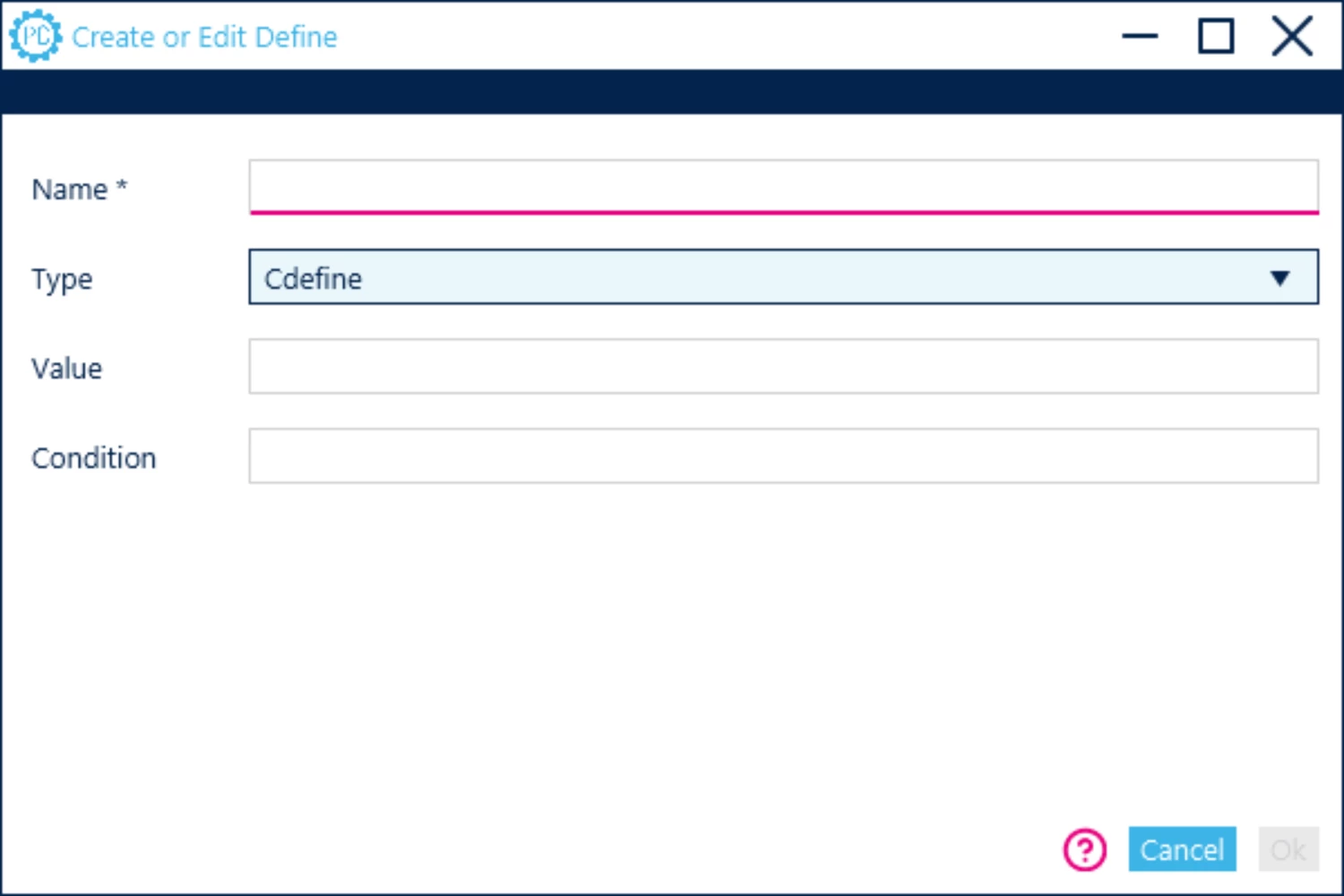
Click on Add Define & select "Cdefine" along with the Preprocessor name & value if necessary.

pywtk_3-1721901829022.png


3 replies

Semer CHERNI
ST Employee
July 15, 2024

Hello @pywtk 

First let me thank you for posting.

This could be done with STM32CubeMX via the .extSettings file.

Check the "6.4 Additional settings for C project generation" section of the STM32CubeMX User Manual

BR,
Semer.

To give better visibility on the answered topics, please click on Accept as Solution on the reply which solved your issue or answered your question.
pywtkAuthor
Associate II
July 15, 2024

thanks for the tip!

Say then that I include a .extSettings file with my pack.

Say also that there's a pre-existing .extSettings file within the project before I import/enable my pack.

Will the extSettings file in my pack overwrite the pre-existing one?


pywtkAuthorBest answer
Associate II
July 25, 2024

Update, the solution I used:

When using the Pack Creator, in the STM32CubeMX tab

pywtk_0-1721901577174.png

Select the relevant "mode" on the left hand side

pywtk_1-1721901654669.png

Select the "Preprocessor Defines" tab

pywtk_2-1721901722329.png

Click on Add Define & select "Cdefine" along with the Preprocessor name & value if necessary.

pywtk_3-1721901829022.png