
Solved
STM32CubeMX MDK-ARM project generation failure
Windows 10 64bit - STM32CubeMX 6.0.1 - STM32H7B3LIHxQ MCU
Attempting to generate a fresh project and get the below error. Any thoughts on how to resolve the issue? project file attached. Thanks!
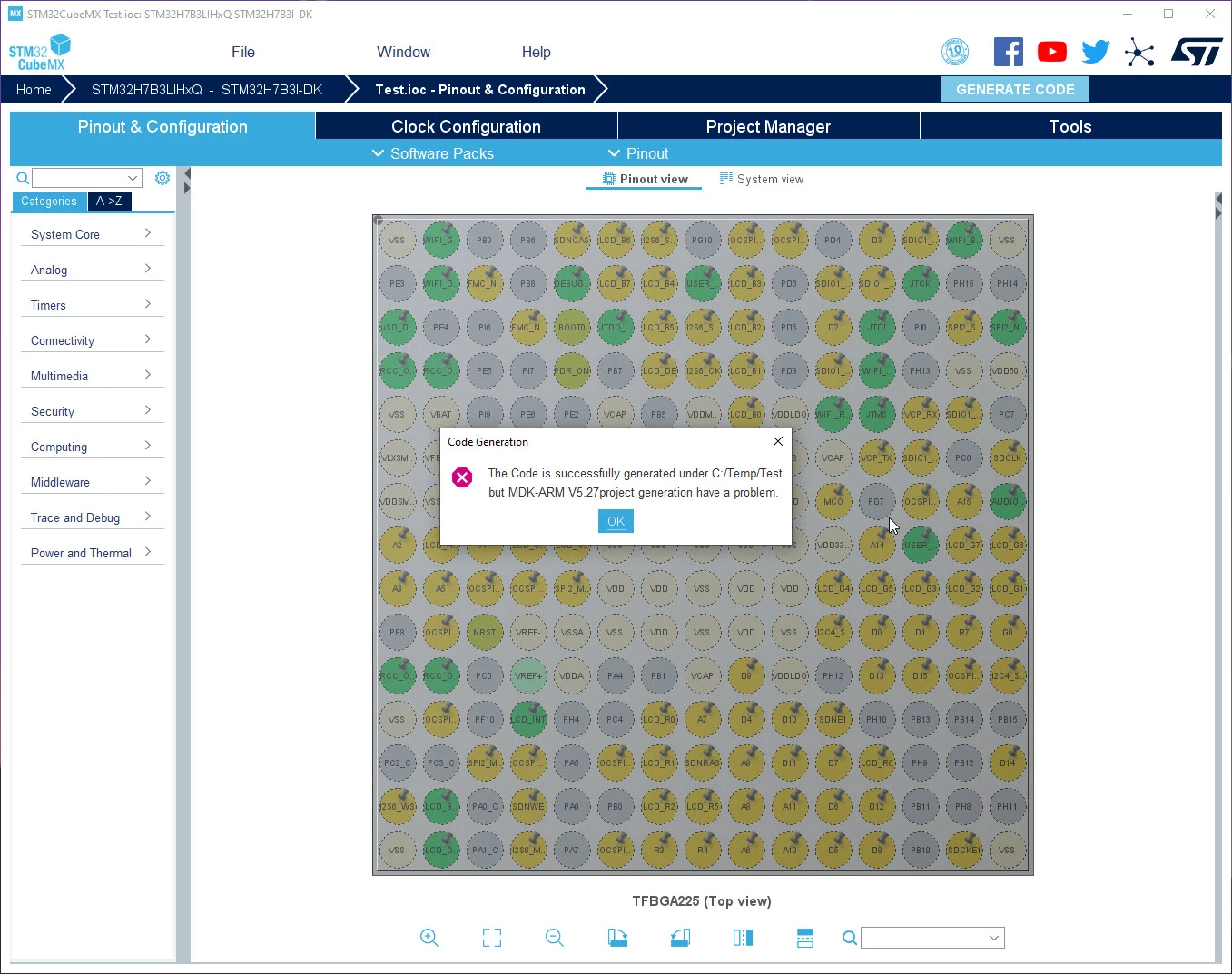

Windows 10 64bit - STM32CubeMX 6.0.1 - STM32H7B3LIHxQ MCU
Attempting to generate a fresh project and get the below error. Any thoughts on how to resolve the issue? project file attached. Thanks!
Good, I found your issue !
STM32CubeMX is pointing to JAVA 13 :(
below and extract of the log:
2020-10-05 09:18:38,387 [INFO] MicroXplorer:564 - Detected Java Version = 13.0.1As described in the STM32CubeMX User Manuel UM1718.pdf, CubeMX is not validated with JAVA 13.
Can you clean your environment by installing only JAVA8 and updating your Java path is configured?
Regards,
Aymen.
Enter your E-mail address. We'll send you an e-mail with instructions to reset your password.
