Solved
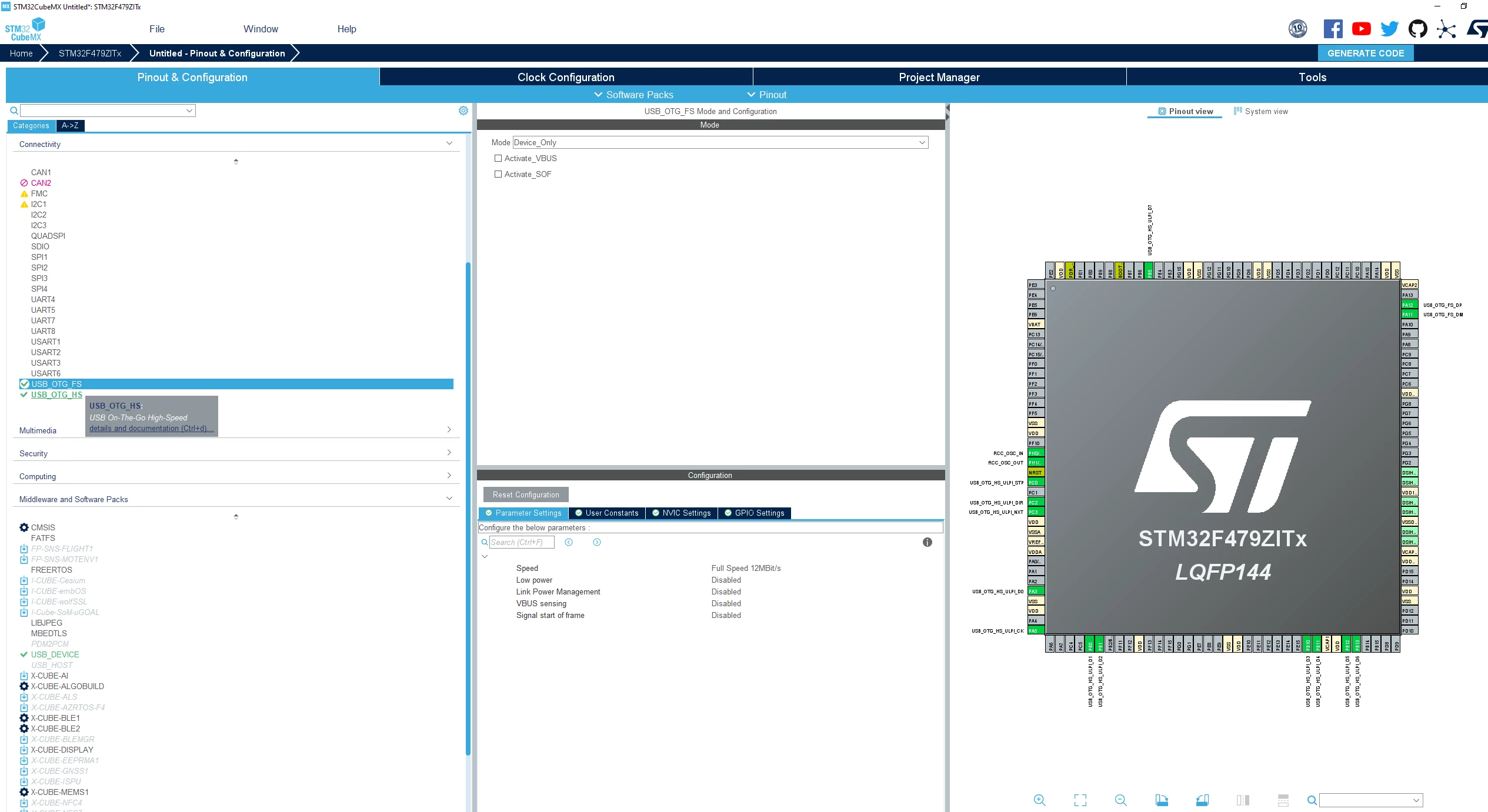
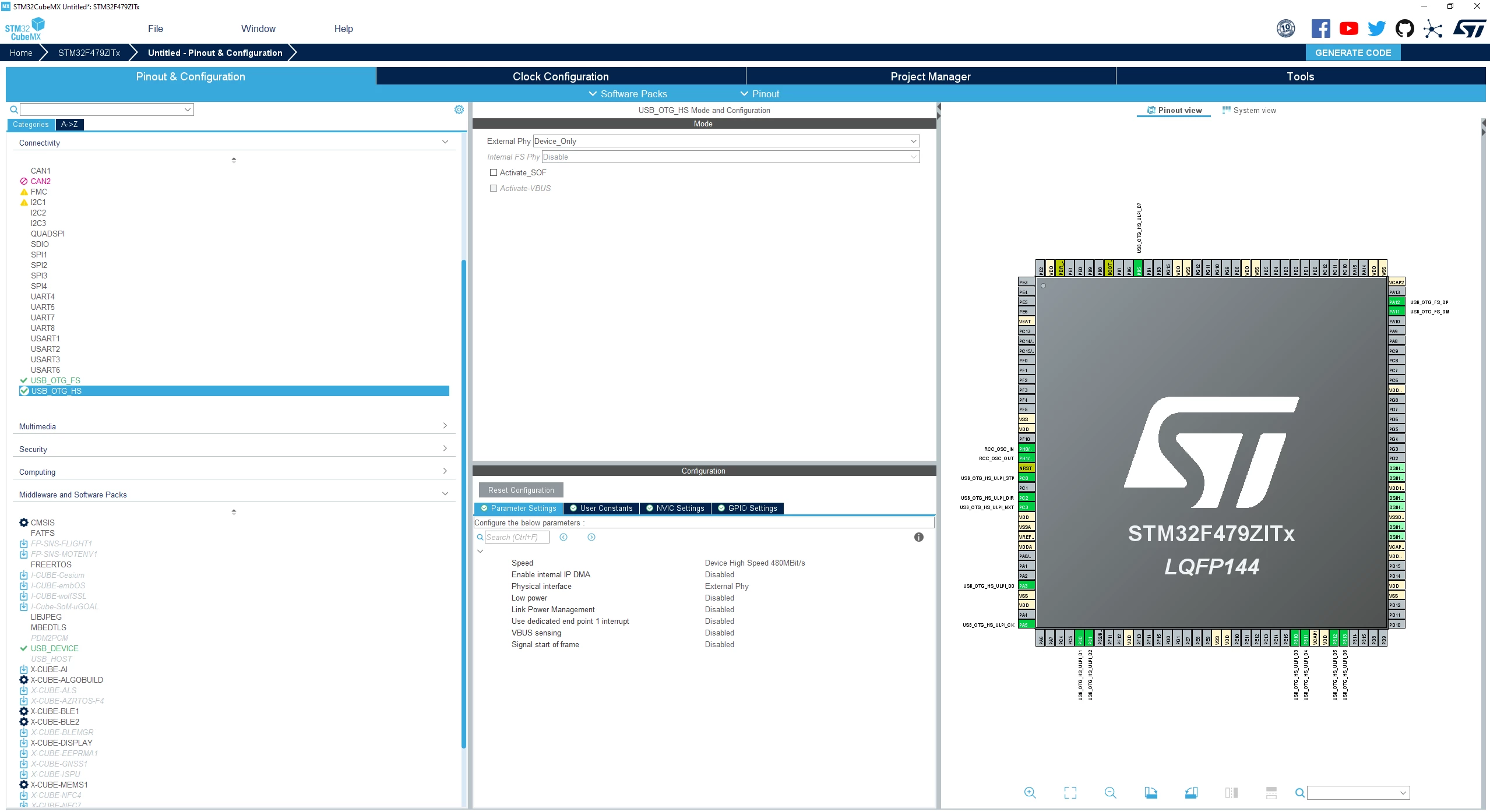
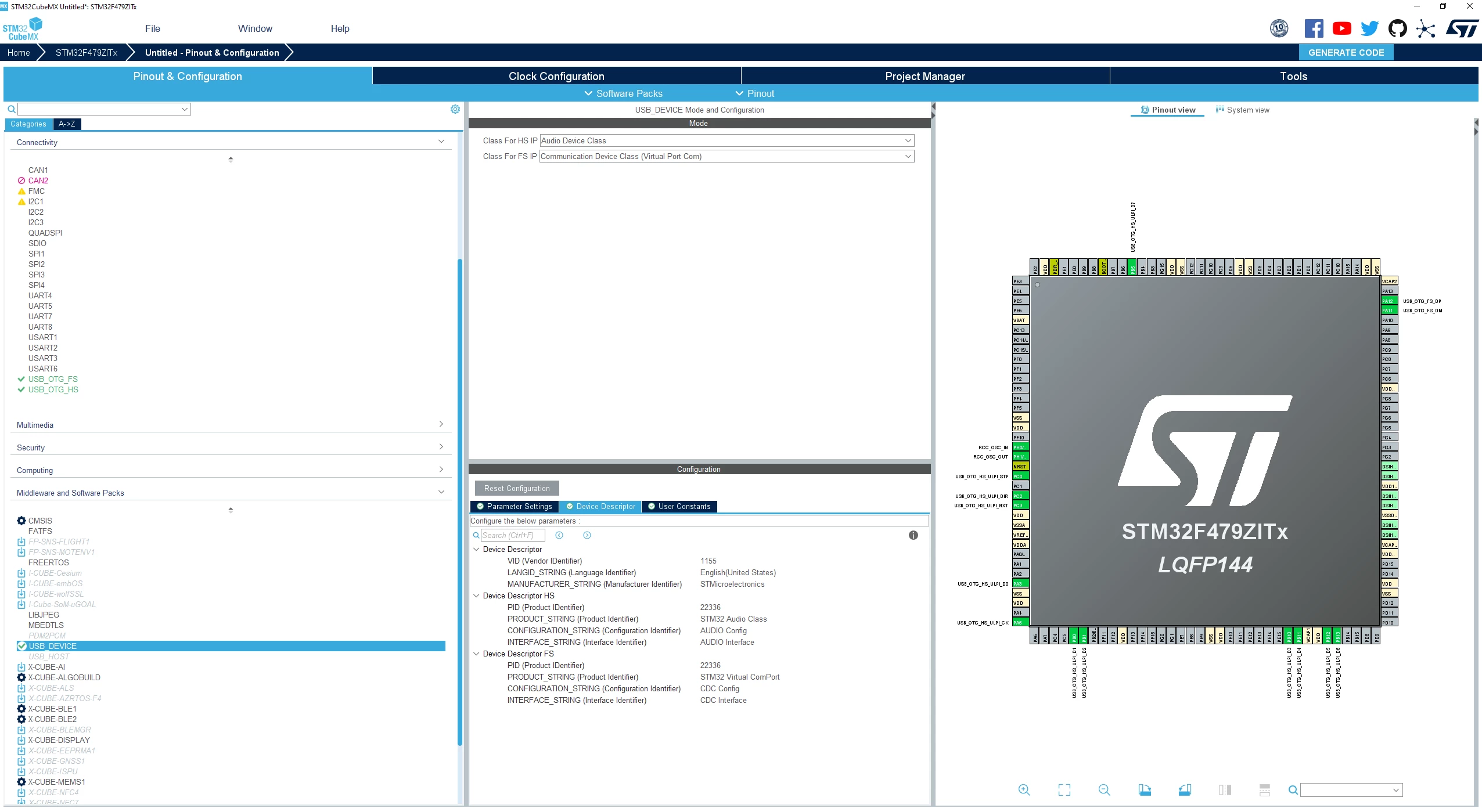
How to create a STM32F4 USB Composite Device (CDC+UAC) using STM32CubeMX+USB Device Middleware
Does the latest version of the driver of STM32F4 supporting USB audio class and CDC composite device functionality?
I want to use the USB interface of STM32F4 to develop the functions of USB audio and CDC composite devices.I have a question, is the latest version of the driver supporting USB audio and CDC composite device functionality? If supported,please let us know how to implement it.Thank you。