Visitor II
May 2, 2026
Question

CubeMX don't generate rightly for cube IDE. Linux.

  • May 2, 2026
  • 1 reply
  • 299 views

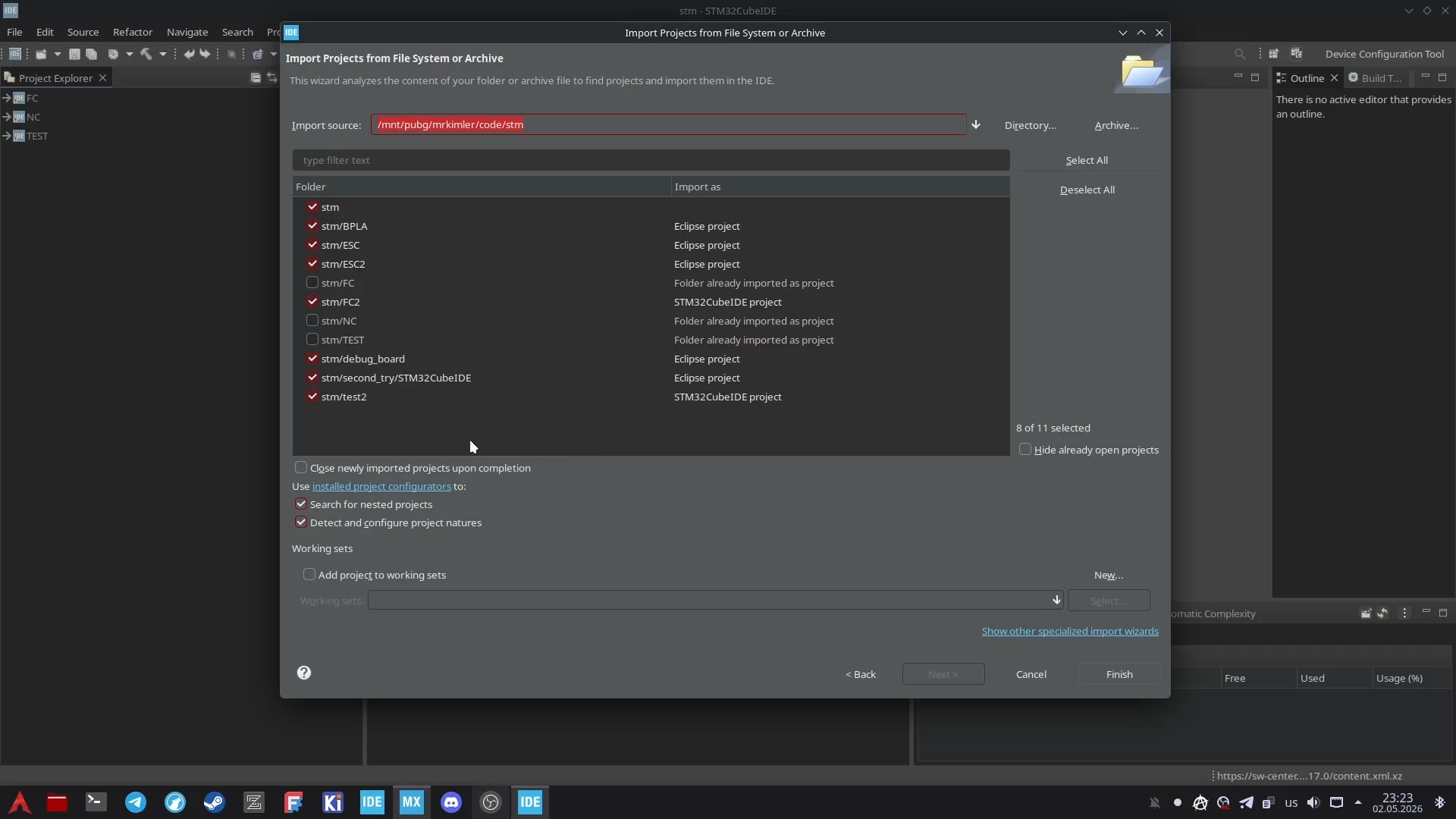
I tried multiple times to generate code on Arch Linux with CubeMX version 6.17.0 and Import in CubeIDE version 2.1.1. I made a video with process. And I don't know why this not working. I tried last and previos version of packages for STM32F0. And I don't know but CubeMX copied files very very slow.

I choosed CubeIDE toolchain in CubeMX.
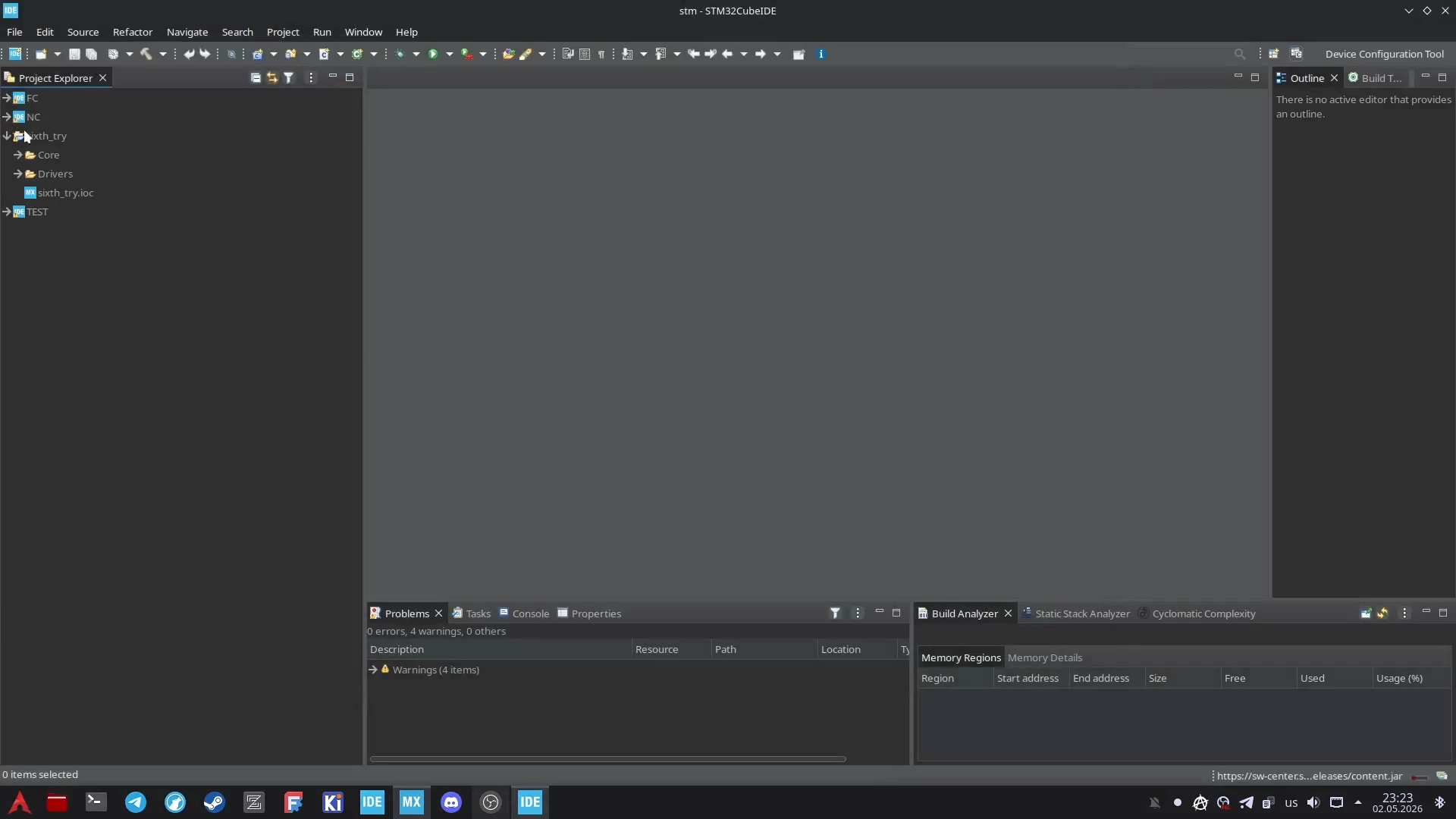
Снимок экрана_20260502_233536.png

Снимок экрана_20260502_233701.png

1 reply

Ghofrane GSOURI
ST Technical Moderator
May 7, 2026

Hello @MrKimler 

Let's try to generate the STM32 project into a simple local directory on your Linux filesystem such as /home/<user>/STM32/sixth_try, and avoid using shared, synced, mounted, sandboxed, or unusual paths because they can cause very slow file copying and refresh issues.

Then import it into STM32CubeIDE using the correct project import method, preferably File → Open Projects from File System or File → Import → Existing Projects into Workspace, pointing to the folder that contains the generated CubeIDE project files like .project, .cproject, .mxproject, and the .ioc file; after import, do a Refresh, then Clean, and rebuild the project.

THX

Ghofrane

To give better visibility on the answered topics, please click on Accept as Solution on the reply which solved your issue or answered your question.