


Unnecessary delay from 'No Device Found' to failure pop-up
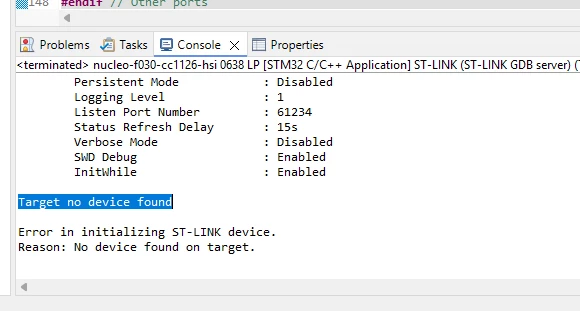
After pressing the ‘Debug’ or ‘Run’ button with no target connected (or the connected target powered down), CubeIDE v2.1.1 immediately gives the “Target no device found” message in the Console window:
But the UI is then locked-up for 30 seconds or so before the error pop-up appears:
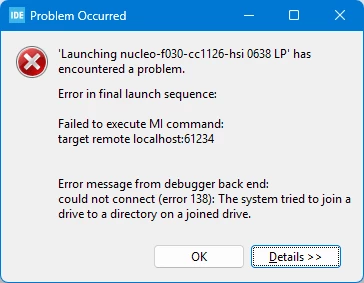
You can’t do anything in this time - you have to just wait for the pop-up.
Not having the target connected and/or powered-up when starting a debug session is one of those silly D’oh! mistakes, and it’s immediately obvious the instant the message appears in the Console window - it is frustrating to then have to sit around waiting for the IDE to catch up before trying again.
(I’m sure I had posted this before, but can’t seem to find it - maybe it got lost in the forum changeover?)
