Associate II
January 8, 2024
Solved

SWV doesn't work on STM32CubeIde 1.14 for Nucleo-H743ZI2

  • January 8, 2024
  • 3 replies
  • 2985 views

Hi

I need this set up to debug harder issue I encountered. I tried to search through available post but can't find anything similar enough. In the past I used SWV on STM32F411 and it worked well so I have a bit experience.

Anyway:

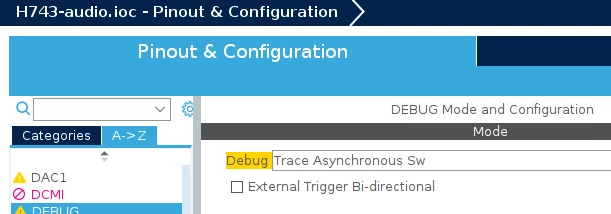
-debug setup in CubeMX looks little bit different, I have chosen this:
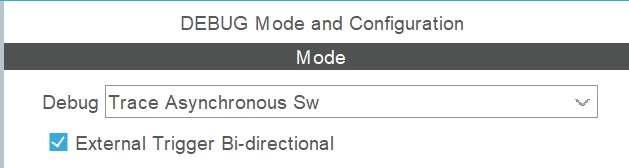
Wojt_0-1704747438907.png

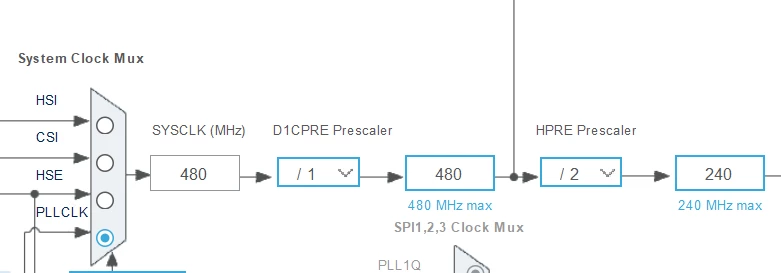
-clock is set up to 480MHz:

Wojt_1-1704747564117.png

- firmware of ST Link V3 is (I seen some posts on other problems suggesitng to downgrade, I don't know if it is a case here, moreover, I don't know how to dongrade to selected version):
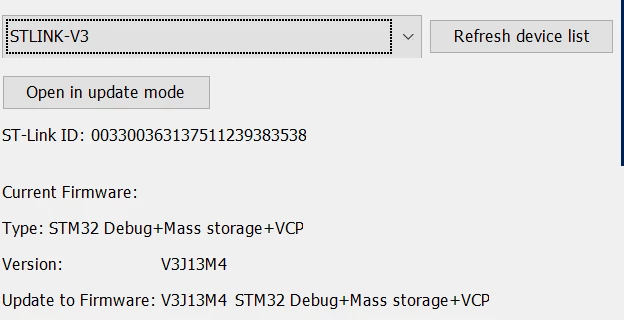
Wojt_2-1704747762932.png

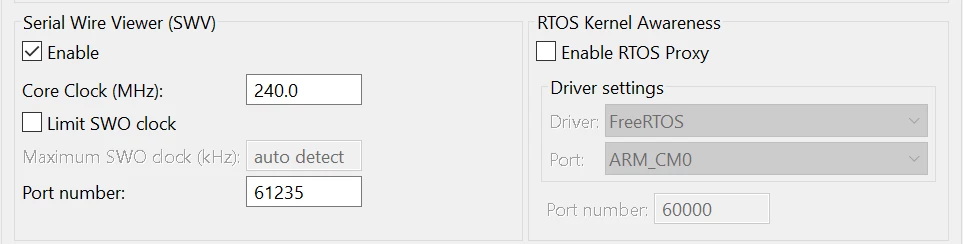
-debug config seems to be recognizing proper clock:
Wojt_3-1704748013597.png

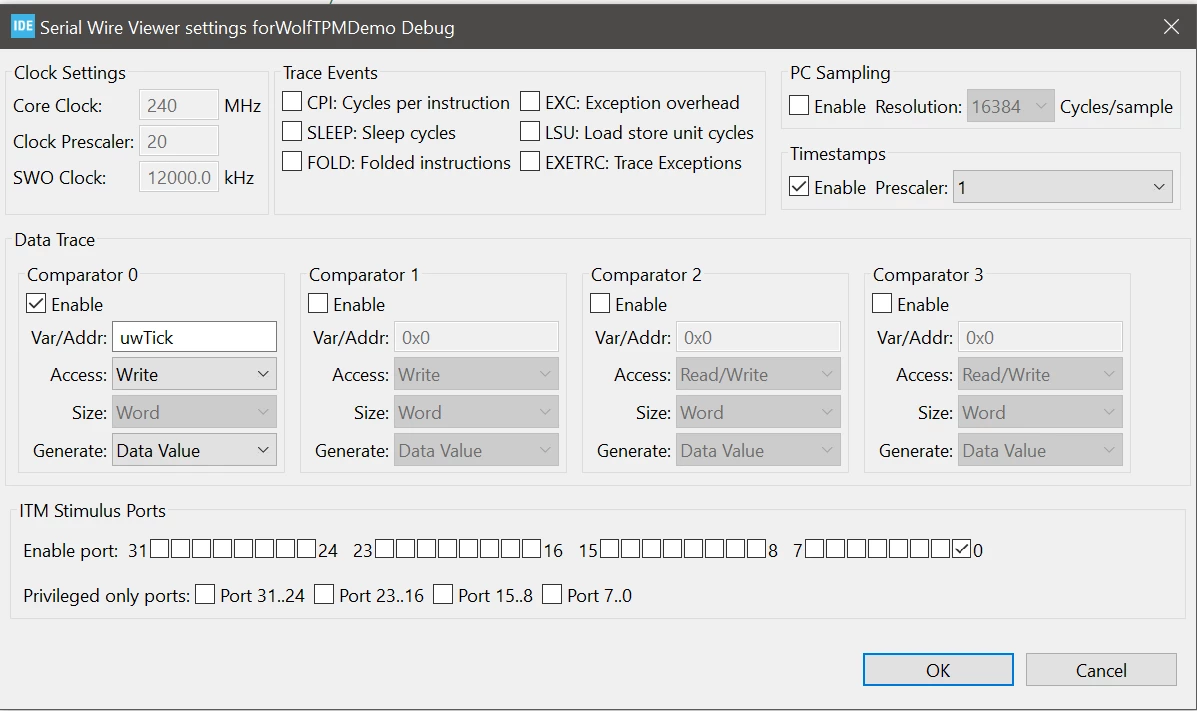
-I try to set up SWV to see just uwTick, nothing happens in SWV data window when running the SW:
Wojt_4-1704748124196.png

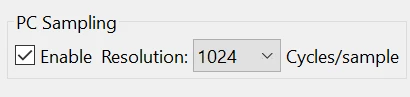
- surprisingly sometimes, when playing with sampling setting, I see sometimes few values displayed in trace window but it hangs up anyway and is randomly working = completely useless
Wojt_5-1704748686587.png


Does anyone know if I am doing anything wrong or does any workaround exist?


Greetings

Wojt


This topic has been closed for replies.
Best answer by AScha.3

Hi,

You set core clk to 480MHz - but in debug SWV you write 240MHz ; 

if not giving korrekt frequency , swv dont work.  So set 480, if core is at 480.

+

I choose this (its working):

AScha3_0-1704749714693.png


3 replies

AScha.3
AScha.3Best answer
Super User
January 8, 2024

Hi,

You set core clk to 480MHz - but in debug SWV you write 240MHz ; 

if not giving korrekt frequency , swv dont work.  So set 480, if core is at 480.

+

I choose this (its working):

AScha3_0-1704749714693.png


"If you feel a post has answered your question, please click ""Accept as Solution""."
Pavel A.
Super User
January 8, 2024

The number you give as the "Core clock" in the dialog is the value of global variable SystemCoreClock after you call SystemClock_Config() divided by a million. For example, 240000000 -> 240.0

(by the way - this is why the SWV/ITM trace won't work until SystemClock_Config returns ;)

WojtAuthor
Associate II
January 9, 2024

Thank you for quick help!