


STM32N6570-DK Debug was working, but no longer working after adding ThreadX
Hi,
Good Day
I am Mike, I work for Lenovo Japan, I am currently doing a POC for ML enabled embedded application using STM32N6570-DK. I just got stuck after debugging incremental update to my firmware (add ThreadX).
Background / Pretext
With the help of https://community.st.com/stm32cubeide-mcus-28/stm32n6570-dk-debug-keeps-failing-error-32-load-failed-not-sure-if-i-should-debug-fsbl-or-appli-168613?tid=168613&fid=28, and STMicro Template_Isolation_XIP project, I was able to setup a project that runs debug from FBLS to AppS to AppNS. I plan to build my target firmware bit by bit, and so I was able to add UART1 for debug log and it was working at that point.
My next step was to add ThreadX, so I configured .ioc to add ThreadX and TIM6 as source clock to SYS_NS, then I forgot to turn on the RTOS awareness to ThreadX->CoreM55 and I begun to fail connecting when hitting debug.
I kept a copy of basic Template_Isolation_XIP that was perfectly working, and event switching to that project, the issue persisted telling me its no longer firmware problem or environment setting problem.
Presentation of Issue
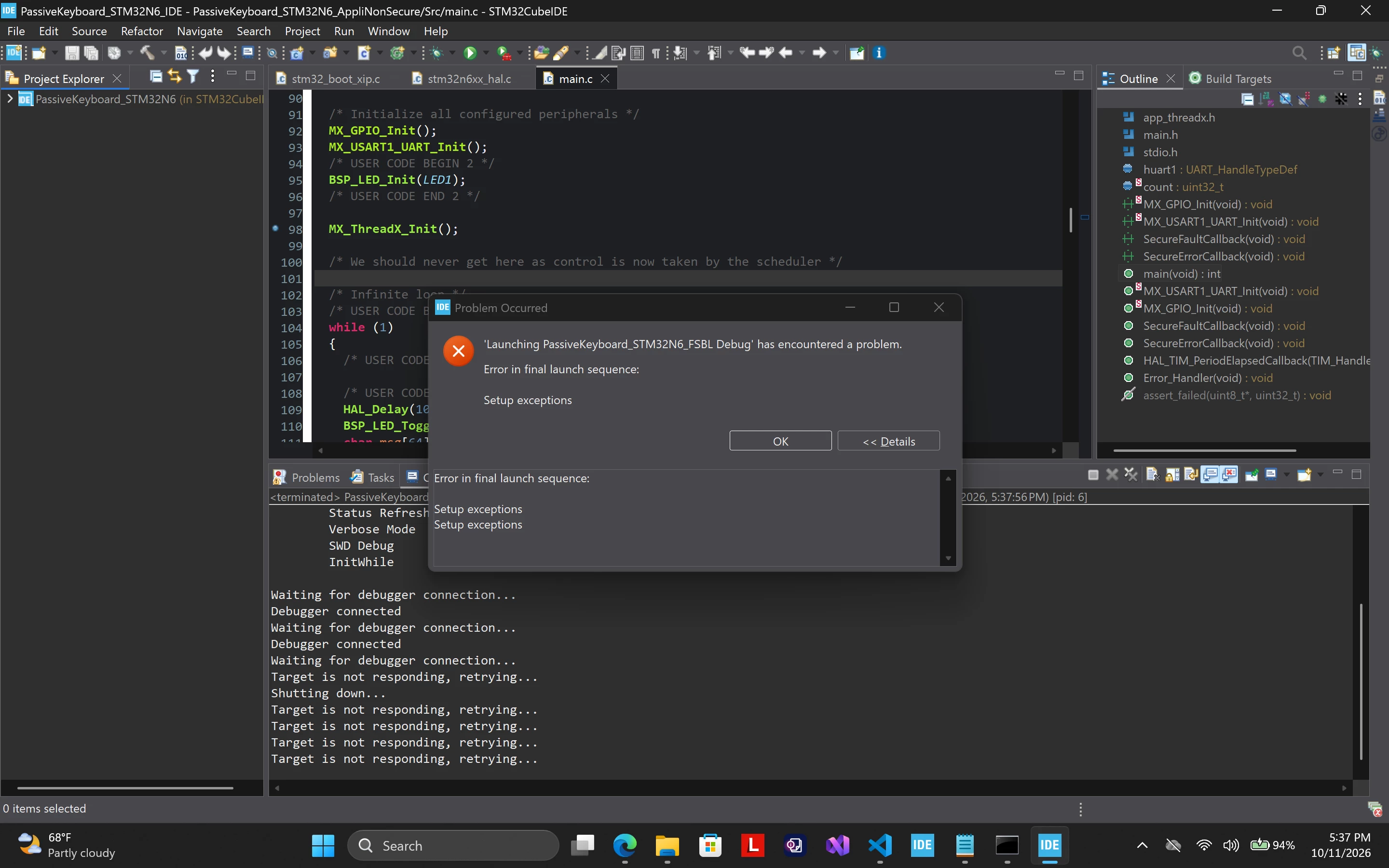
This my screenshot when I first started to encounter the problem:
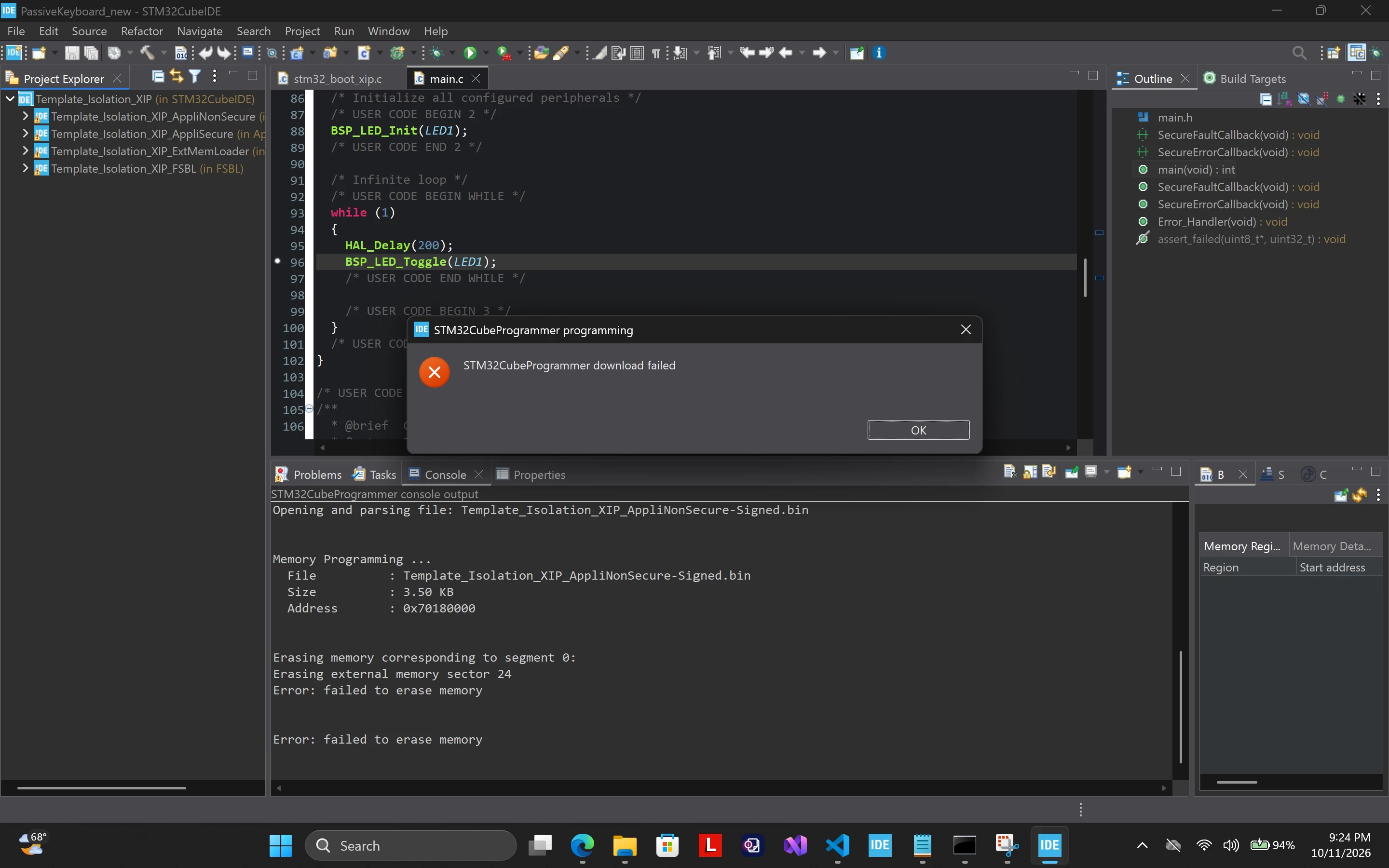
During debugging, I tried also to hold NRST and Release after debug, this is happened:
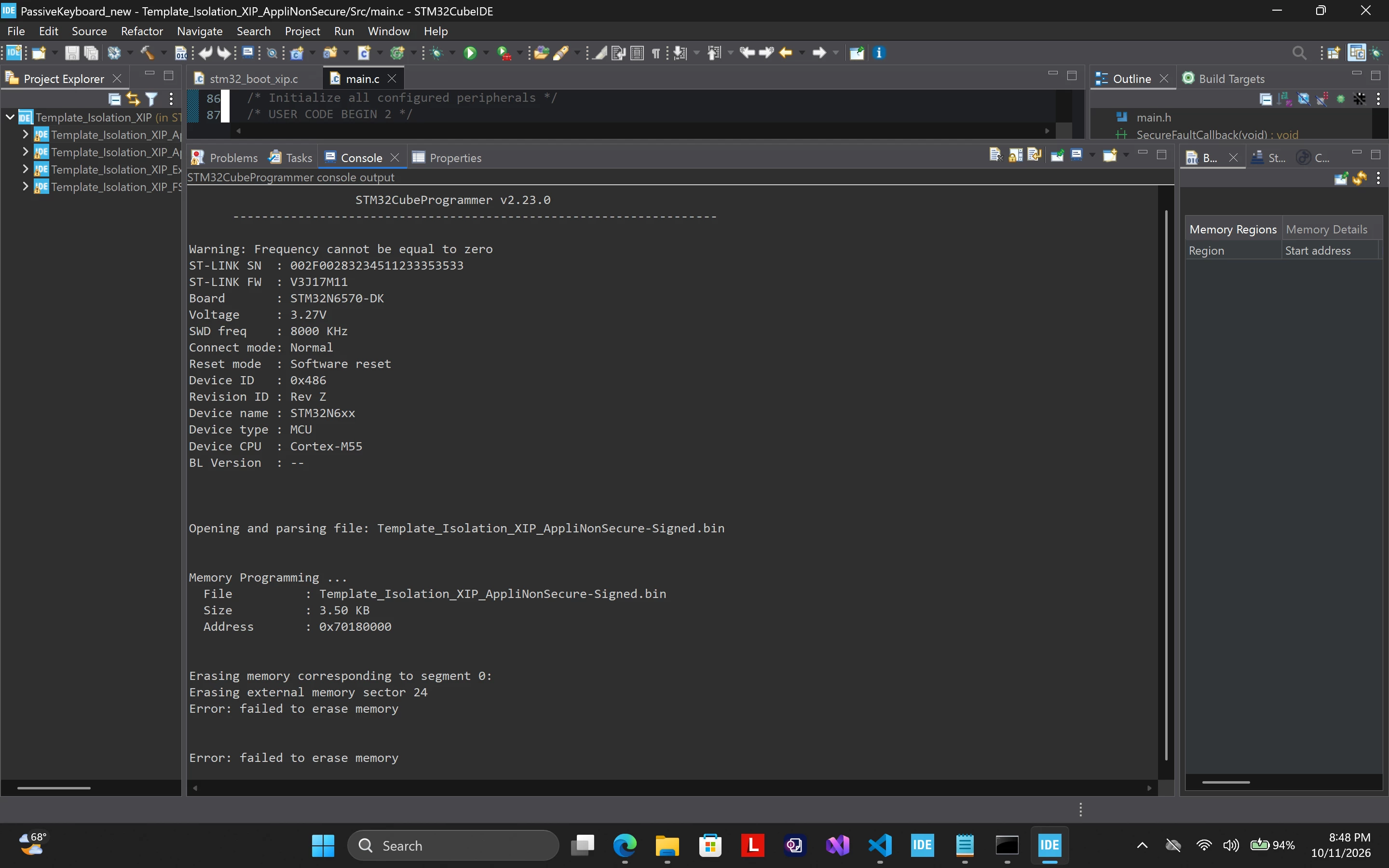
This is the result If I use NRST->Debug
What I already Tried
I tried to search STM32 Community Forum but I could not find similar case yet.
So I resulted to troubleshoot by relying on Google Gemini so I already tried the following:
- 1. Using STM32Cube Programmer (BOO1 -> H), while external loader is checked, execute Erase External Memory-> Full Chip Erase on → Try Debug on STM32Cube IDE (BOO1 -> L) → FAILED
- 2. Check All sectors from Address 0x70000000 then click Erase All sectors → Try Debug on STM32Cube IDE (BOO1 -> L) → FAILED
- 3. Tried (1) while nothing is checked in External Loader → Try Debug on STM32Cube IDE (BOO1 -> L) → FAILED
- 4. Using STM32Cube Programmer (BOO1 -> H), wrote FSBL(0x70000000), AppS (0x70040000), AppNs(0x70180000) binary each to its designated starting address. → Try Debug on STM32Cube IDE (BOO1 -> L) → FAILED
- 5. After (4),in STM32Cube IDE after try debug on default Debug Configuration Setting, I tried to do the following:
- a. Uncheck Halt on exception in Startup Tab
- b. Uncheck All Download for each loaded binary/elf
- c. Reset behavior Type: Connect under reset -> Software System Reset
- d. Reset behavior Type: Software System Reset -> None
- (All resulted to failed)
- 6. from 1 to 4, I tried to disconnect->connect (remove power) the STLink before hitting debug, I tried normal hit debug, and hold NRST → hit debug → release NRST all throughout → all result to FAILED
Setup Information:
Target Board: STM32N6570-DK
IDE: STM32CubeIde 2.2.0
Project: Template_Isolation_XIP