ksale.1
Senior II
March 30, 2021
Solved

STM32CubeIDE Version: 1.6.0 would not generate code for a new project for any uC series (but will update code for existing projects)

  • March 30, 2021
  • 7 replies
  • 1734 views

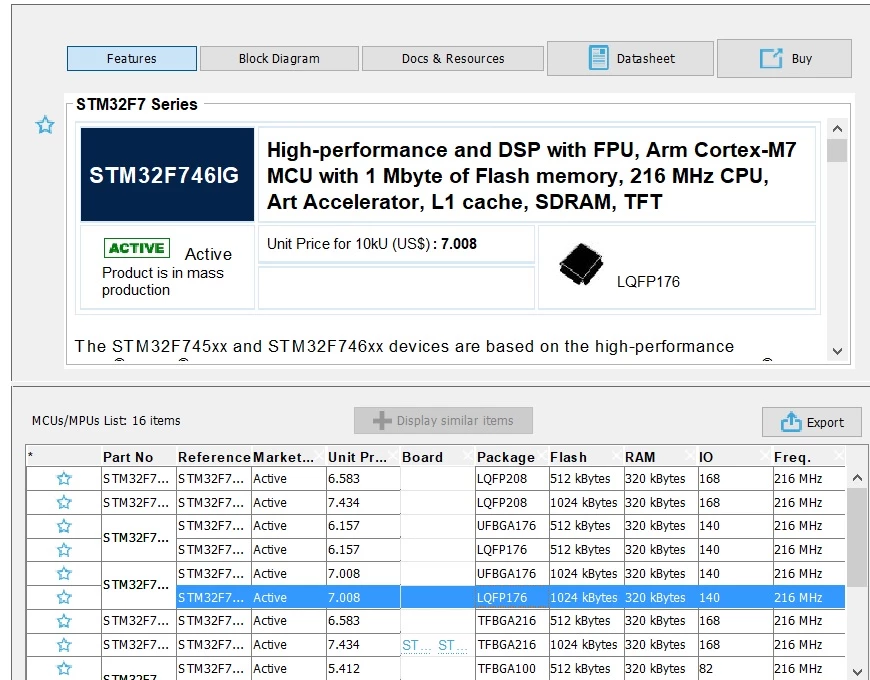
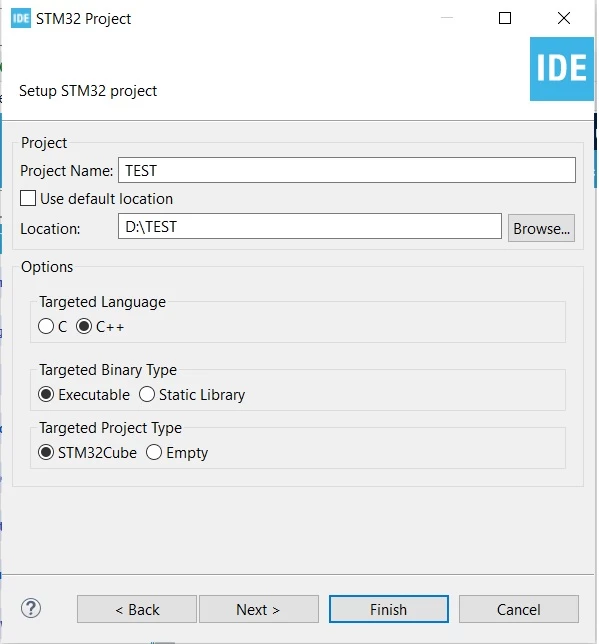
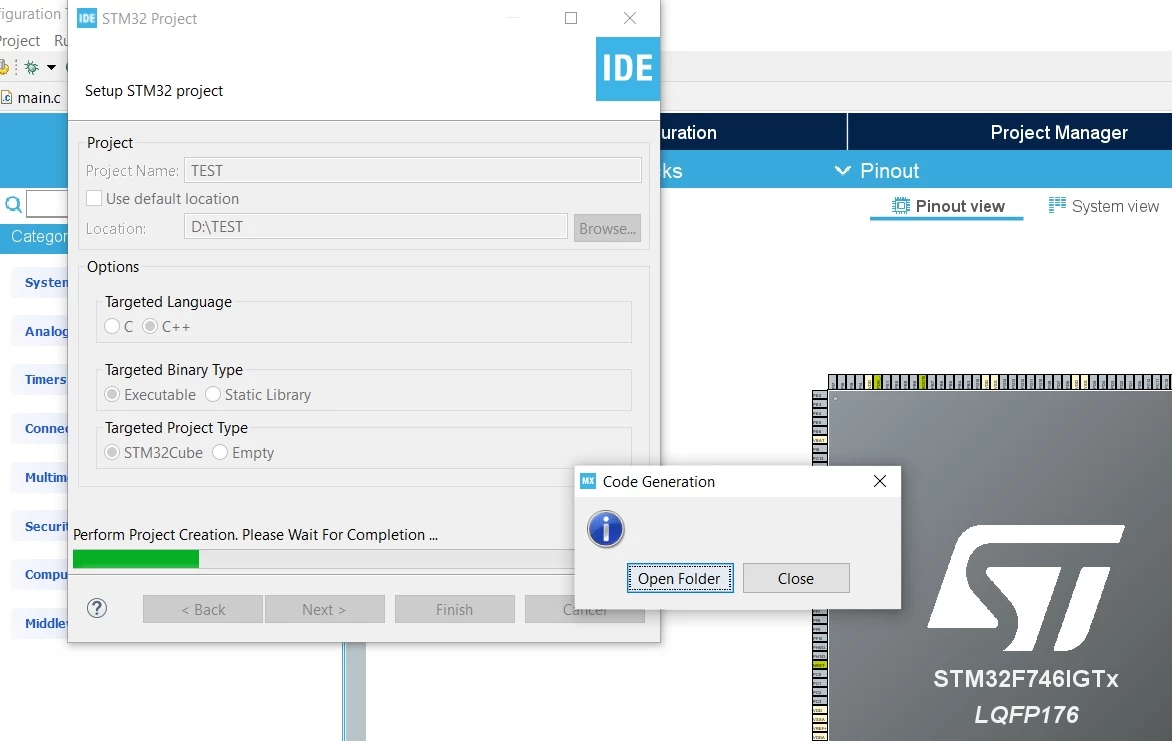
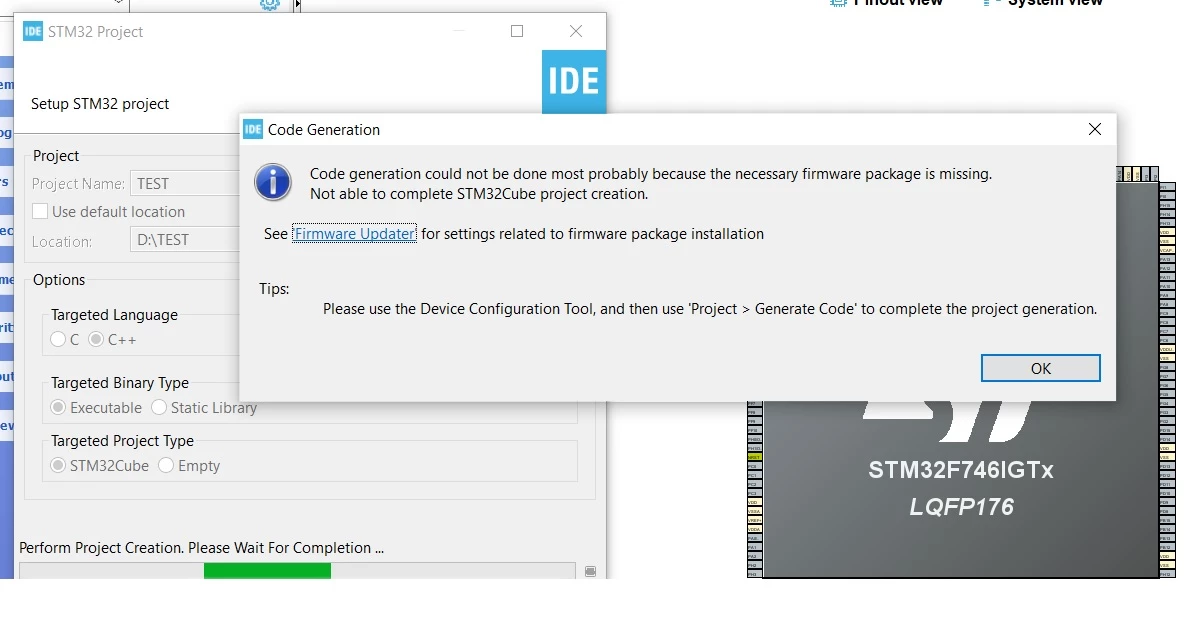
I encountered this problem after trying to create a project from an existing ioc file. Afterwards all my endeavors failed as per the below screenshots:0693W000008yEOnQAM.jpg0693W000008yEOsQAM.jpg0693W000008yEP7QAM.jpg0693W000008yEPHQA2.jpg0693W000008yEPRQA2.jpg
This topic has been closed for replies.
Best answer by Cartu38 OpenDev

I think bug is really about project folder location support if only a single folder on top of disk drive root.

On my side I've got a try (and same issue so) based on File > New > STM32Project.

I guess bug is about unchecking 'use default location' and setting destination folder so close to disk drive root. If keeping default project location is at min 2 level deep within file system hierarchy because first workspace then project repository like : <disk drive root>/<workspace repository>/<project repository>

@STM_support please consider such !

7 replies

Cartu38 OpenDev
Graduate II
March 30, 2021

On latest dialog popup what about if clicking ok then ask for code generation back relying on dedicated toolbar icon (gear weel) ? Is project generating fine then ...

ksale.1
ksale.1Author
Senior II
March 30, 2021

The IDE will crash and I had to kill it.

ksale.1
ksale.1Author
Senior II
March 30, 2021

I've tried to uninstall/redownload the IDE. Still I've the problem. Apparently the uninstall does not provide a clean slate as the installed packages in the old installation are still alive and well, e.g. TouchGFX. Can you please advise how can I really get a fresh start so that I can resume my project.

Cartu38 OpenDev
Graduate II
March 30, 2021

I've been able to reproduce following your snapshots.

Have a try to set as project location D:\myWorkArea\TEST ... works for me ... sounds a bug here using non default location having only one level hierarchy on top of drive root. Adding extra level is solving trouble.

Have a try and share if helping

ksale.1
ksale.1Author
Senior II
March 30, 2021

Thank you very much, it is working for me now as you advised.

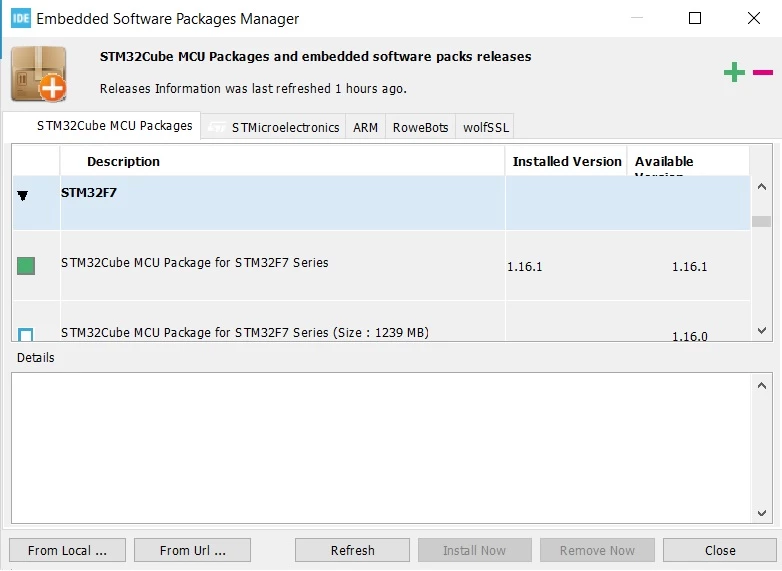
What do you advise regarding this option (which I believe is the culprit):

0693W000008yL9GQAU.jpg