
Garnett.Robert
Senior III
July 21, 2023
Solved

STM32CubeIDE - SWV Profiling

Hi,

I use the SWV Profiling tool quite a lot towards the end of my projects to "fine tune" the speed and efficiency of my code. i.e. what code to run from ram, whether to use cacheing, find inefficient algorithms etc.

It would be handy to export the Profile window to excel or some other similar tool to compare runs with different configurations.

Does anyone know if this is possible.
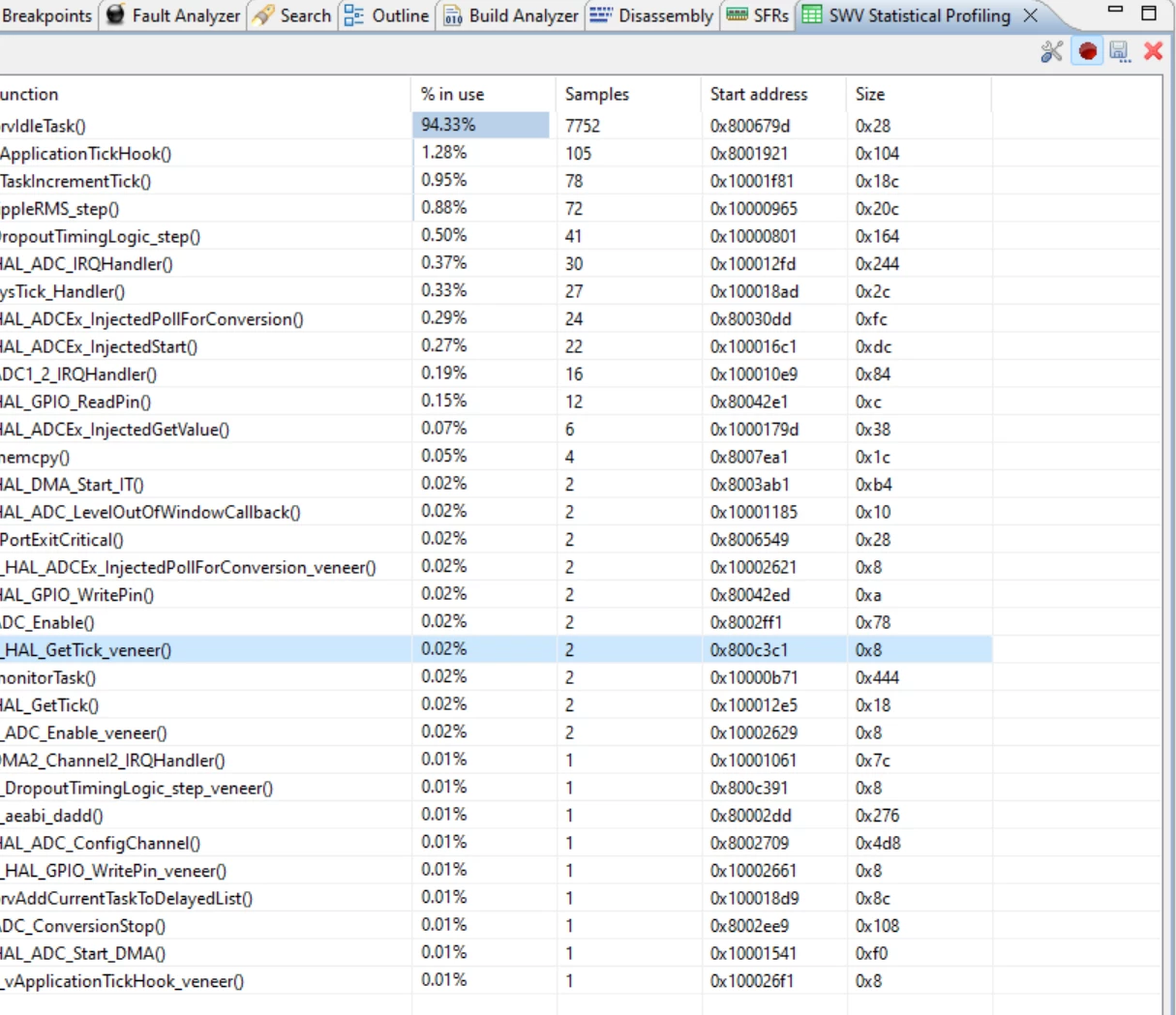
Snag_e50b894.png

Regards

Rob

This topic has been closed for replies.
Rim LANDOLSI
Rim LANDOLSIBest answer
ST Employee
July 21, 2023

Hello @Garnett.Robert ,

During an active debugging session, all functions that are in use, can be exported only as txt file  from the SWV Statistical Profiling view.

Regards,

Rim

2 replies

Rim LANDOLSI
Rim LANDOLSIBest answer
ST Employee
July 21, 2023

Hello @Garnett.Robert ,

During an active debugging session, all functions that are in use, can be exported only as txt file  from the SWV Statistical Profiling view.

Regards,

Rim

Garnett.Robert
Senior III
July 25, 2023

Hi Rim

Thanks for that.  I was right clicking looking for a context menu. I didn't see the floppy disk Icon as I'm using a large hi-res screen and the icon is very small. My eyes are getting old as well and I have trouble with depth of field.

Best regards

Rob