STM32CubeIDE 1.19.0 and Earlier: Download Error Pop-up During Data Updates
An issue has been identified in STM32CubeIDE 1.19.0 and earlier versions where a download error pop-up may appear during data updates.
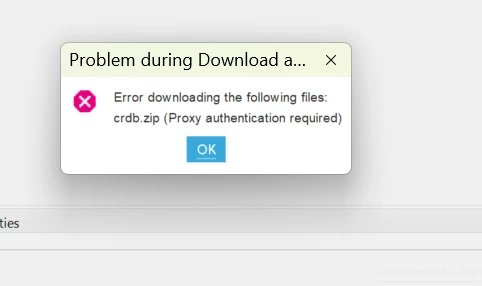
This issue does not prevent STM32CubeIDE from functioning properly. To continue:
click OK twice.
STM32CubeIDE should then operate normally.
Optional workaround
If this pop-up impacts your workflow, you can disable the Auto-Refresh feature:
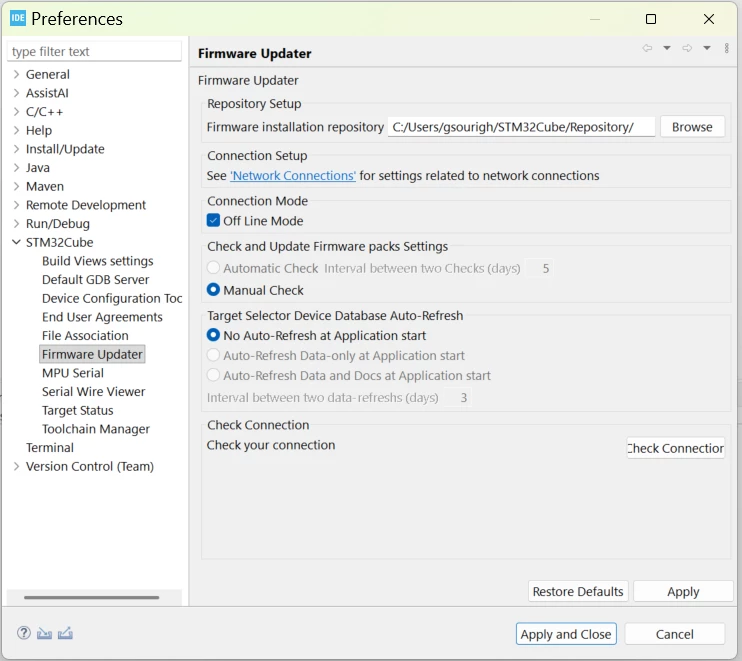
Go to Window → Preferences
In the search field, type Firmware Updater
Select:
Offline Mode
No Auto-Refresh at Application start
Notes
If Auto-Refresh is disabled, STM32CubeIDE will use the local cube-finder-db.zip file and will not automatically retrieve updates.
Manual update
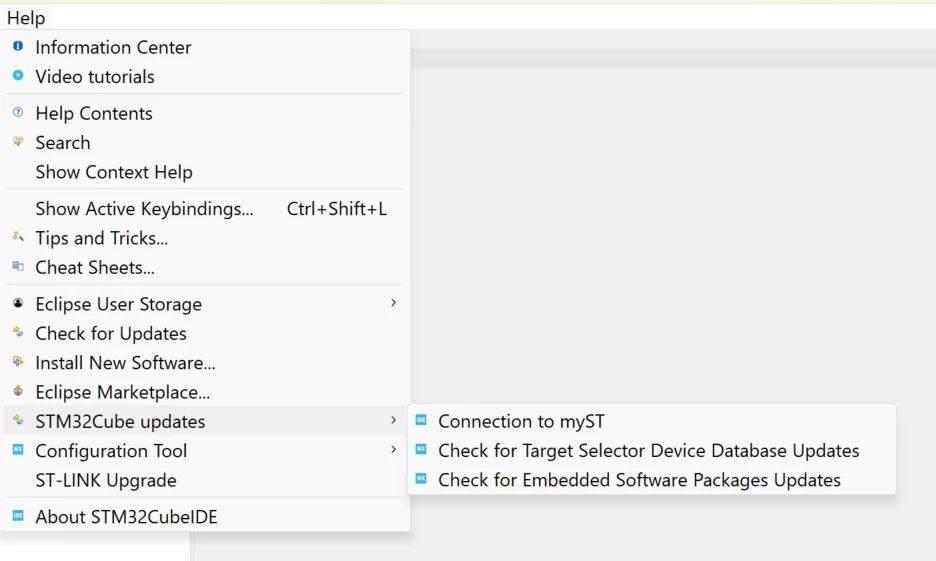
If needed, you can manually update the data via:
Help → STM32Cube Updates → Check for Target Selector Device Database Updates