


EPala.2
Associate III
August 8, 2023
Question

STM32 Cube IDE Update Not Working

Hi, I am working on a collaborative project. Someone sent me a new version using an updated version of STM32Cube IDE, and now the .IOC throws an error when I try to open it:
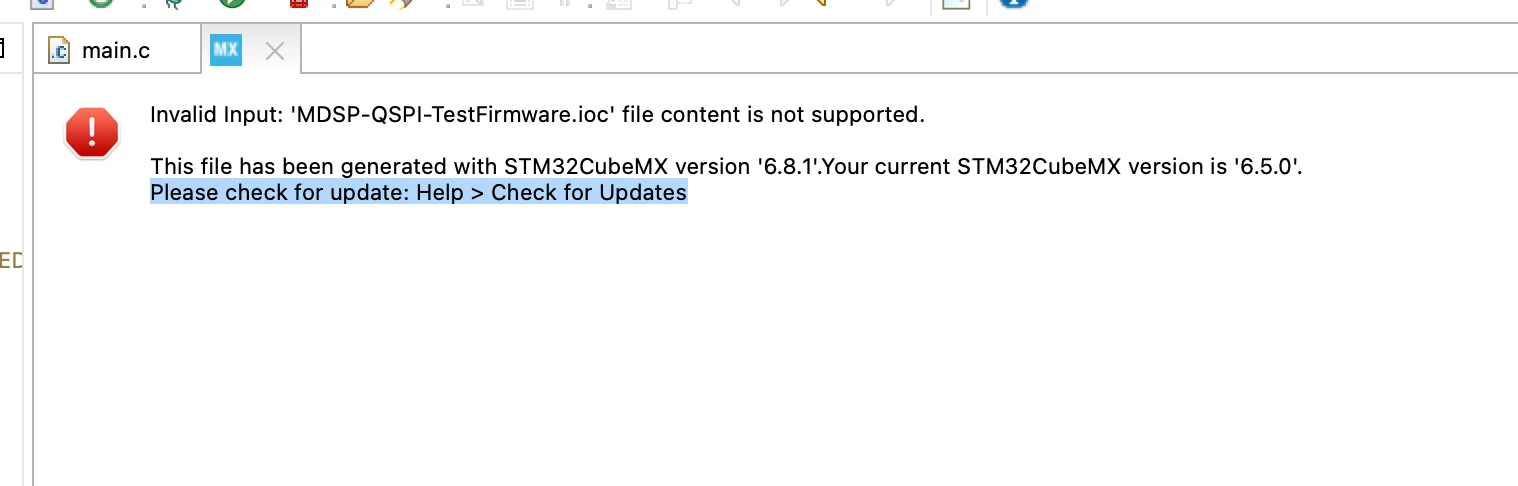
image.png

To fix this, I try running Help > Check For Updates, but this gives me the following error:
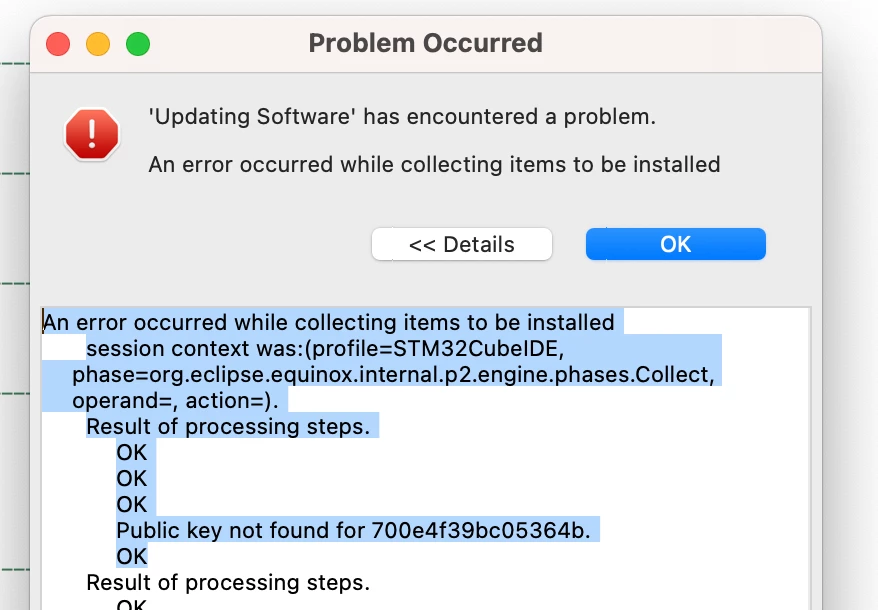
image (1).png

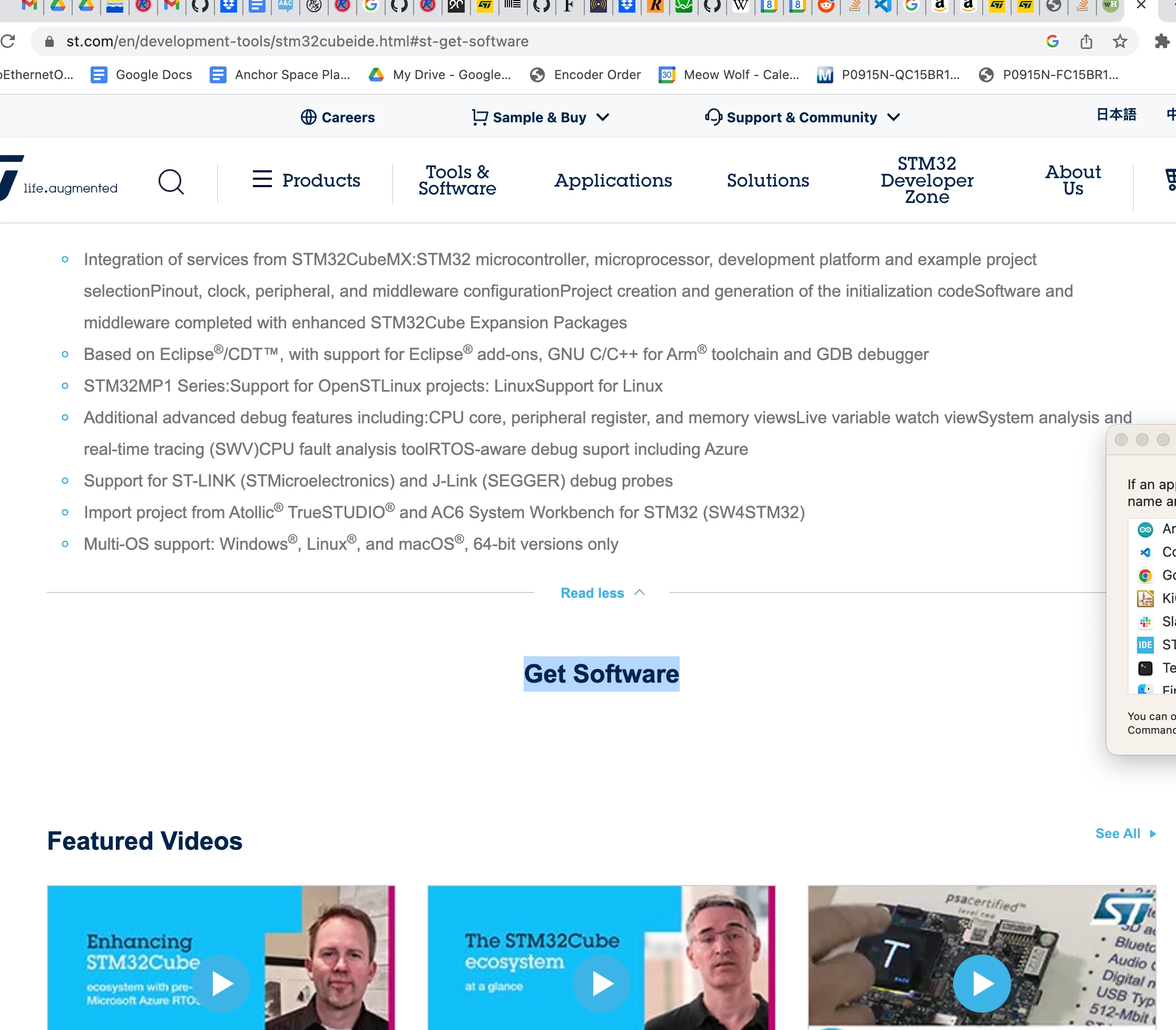
I then look on the STM32CubeIDE site, only to find the downloads section is inexplicably empty:
Screenshot 2023-08-08 at 5.40.10 PM.png


How do I fix this and update STM32CubeIDE? Will this solve my MX problem? 


    This topic has been closed for replies.

    2 replies

    TDK
    August 8, 2023

    On the site, you need to log in and then wait a minute or so for the "Get Software" section to populate. It's the dumbest thing ever. That's probably your best bet.

    "If you feel a post has answered your question, please click ""Accept as Solution""."
    Sirma Siang
    ST Employee
    August 10, 2023

    Hello EPala.2,

    The IOC you are trying to open has been generated with Stm32CubeMX -6.8.1, while yours is 6.5.0. Opening an IOC created with a newest CubeMX version, is not possible.

    You have to install, at least, the same CubeMX version, or a more recent version.

    To get that version, I recommend to download it from st.com (wait that the 'Get Software' button appears at the top of the page - It could take a minute). Then install it on your machine.

    Please note that an authentication is now needed, to update through the tool itself, from version 1.13.0.