Solved
Projects not importing CubeIDE 2.0
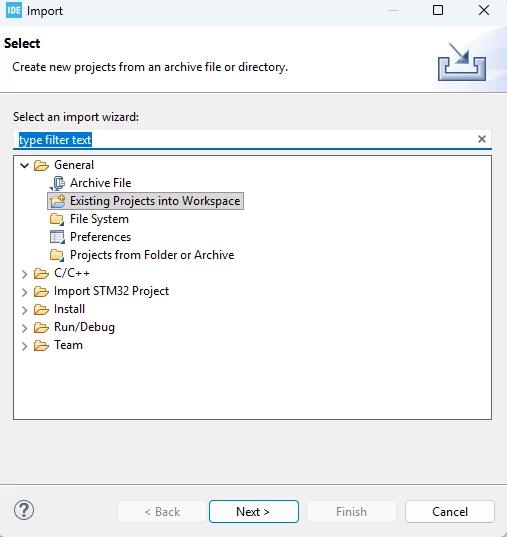
I open up CubeIDE, select a workspace, click “Import projects” the project explorer tab (excuse the typo)
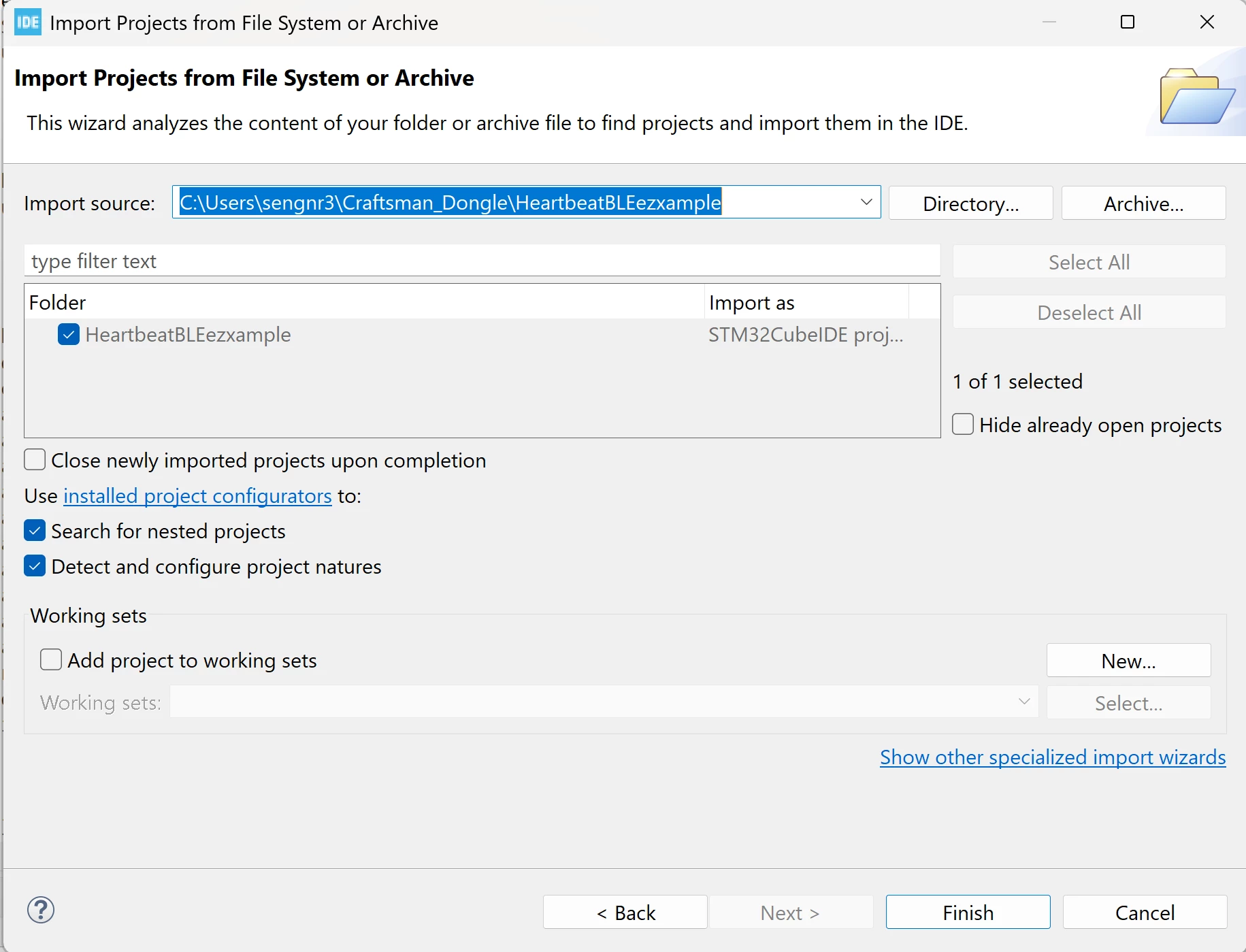
There is project there,
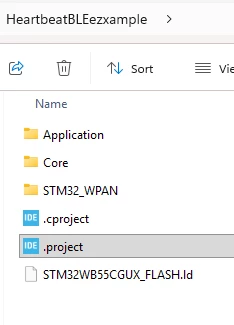
But nothing appears in the Project Explorer,
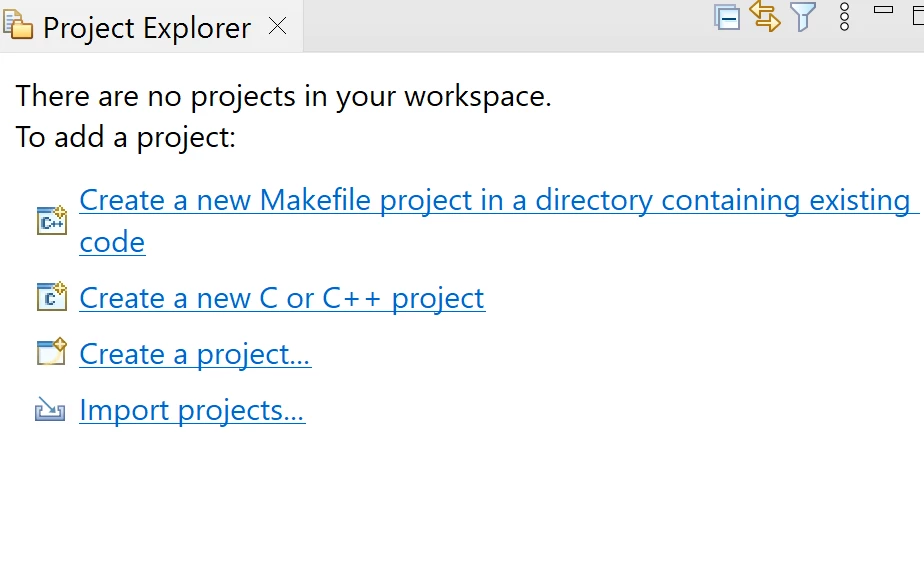

I open up CubeIDE, select a workspace, click “Import projects” the project explorer tab (excuse the typo)
There is project there,
But nothing appears in the Project Explorer,
Enter your E-mail address. We'll send you an e-mail with instructions to reset your password.