Proboszcz
Associate II
February 28, 2021
Question

Problem with debbuging (Reason: Failed to connect to device. Please check power and cabling to target.)

  • February 28, 2021
  • 3 replies
  • 2896 views

Hello!

I am using Nucleo-F103RB board. I have some simple code with one LED, it is compiled and runs okay on this board, so I am trying to test debugging as an exercise for me, but It doest't work at all :(
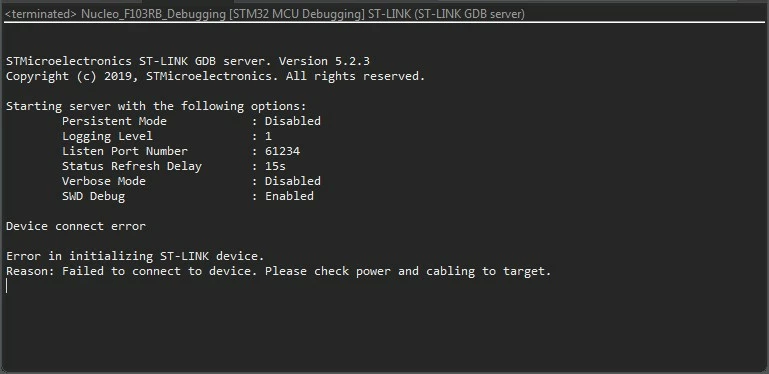
0693W000007ZhVUQA0.jpgThe CubeIDE thinks that my devboard is not connected, but it IS connected (view from STM32 ST-Link Utility):
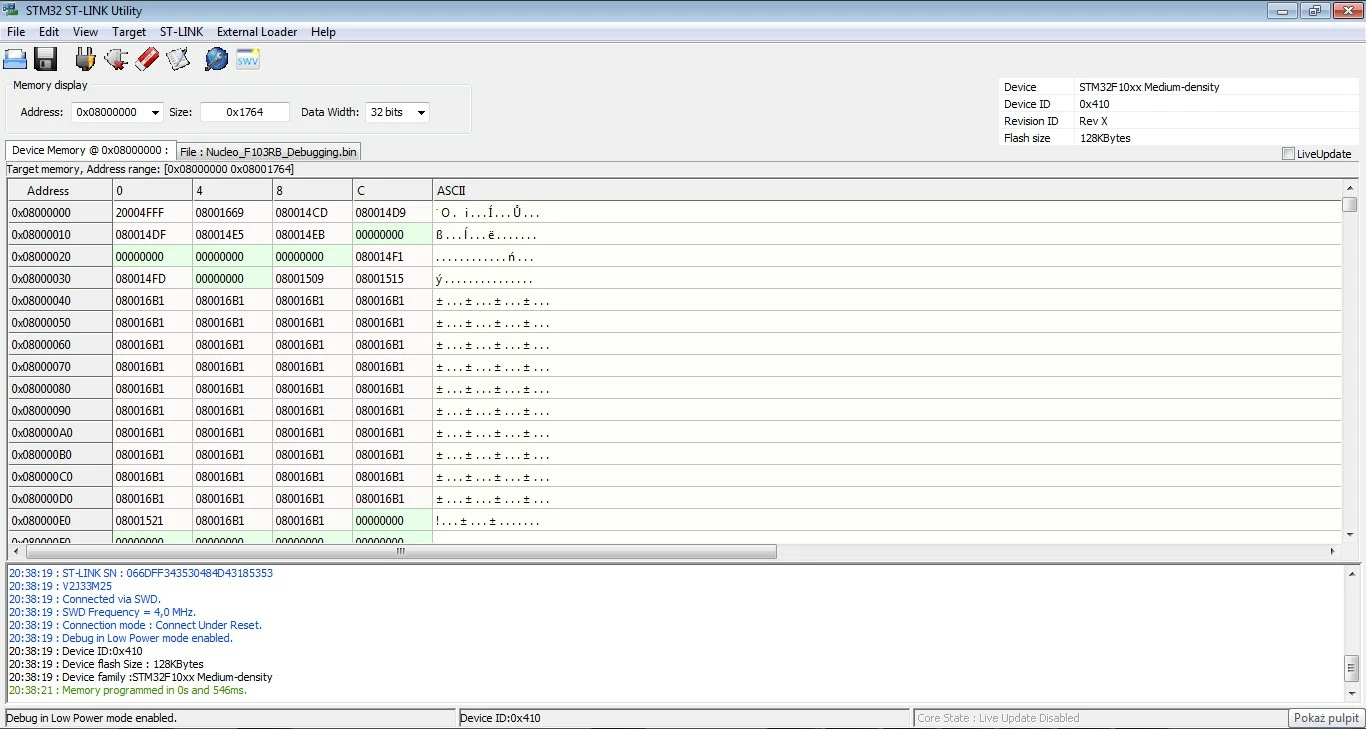
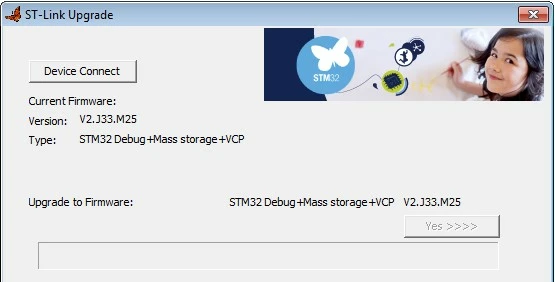
0693W000007ZhVjQAK.jpgST-Link is updated (view from STM32 ST-Link Utility again):
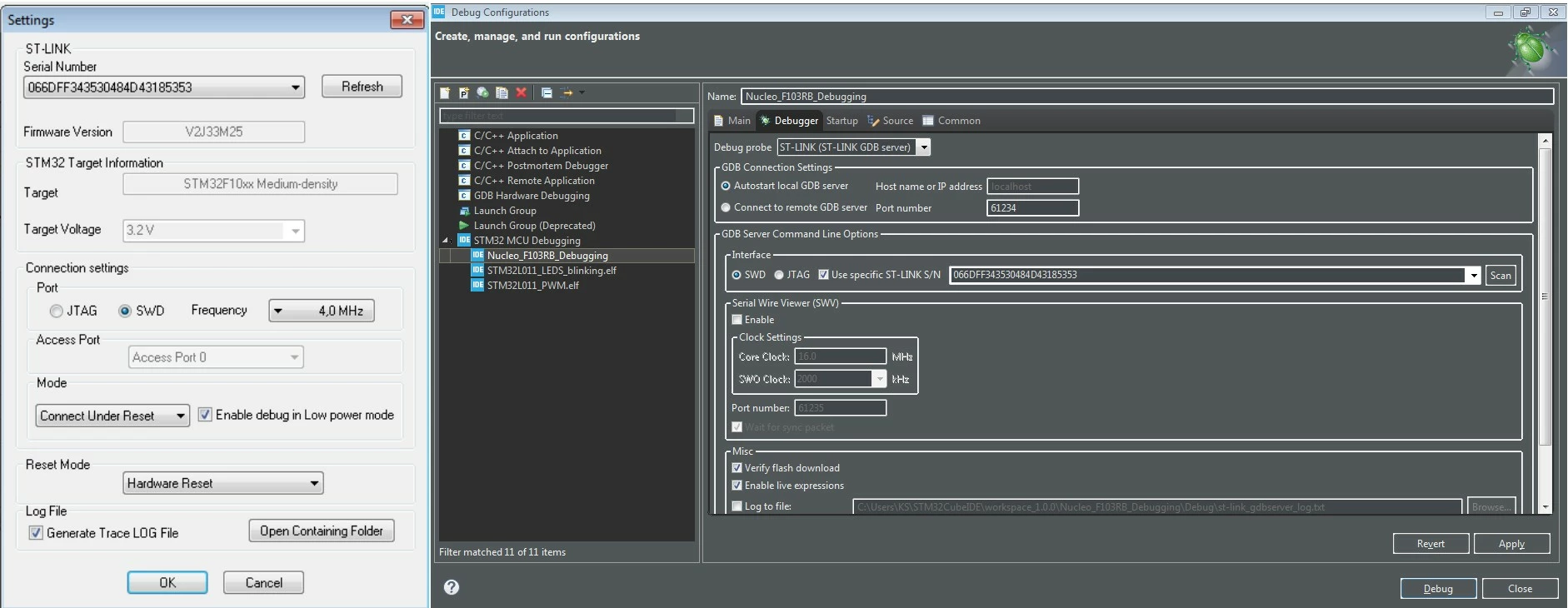
 0693W000007ZhWwQAK.jpgSN from ST-Link Utility just rewrited to CubeIDE:
 0693W000007ZhX1QAK.jpg0693W000007ZhX6QAK.jpg0693W000007ZhXBQA0.jpgHo to fix it?:c

This topic has been closed for replies.

3 replies

Cartu38 OpenDev
Graduate II
February 28, 2021

Target run but not able debug ? Did you run from IDE ? if yes means IDE has been able to flash it so IDE known device.

Able to see if Debugger tab of debug configuration you're relyin gon a dedicated S/N. Is such the one of board you're trying to connect to ? Let' try "Scan" button ... one or more S/N found ? ... if only one maybe better to uncheck specific ST-link S/N.

Dedicated S/N is useful if more than one device connected to USB helping to point to right one so.

Avoid to get both STLink utility and IDE connected to same device ...

If none of such ... let's reboot your host I guess then have a new try.

Proboszcz
ProboszczAuthor
Associate II
February 28, 2021

1) I am not sure if I understand correctly (my fault), but I always do these steps:

1: adding 2 options available: Convert to binary file and convert to hex file

0693W000007ZhZCQA0.jpg2: open ST-Link Utility, connect with Nucleo and program (hex and bin are always available in Debug folder of the project - I don't know why

3: Program (load hex to ST-Link Utility) and the project runs okay

and 4: right now could be a debugging step. I click F11 ("Debug") and an error appears ;c

2) S/N is scanned automatically in CubeIDE - only one number appears

3) Avoid to get both STLink utility and IDE connected to same device

Why? :c Does it mean that both can't run at the same time?

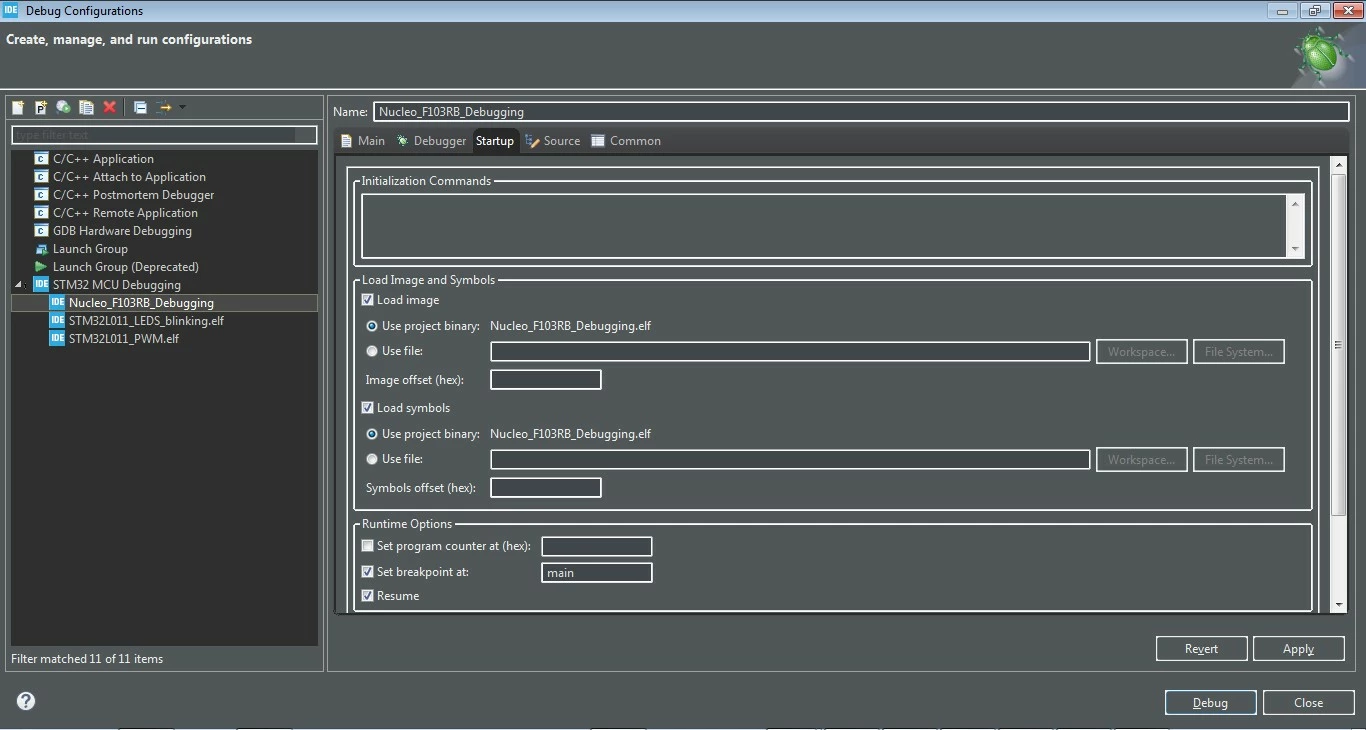
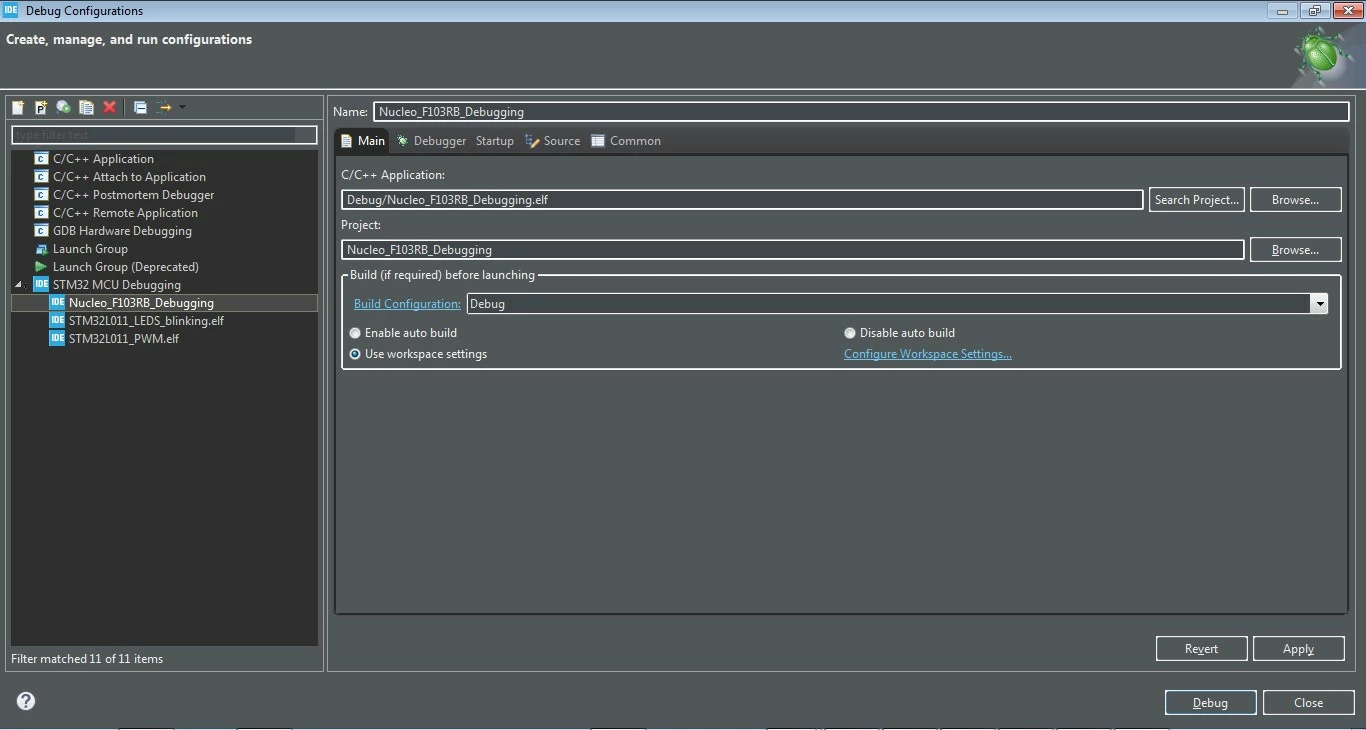
4) rebooted host so many times :c I think that I did something wrong in Debug configurations, but don't know what.

Cartu38 OpenDev
Graduate II
February 28, 2021

Pretty sure STLink utility and IDE can't be connected to same device at same time (once connected access is locked)

By the way STLink utility usage is useless if playing with IDE ... IDE has full capabities

Proboszcz
ProboszczAuthor
Associate II
February 28, 2021

0693W000007ZhdJQAS.jpgOk, didn't know that :c But without STLink Utility, Debug F11 gives another error.

Cartu38 OpenDev
Graduate II
February 28, 2021

Try another port just in case

0693W000007ZheWQAS.jpgIf helping means still some background session running ... I would advice to clean a bit ...

Even if not helping have a look to debug view ... all process should be ternimated state prior initiating a new one

0693W000007ZhegQAC.jpg

Proboszcz
ProboszczAuthor
Associate II
March 1, 2021

Not helping unfortunately:C Maybe I could ask what should I see if everything is okk and debugging starts correctly?