Solved
NUCLEO-G0B1RE and USB HID function
Hi,
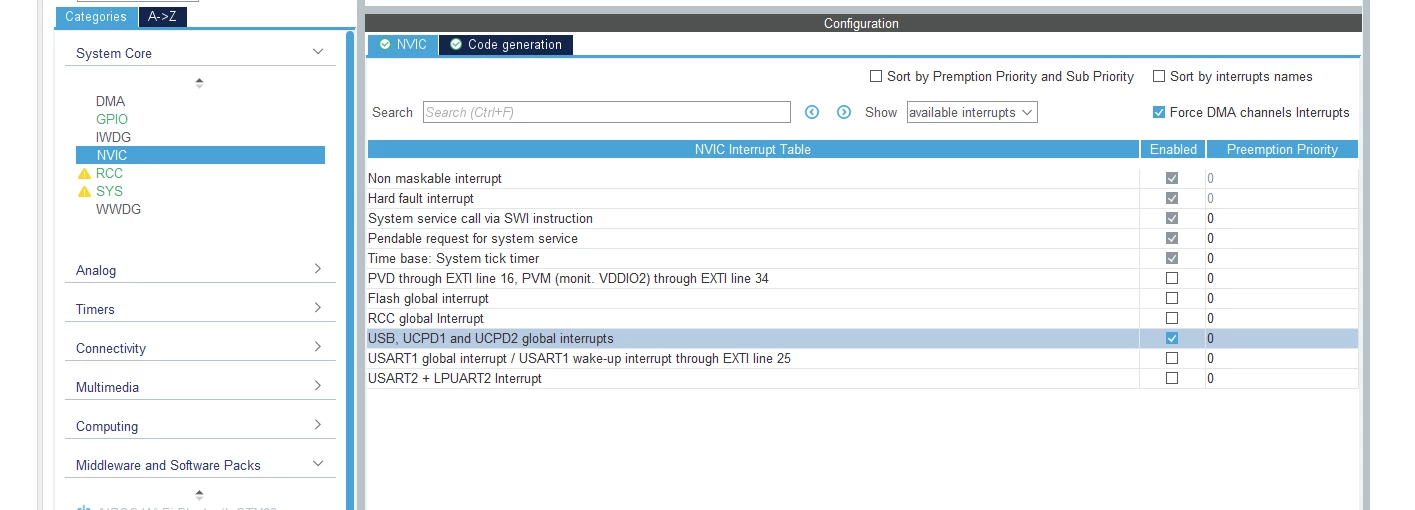
I would like to enable the USB HID Device function to the target uC of the NUCLEO board. So I've created a new project, selected the board and added the 2 USB pin configuration:
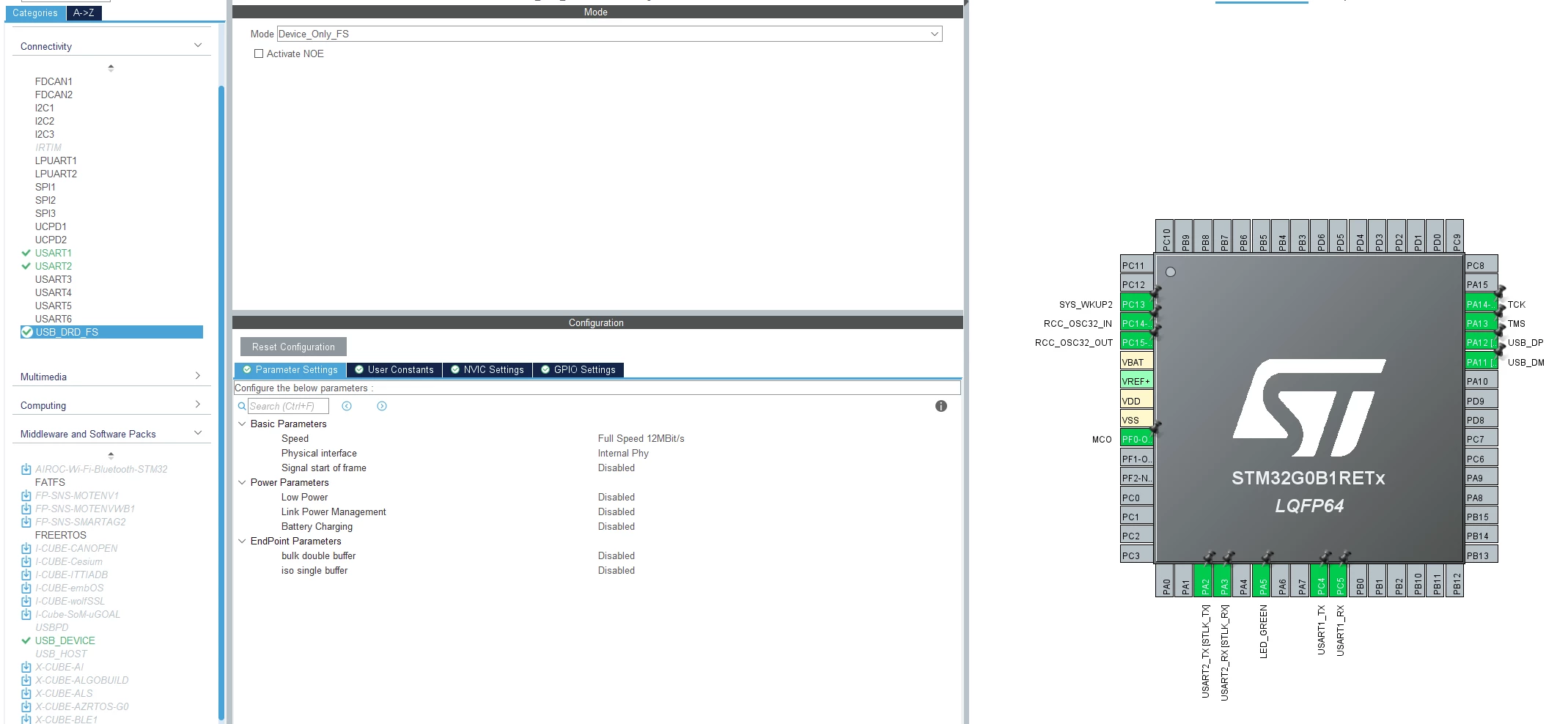
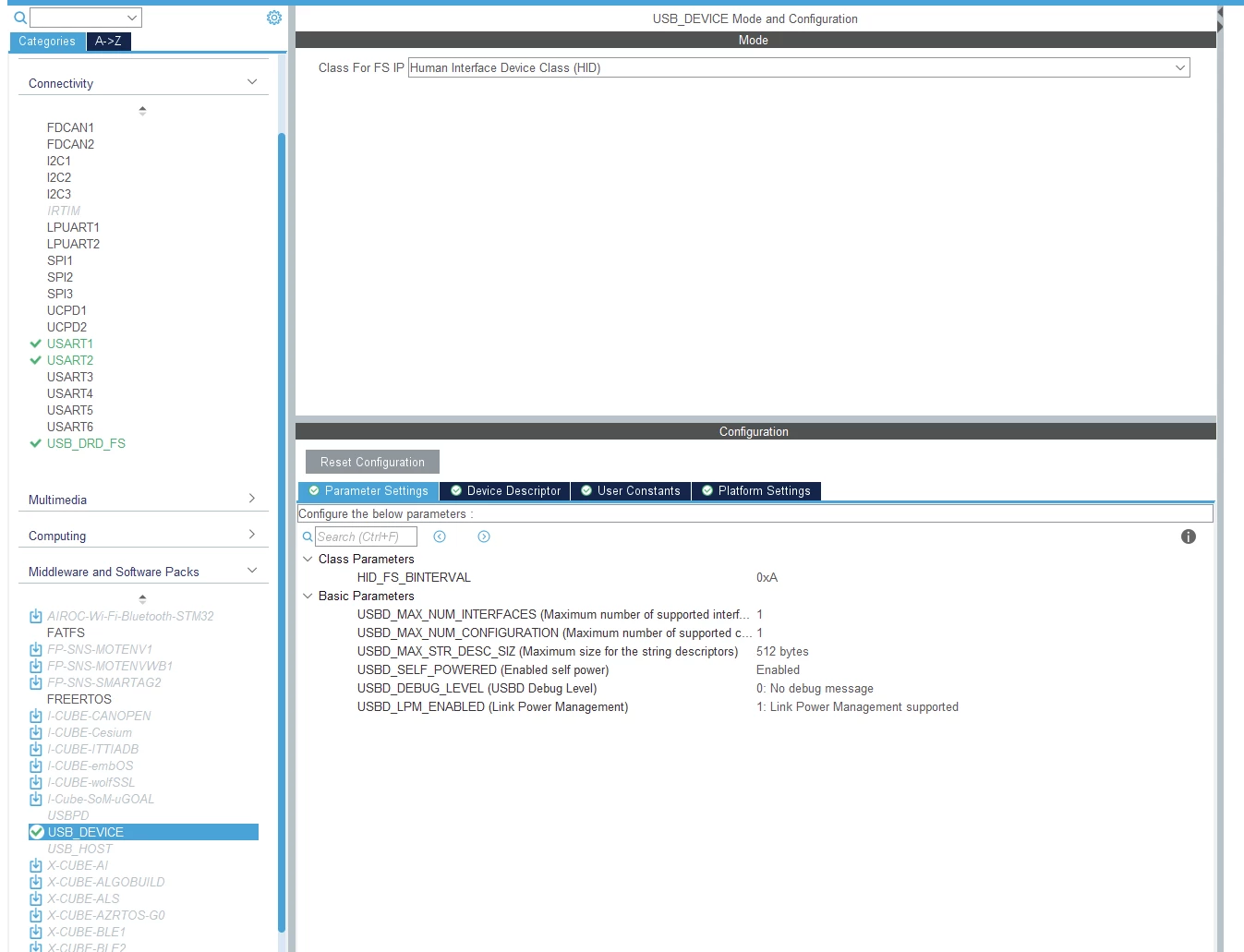
I've also enabled the middleware functions:
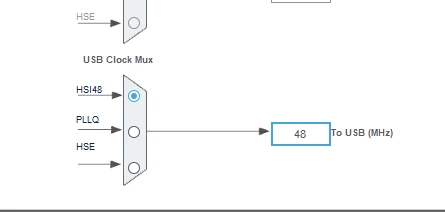
the clock config seems to be correct:
and the generated code is (I've just added a hello world string on serial):
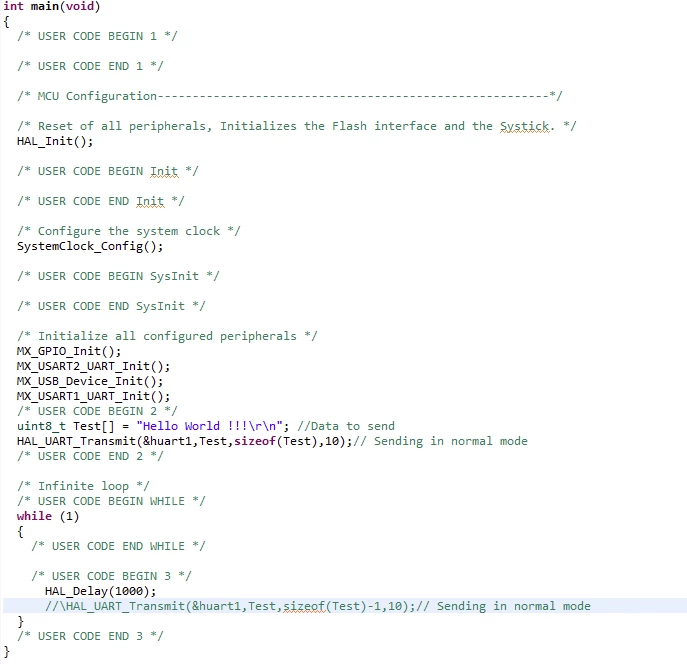
I just want to recognize the device from my PC: on the nucleo board I've connected pin PA12 and PA11 directly to a USB connector with two wires (plus GND); when I plug usb cable the PC says "USB device not recognized".
My question is: It could be only an hardware problem or I have to set something more in the firmware and/or configuration?