Welcome @Jaimin Desai, to the community!
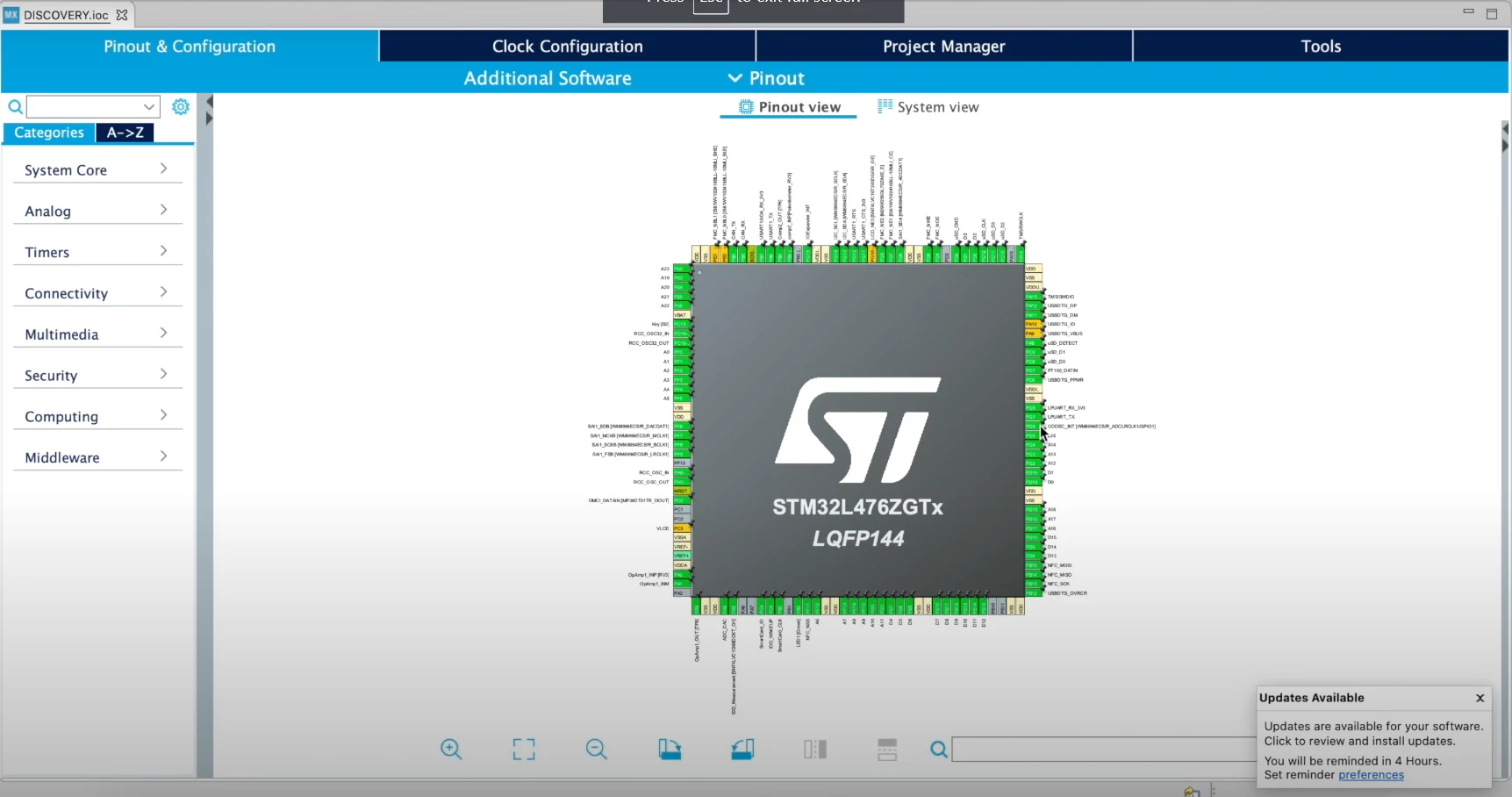
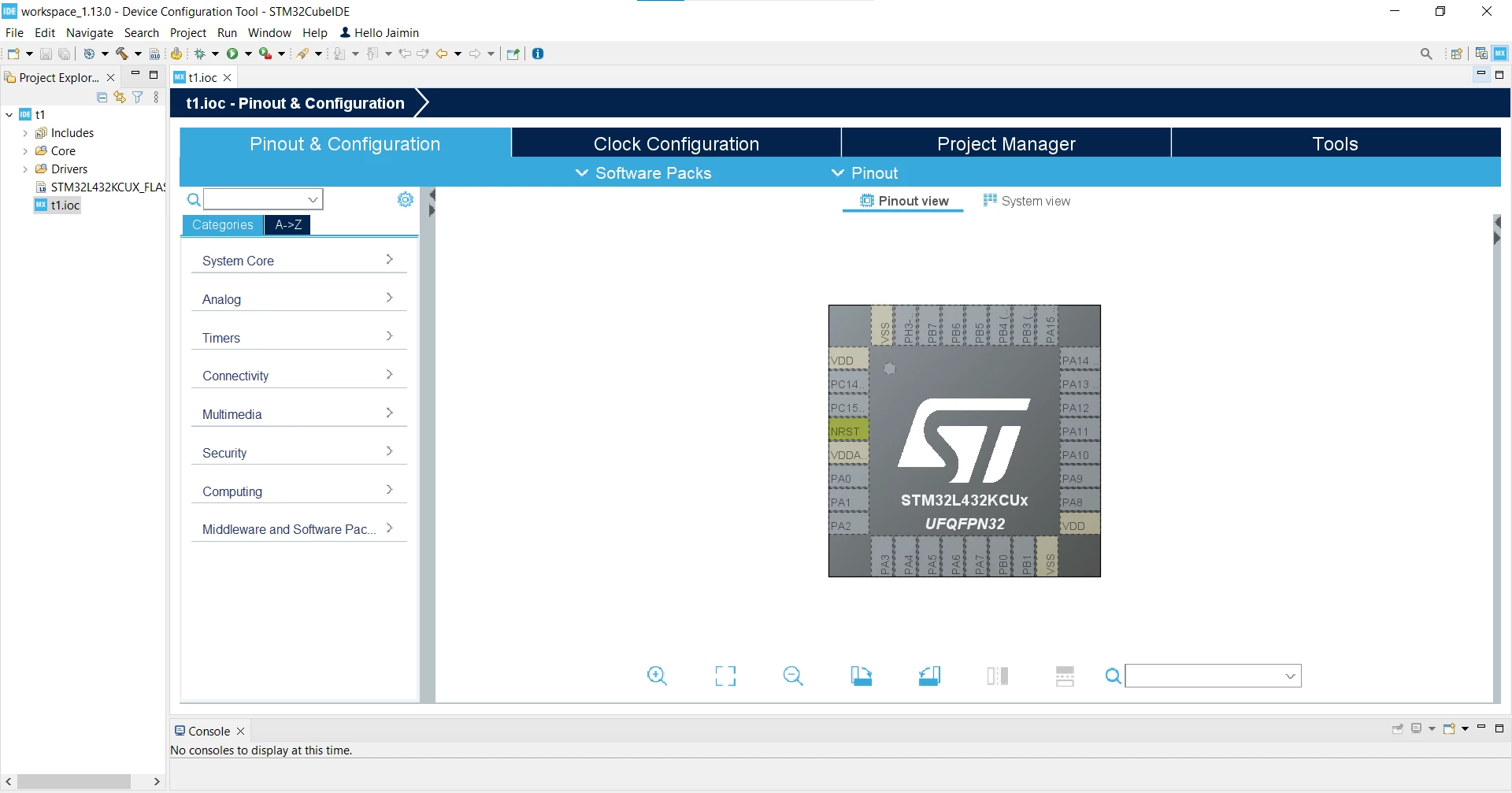
If I understand you correctly, you miss the green marking of a pin, right?
Pins get three colours depending on their status: green, yellow or purple:
- If the respective periphery is activated in the overview on the left, the corresponding pins are shown in green in the overview on the right.
- If, on the other hand, you click directly on a pin that is still free and then select a function directly in the list that appears, only the pin is blocked or preset - the actual peripheral function is not activated.
- Pins that are blocked for assignment or allocation with a right-click and pin locking appear in purple.
Does it answer your question?
Regards
/Peter
In order to give better visibility on the answered topics, please click on Accept as Solution on the reply which solved your issue or answered your question.