


Question
No C/C++ Editor
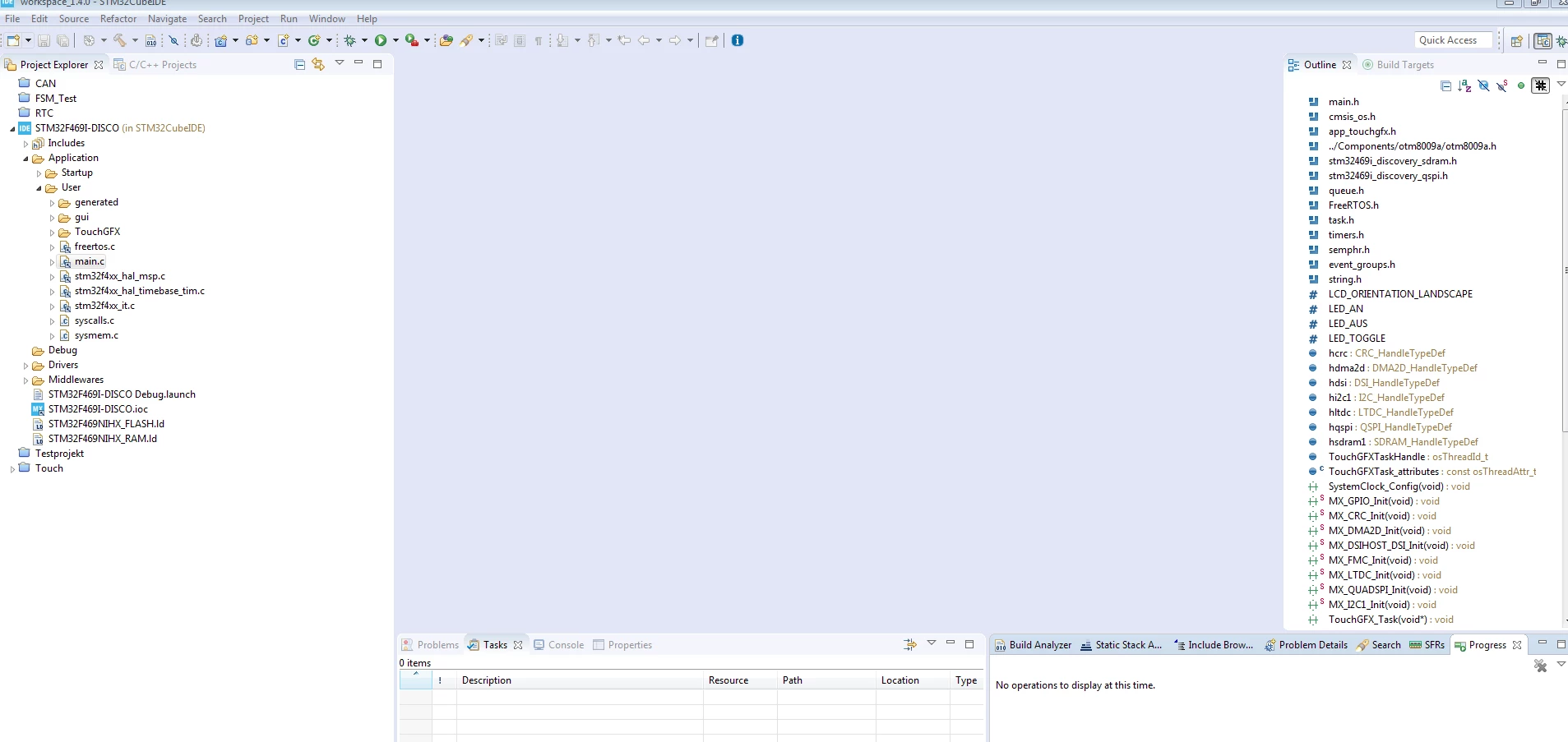 The Code Editor will not show up. I tried to open differen .c files from different Projects, but the Code Editor won't open.
I tried right click->Open WIth-> C/C++ Editor (and Generic Editor) but still notihing.
The Outline will show the content.
It worked up until yesterday. I tried to open the device configuration within the IDE. It took several minutes to initialize. After that the IDE felt very slow, so I closed it. After reopening, the Editor was missing (even after changing the view back to C/C++)
I tried restarting, resetting the view, reinstalling the IDE, but to no avail...
I am using the Version 1.4. On Windows 7-64bit