NThom.2
Associate
January 27, 2021
Question

ITM not showing output

  • January 27, 2021
  • 4 replies
  • 3470 views

Hello Sir / Madam,

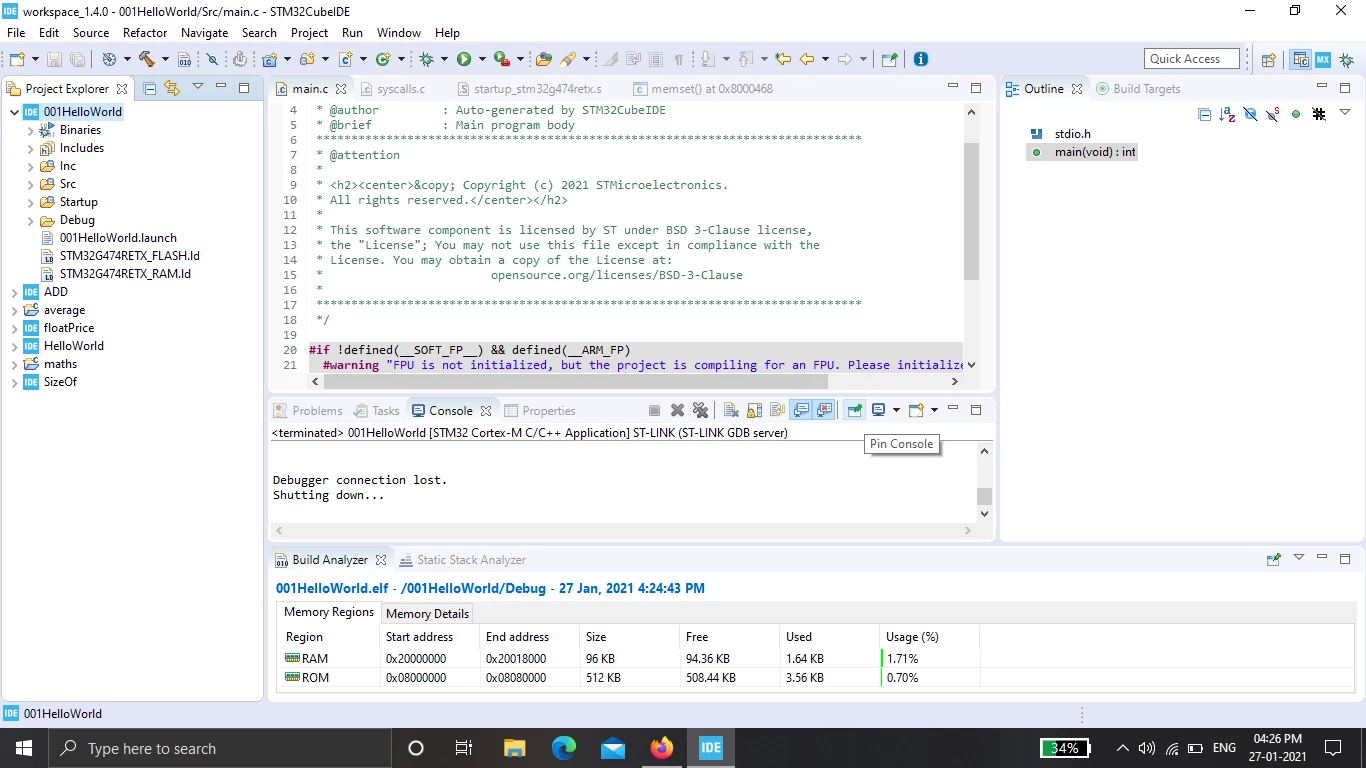
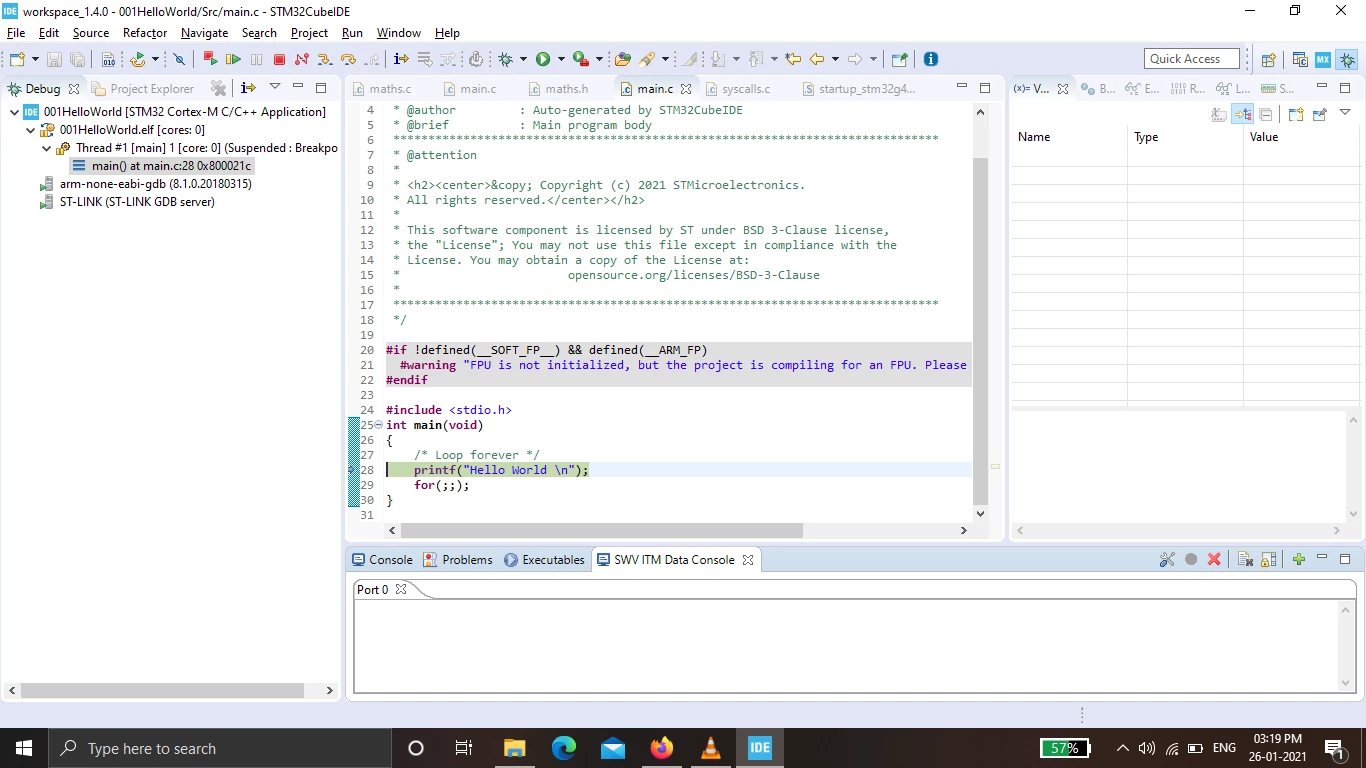
Greetings of the day, I'm a novice player in embedded programing I owned a Stm32-nucleo-g474re board and enrolled for an online course which uses similar arm cortex m4 board, the first task was to use printf and display in the SWV ITM console, I have added the addition syntax for ITMgetchar in syscalls.c and used the function at the write section of the syscalls. I have done everything as per the guidelines but I'm getting any output .

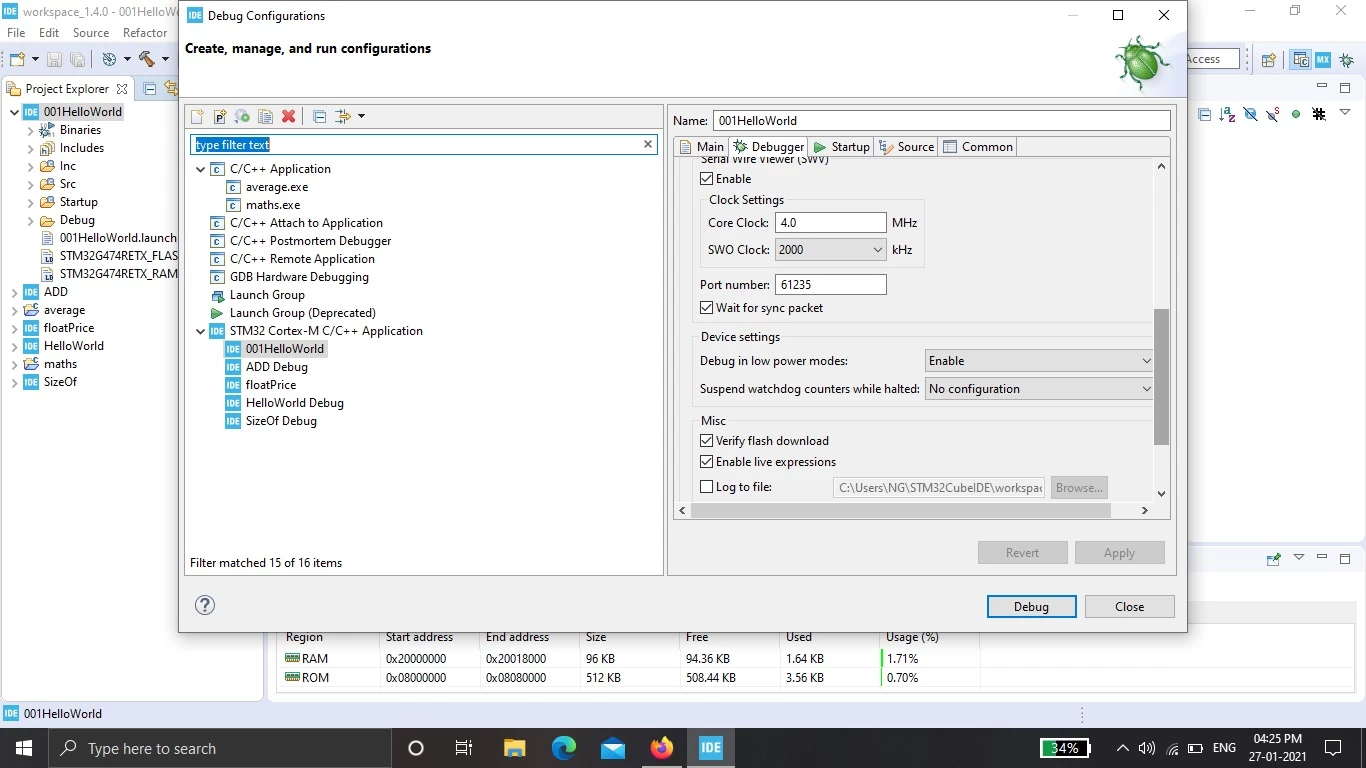
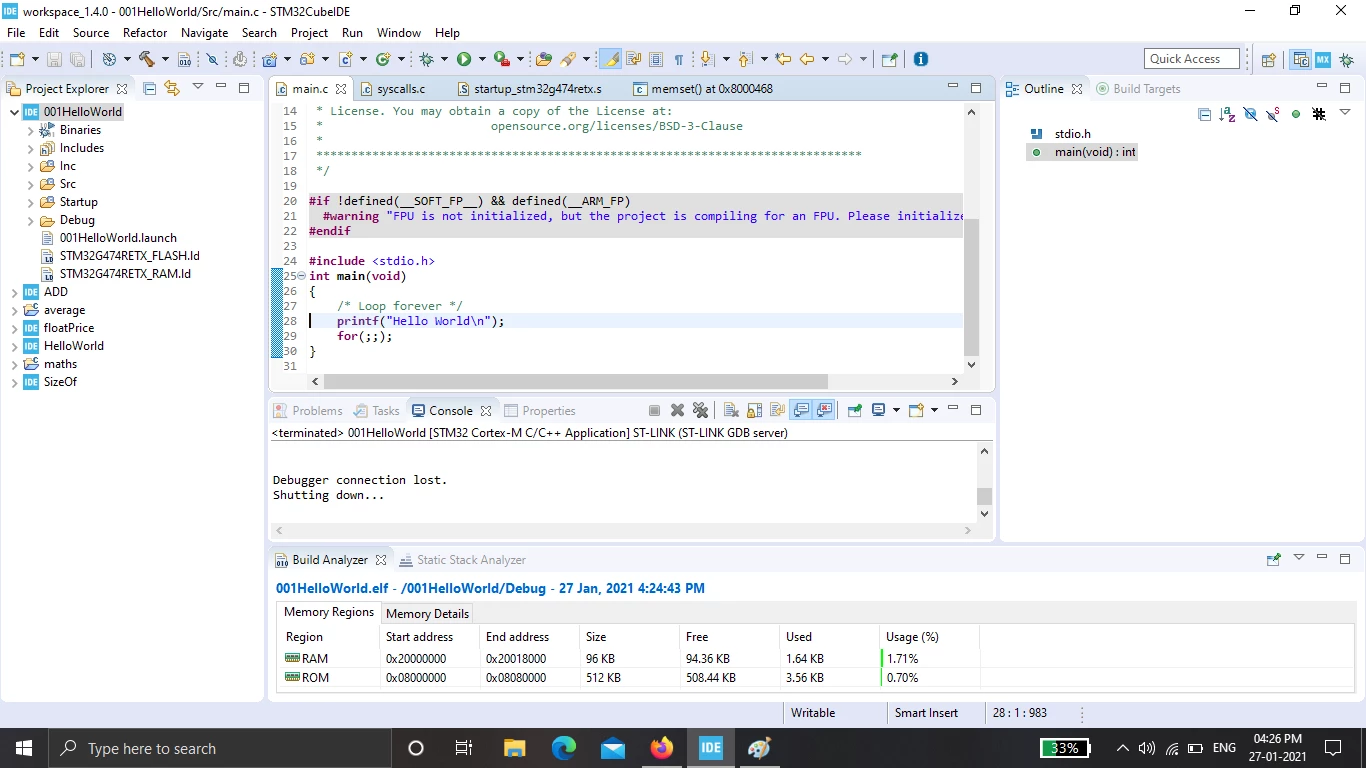
Please find the screenshots of the debugger settings, ITM console and program,

If anyone could help I would be grateful. Thanks in advance
0693W000007CualQAC.png0693W000007CuaWQAS.png0693W000007CubKQAS.png0693W000007CudQQAS.jpgHello Sir / Madam

This topic has been closed for replies.

4 replies

Tesla DeLorean
Guru
January 27, 2021

Honestly not showing any code here that helps.

ITMgetchar?

Use ITM_SendChar() directly, if that works check your plumbing.

Ensure the target and debugger software have a consistent understanding of the clocks, if there is a baud rate mismatch, its not going to work.

Double check the SWO pin wiring, that there isn't a solder bridge or something missing.

If the debugger drops the connection, make sure that you don't enter a low power state (WFI, etc) and that you don't interfere with the PA13, PA14 and PB3 pins in the GPIO units.

Tips, Buy me a coffee, or three.. PayPal VenmoUp vote any posts that you find helpful, it shows what's working..
NThom.2
NThom.2Author
Associate
January 27, 2021

Hello Sir,

Thank you for the support, please find the Screenshot of syscall.c, debugger setting which have the option of low power mode and my board image with jumper0693W000007CwC7QAK.jpg, I couldn't find the where the baud rate setting .

Solder bridge between PB3 and stlink is SB15 which has a 0ohm resister

pl

0693W000007CwA1QAK.png0693W000007Cw9rQAC.png0693W000007Cw9hQAC.png

Pavel A.
Super User
January 27, 2021

In the debugger config dialog, the Core Clock should be set correctly. It's unlikely that the core clock of your STM32G4 is only 4 Mhz.

If you are using ST HAL library, the value of global variable SystemCoreClock after calling SystemClock_Config() is the value of Core Clock (in Hz, divide it by 1000000).

If you used CubeMX or CubeIDE to create your project, the Core Clock value can be seen on the Clock Tree view - in the box labeled "To CPU clocks (MHz)".

-- pa

SSilv.2
Visitor II
February 11, 2021

Any luck getting the SWV to work? I'm having the same problem with the STM32CubeIDE version 1.5.1 and a Nucleo STM32L432KCU6. In my case the core clock is also configured to be 4MHz and I confirmed that in the "Clock Configuration" in the IDE and also in code.

Tesla DeLorean
Guru
February 11, 2021

Check the schematic the SWO/PB3 isn't even connected. There needs to be connectivity between the pin on the L432 and the F103 (ST-LINK)

The default MSI clock is 4 MHz, most however run the part fast, not sure a 2 MHz SWCLK is compatible with a 4 MHz core, if you have connectivity issues drop the speed.

Consider using USART2_TX PA2 for diagnostic output, its prewired.

Tips, Buy me a coffee, or three.. PayPal VenmoUp vote any posts that you find helpful, it shows what's working..
SSilv.2
Visitor II
February 12, 2021

Thank you, much appreciated. I'll look into using USART2 instead.