Associate
August 13, 2026
Solved

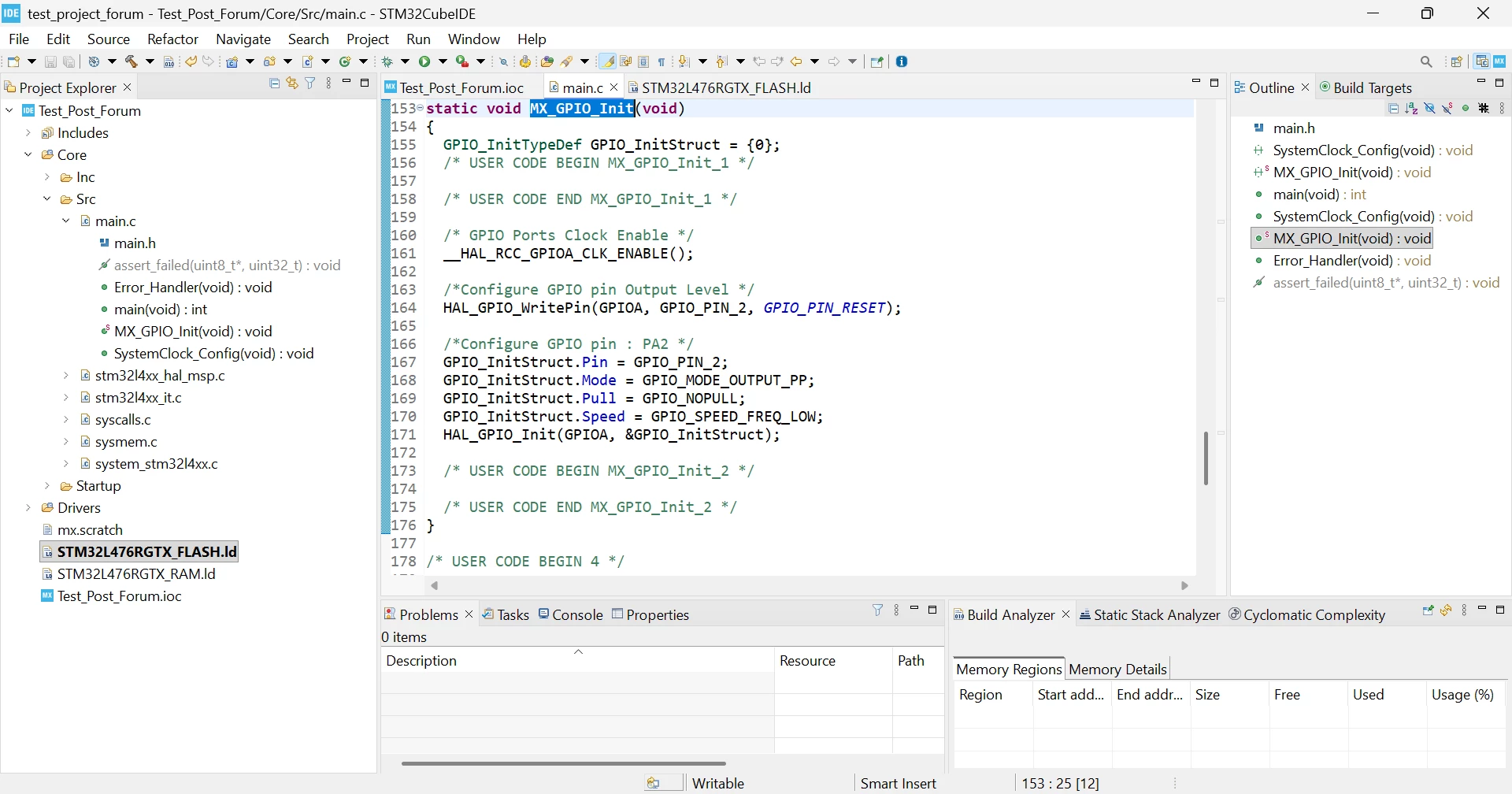
In STM32 Cube IDE code is not generated for whatever board I select.

  • August 13, 2026
  • 7 replies
  • 65 views

I am following these steps :- 

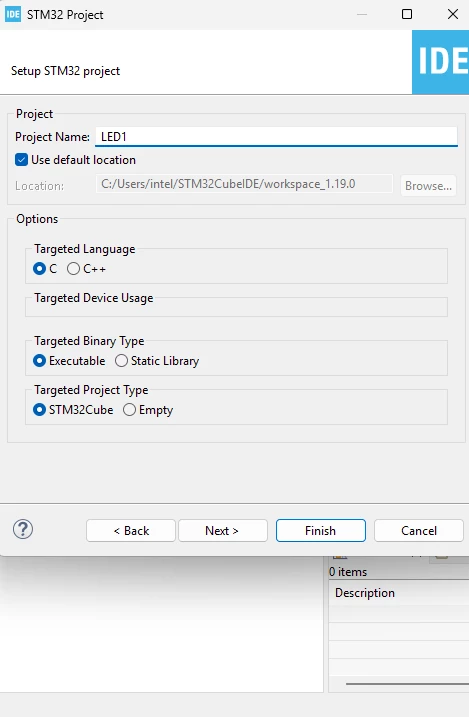
Create STM32 Project
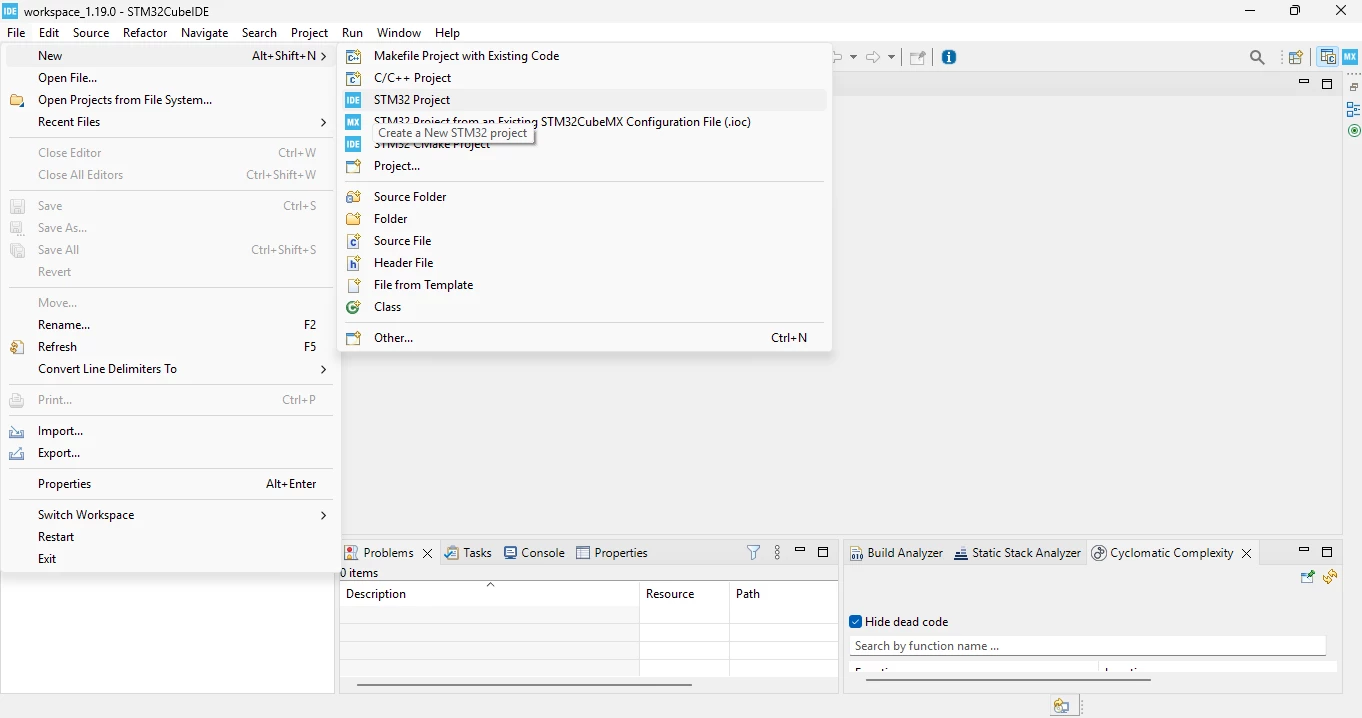
File → New → STM32 Project
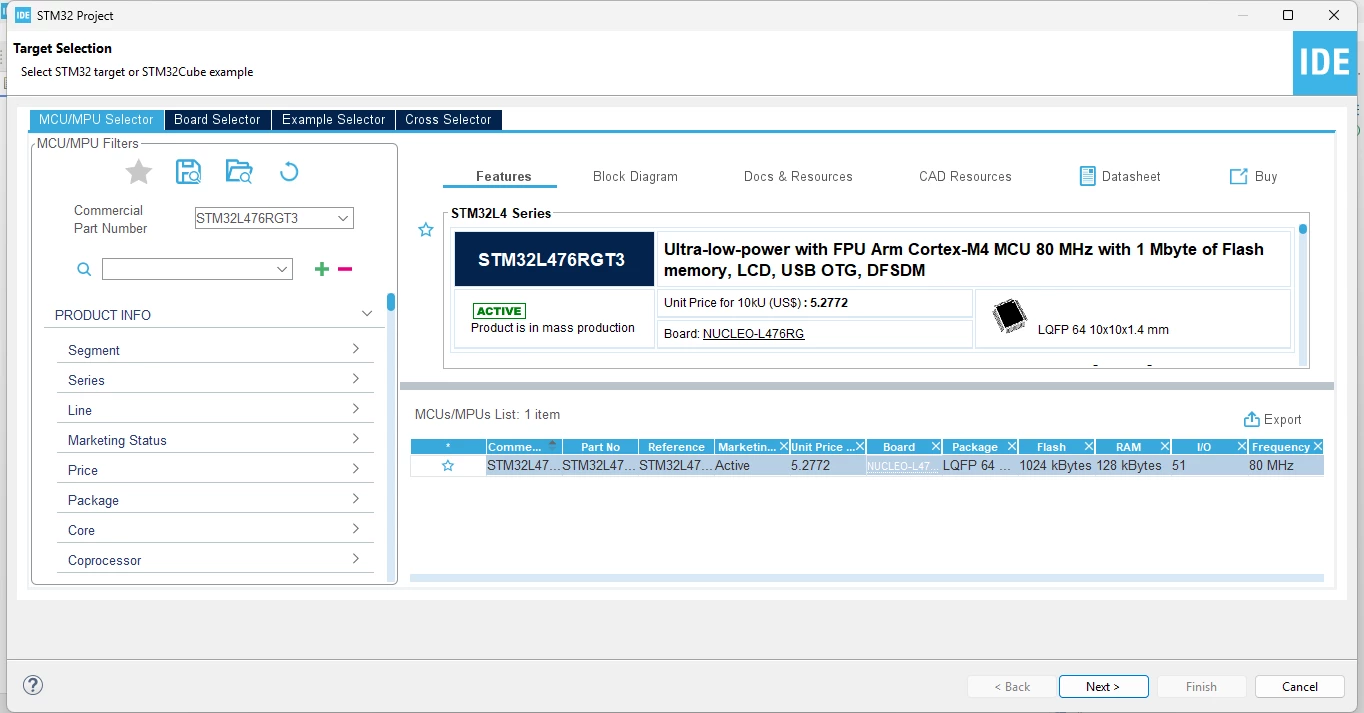
Select STM32L476RGTx (LQFP64) MCU/board → Next → Finish
Open the .ioc file
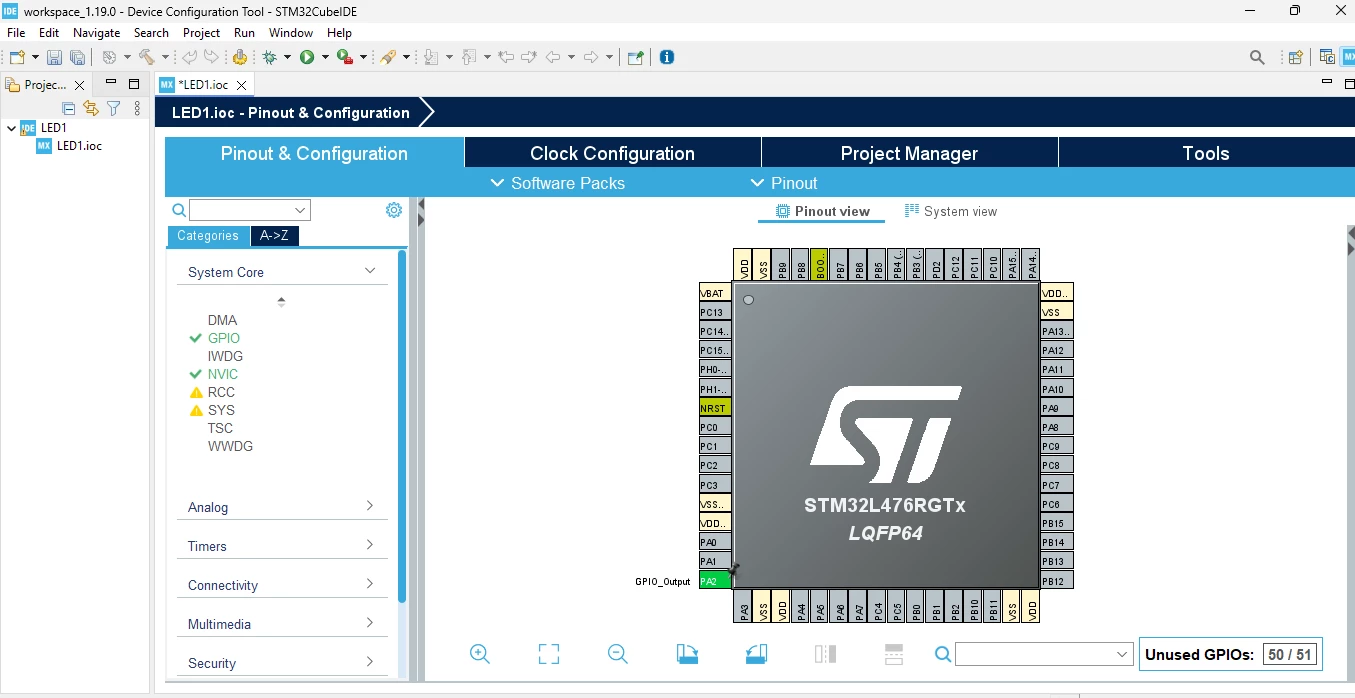
Configure LED1
In Pinout & Configuration, 
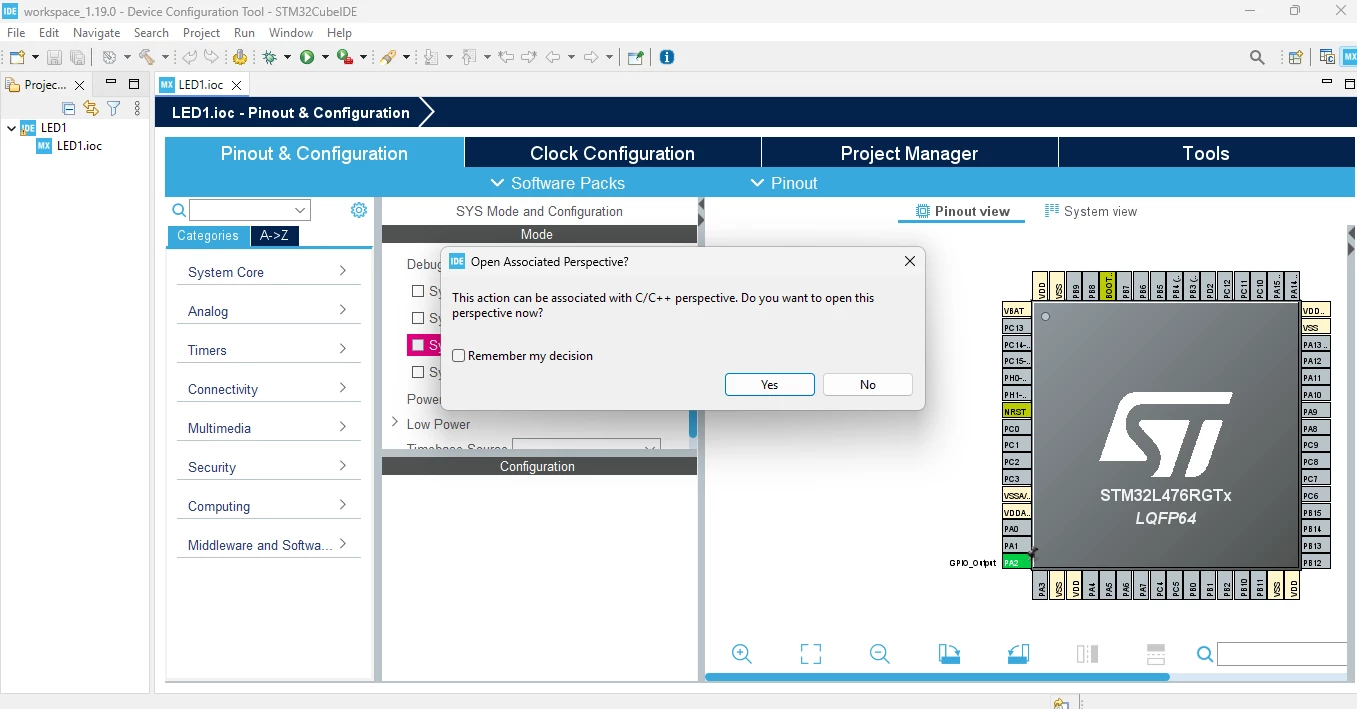
Set PA2 to GPIO_Output, then click on project → generate code ( The ‘main.c’ file is not generate for given MCU and also for other MCU for similar steps code is not generating). 
 

Best answer by Mahmoud Ben Romdhane

Hello ​@Rahul Garg 

I was not able to reproduce the behavior described while using STM32CubeIDE 1.19.

The project was well created and generated with STM32L476RGTx.

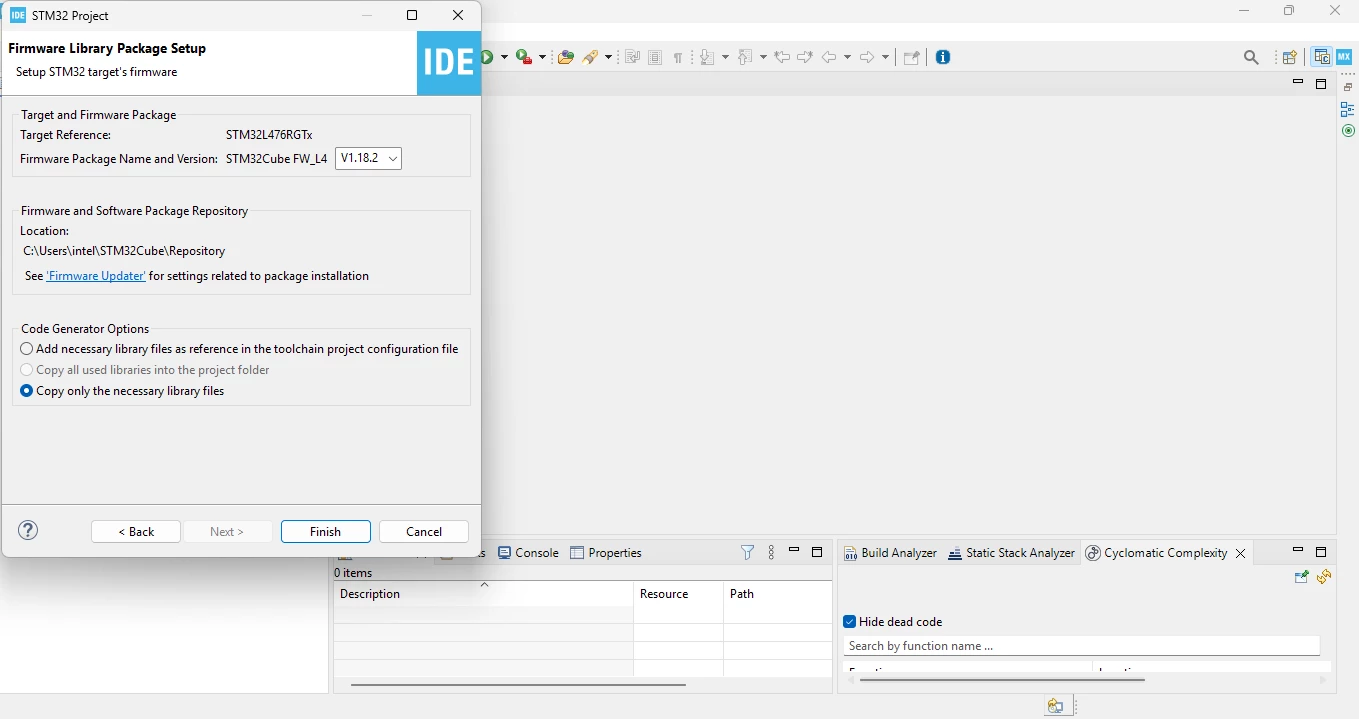
I recommend that you check your network connection and install the relevant firmware before generating the code.

Thanks.

Mahmoud

7 replies

ST Technical Moderator
August 13, 2026

Hello ​@Rahul Garg 

Let me thank you for posting and welcome to the ST Community.

For more investigation, could you provide please the STM32CubeIDE version.

Thanks.

Mahmoud

To give better visibility on the answered topics, please click on Accept as Solution on the reply which solved your issue or answered your question.
Associate
August 13, 2026

I am using version 1.19, STM32CUBE IDE

AScha.3
Super User
August 13, 2026

Hi,

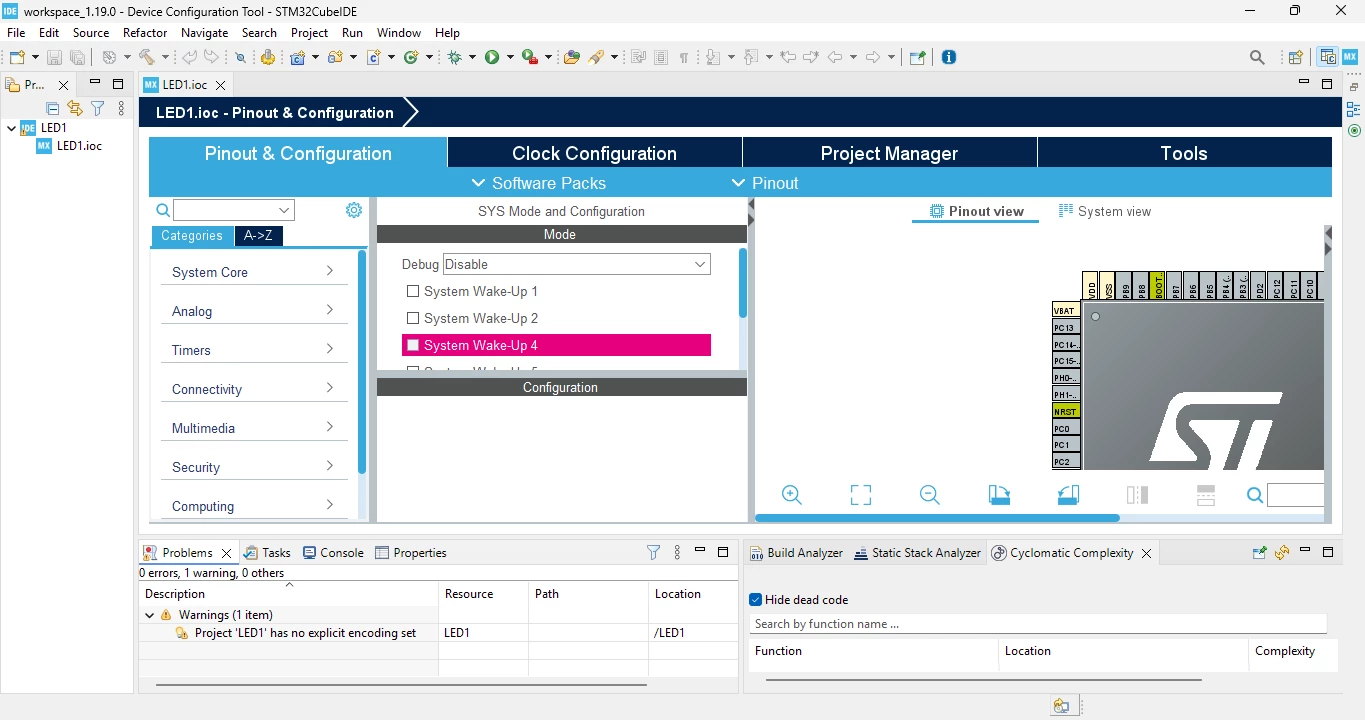
you have a warning:

check in project - > properties  - > resource … UTF-8


and have the swd debug set :

  • here on F303 , SYS,  on other cpu debug setting might be under : debug, etc.

+

maybe it cannot download cpu database , because you have to be logged in :

log in in menu - > Help - > stmCube updates - > connection to st


If you feel a post has answered your question, please click on " Best Answer ".
Andrew Neil
Super User
August 13, 2026

I am following these steps :- 

Create STM32 Project
File → New → STM32 Project


As ​@Mahmoud Ben Romdhane said, you need to say what CubeIDE version you are using:


If you are using v2.0.0 or later, you need to follow the new workflow:


A complex system that works is invariably found to have evolved from a simple system that worked.A complex system designed from scratch never works and cannot be patched up to make it work.
AScha.3
Super User
August 13, 2026

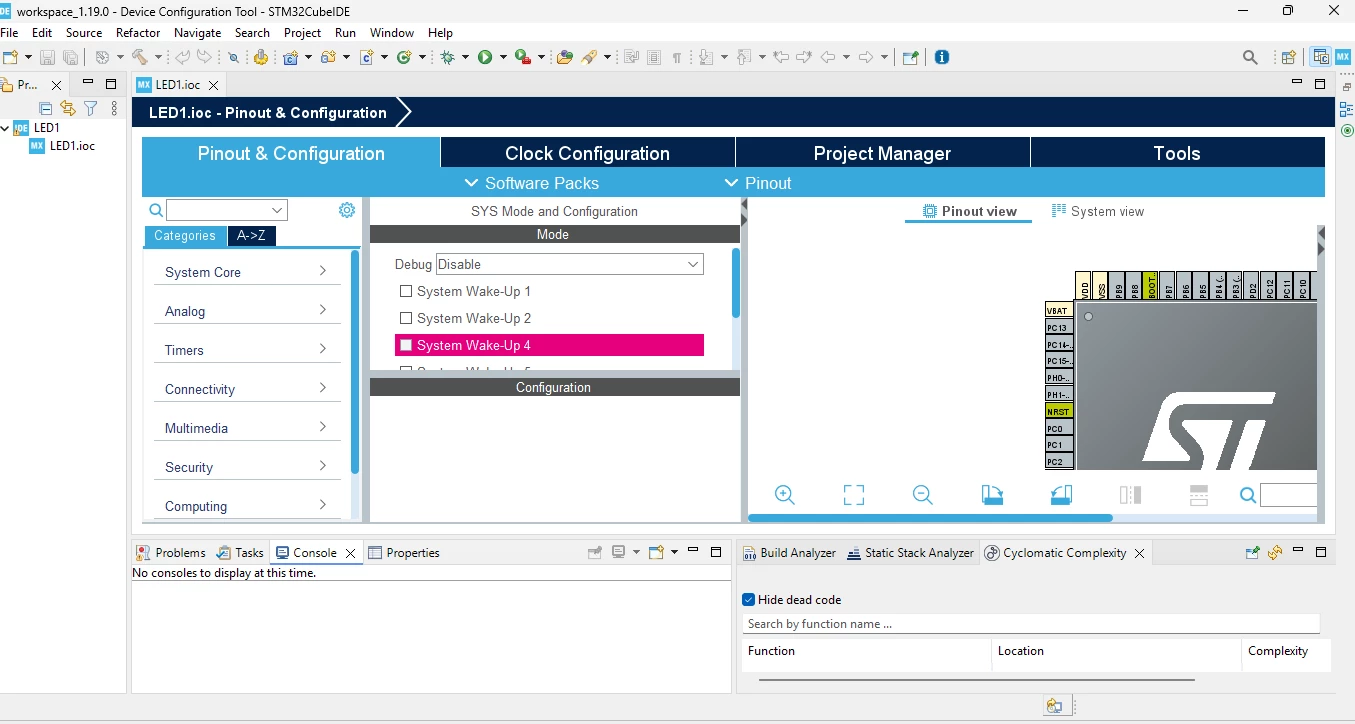
seems 1.19.0 , internal Mx editor : 


If you feel a post has answered your question, please click on " Best Answer ".
ST Technical Moderator
August 14, 2026

Hello ​@Rahul Garg 

I was not able to reproduce the behavior described while using STM32CubeIDE 1.19.

The project was well created and generated with STM32L476RGTx.

I recommend that you check your network connection and install the relevant firmware before generating the code.

Thanks.

Mahmoud

To give better visibility on the answered topics, please click on Accept as Solution on the reply which solved your issue or answered your question.
Associate
August 14, 2026

Thanks, I can able to resolve my issue now.