Associate III
January 17, 2024
Solved

How to use the SWV statistical profiling menu in stm32cubeide.

I am developing a device using stm32f429zit6. I want to know the usage rate of all software functions in the project, how to use the SWV statistical profiling menu in stm32cubeide?

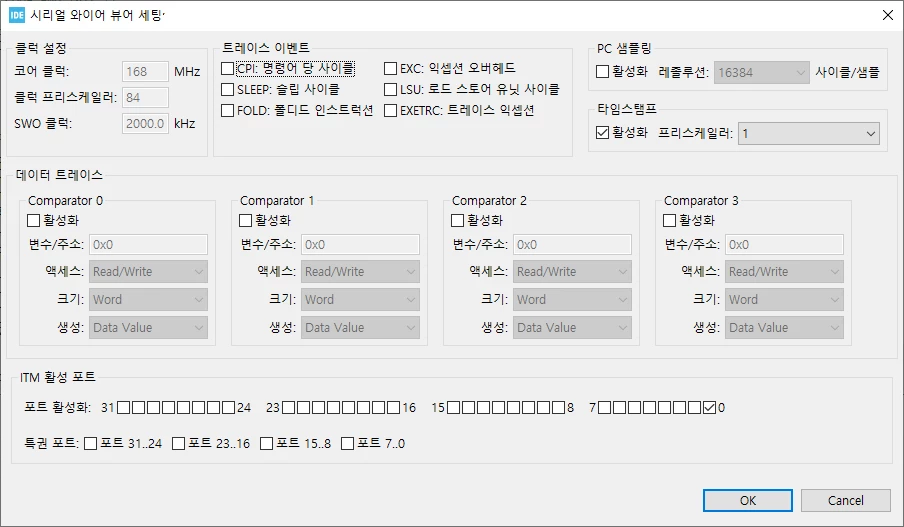
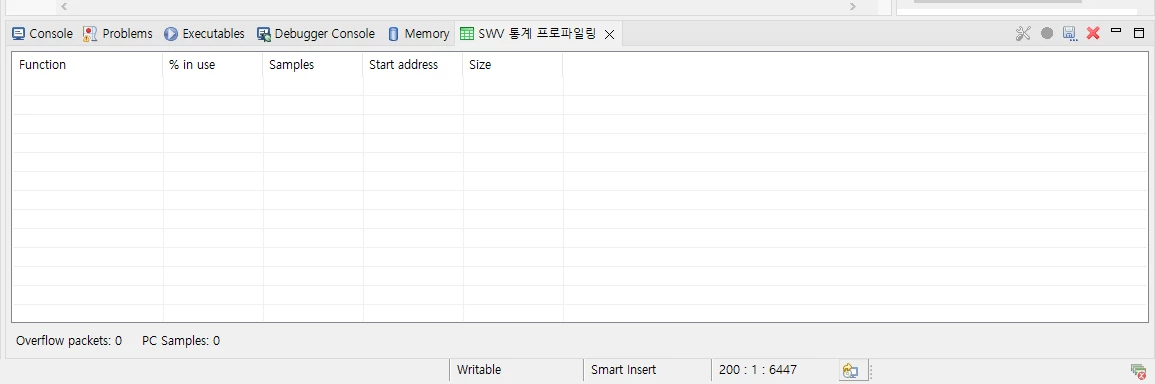
After setting Debug (Trace Asynchronous Sw), debugger menu, and serial wire view in the System Core settings menu, I pressed F8 in SWV statistical profiling to operate the device, but no function profiling output occurred.
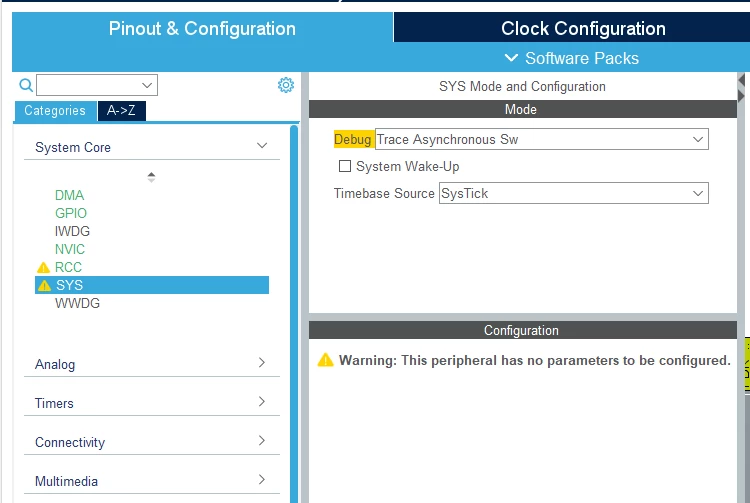
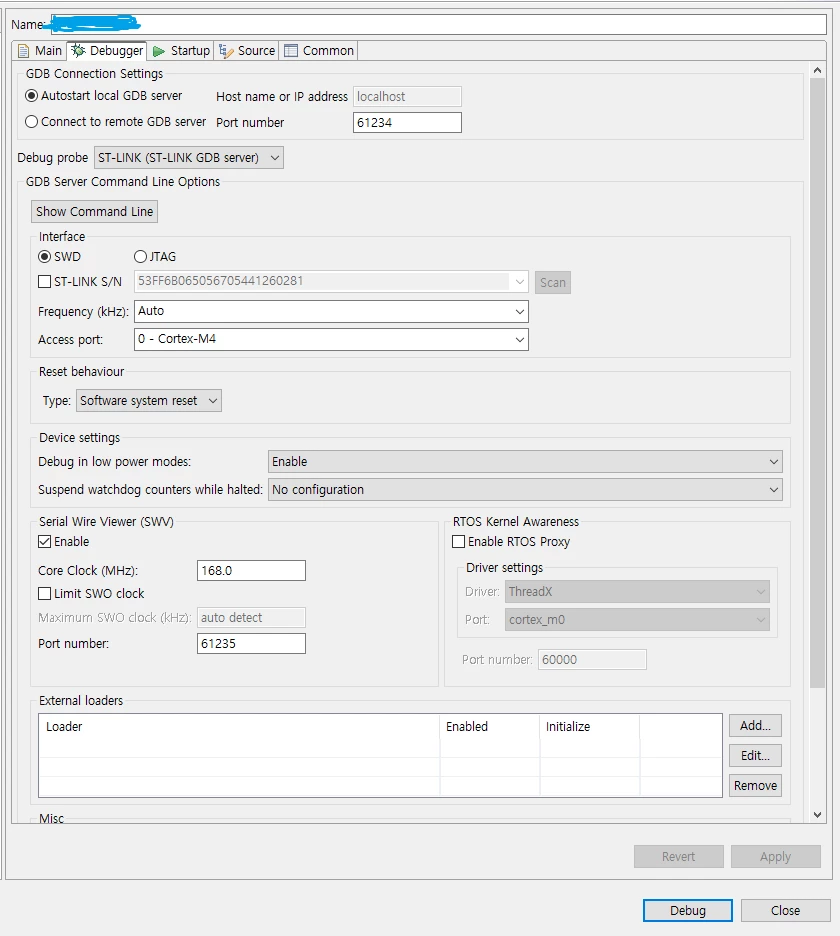
 

image1.pngimage2.pngimage3.pngimage4.png

This topic has been closed for replies.
joseph05Best answer
Associate III
January 18, 2024

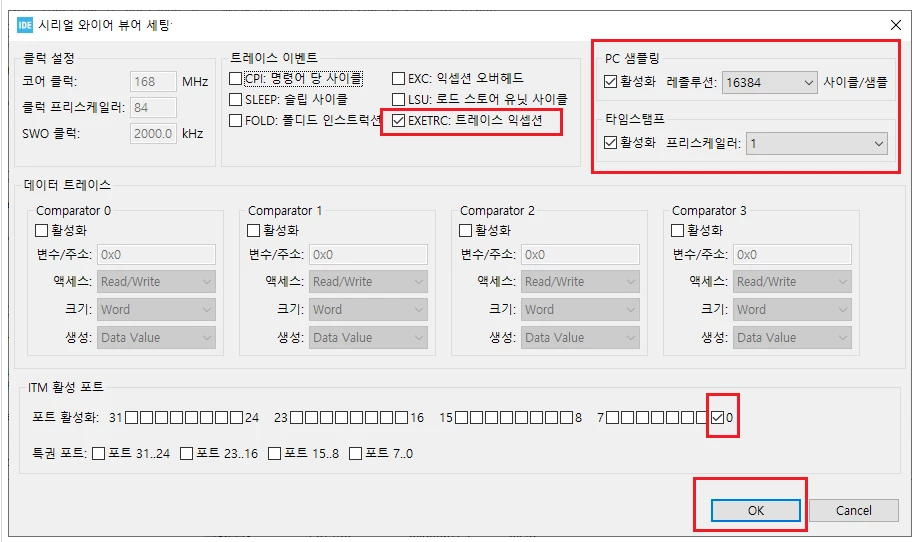
After setting the settings as shown below, I started debugging and confirmed that statistical data was being output.


image_final.png

1 reply

joseph05AuthorBest answer
Associate III
January 18, 2024

After setting the settings as shown below, I started debugging and confirmed that statistical data was being output.


image_final.png