


How to import example from GitHub?
I am trying to import an example project into my CubeIDE workspace that I have downloaded from GitHub and need some clarification on the process.
I have downloaded (for example) x-cube-azrtos-h7-main from GitHub. I have unzipped the main file into my local repository folder. I then select File->Import->Existing Projects into Workspace which brings up the Import Projects window. I then select the "\Projects\NUCLEO-H723ZG\Applications\NetXDuo\Nx_TCP_Echo_Server" project and the click on "Finish". After the project is imported, there are yellow exclamation indicators on all of the .c files listed in the project file structure. The clicking on any of the files shows that there is no actual file in the folder.
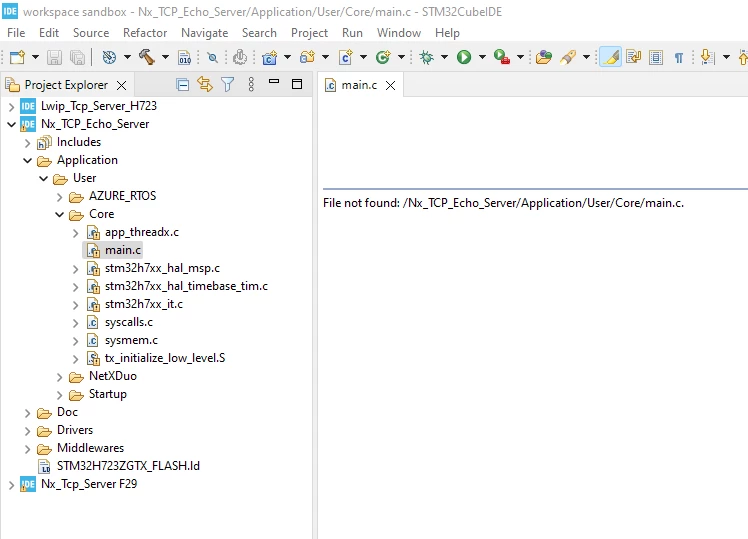
I have also tried File->Import->Projects from Folder or Archive (which I am not sure how this is different). This doesn't actually copy files into my workspace. It only creates a link to the original file location in my repository, which I don't want.
How do I import a copy of an existing project from my repository into my workspace?
Thx,
MikeH