Solved
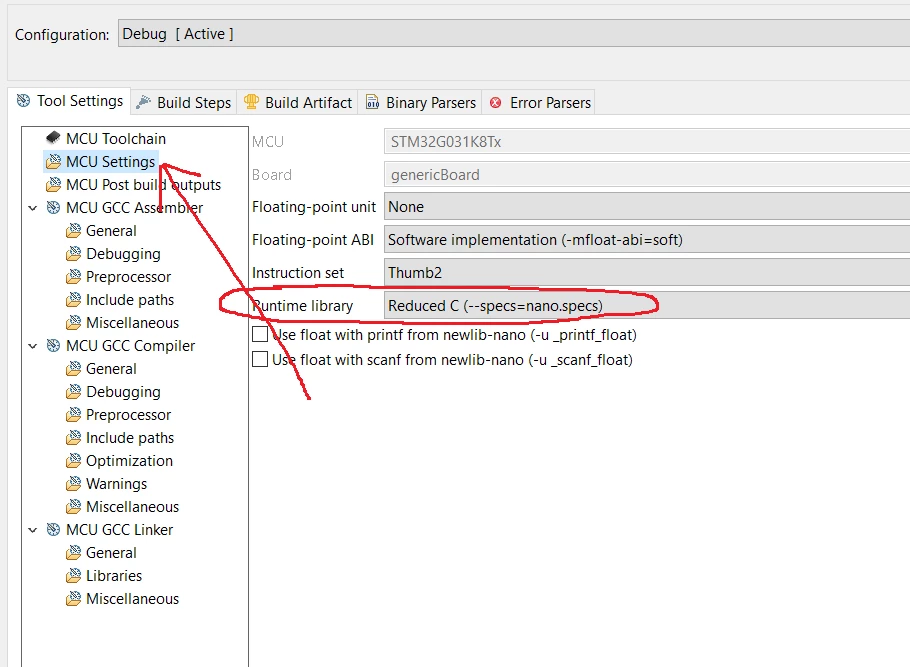
How to enable exceptions (including deleting --specs = nano.specs) in CubeIDE?
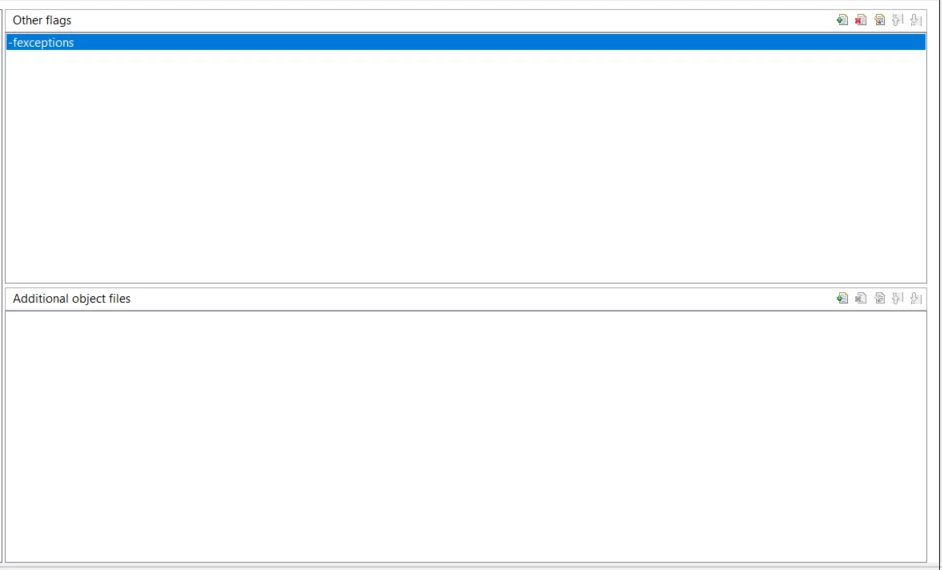
I added an -fexceptions flag to the linker script using the Properties menu, but can't find how to remove --specs=nano.specs from the script
Properties->C/C++ Build->MCU G++ Linker
 The "All options" is grayed out so I can't edit it.
Properties->C/C++ Build->MCU G++ Linker->General
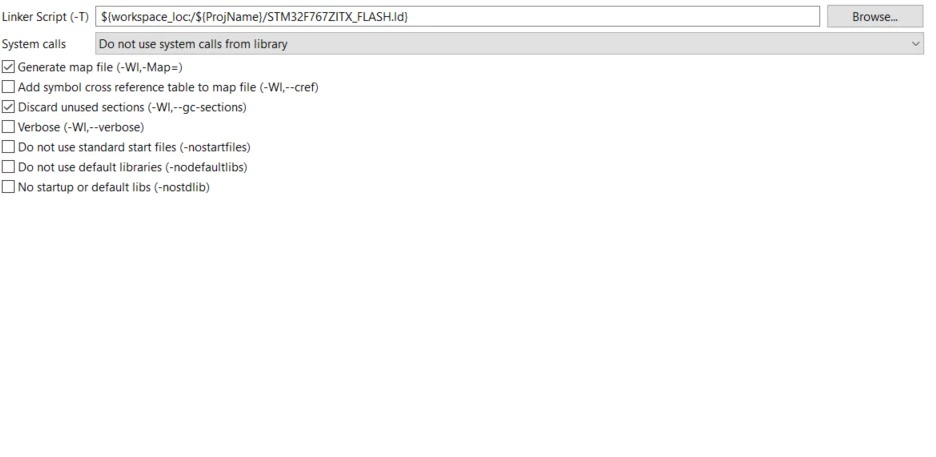
Properties->C/C++ Build->MCU G++ Linker->Miscellaneous