hsanr.1
Associate II
December 27, 2022
Question

How to debug main.cpp imported from mbed and visualize the contents of variables

  • December 27, 2022
  • 3 replies
  • 2322 views

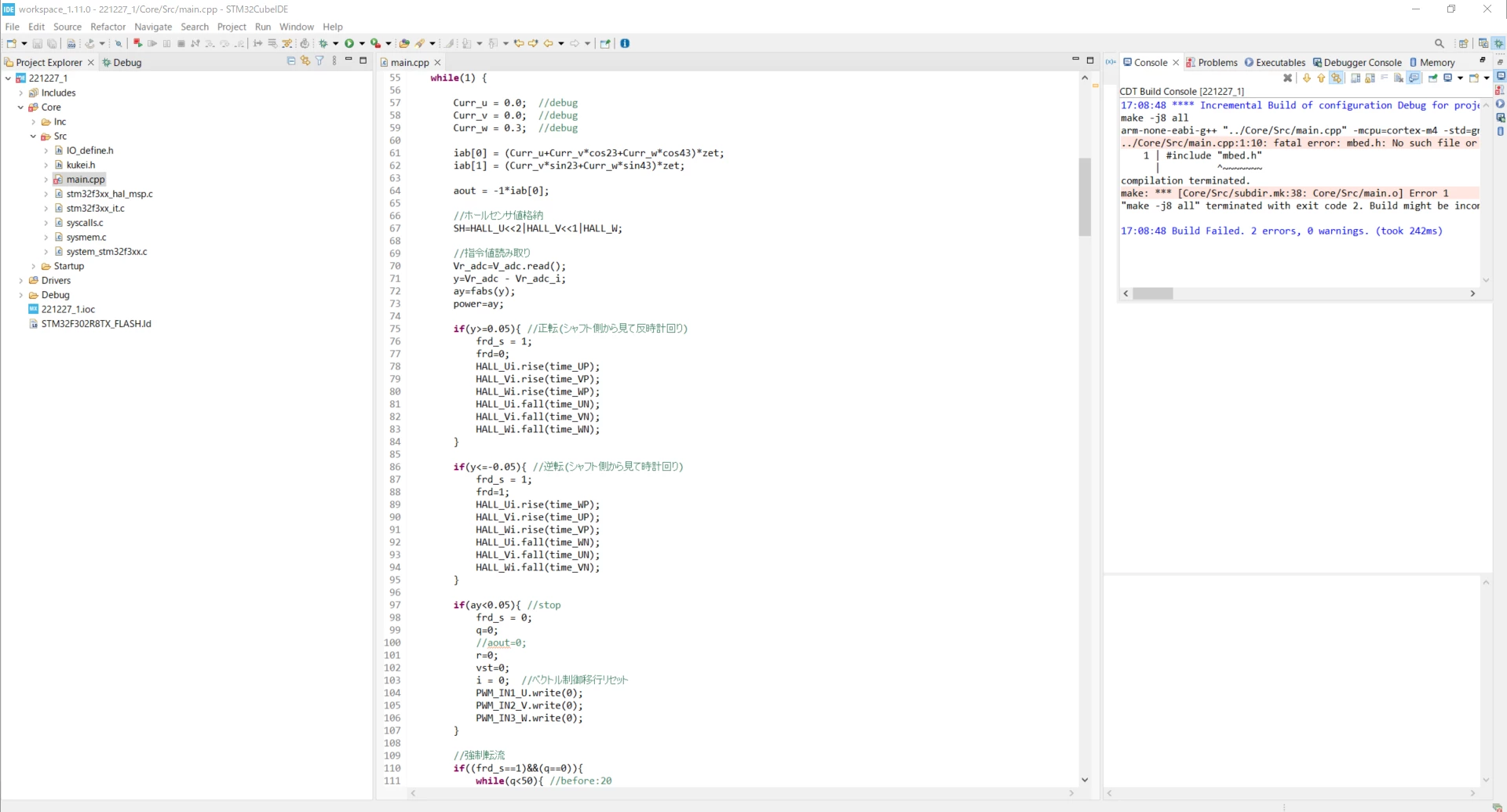
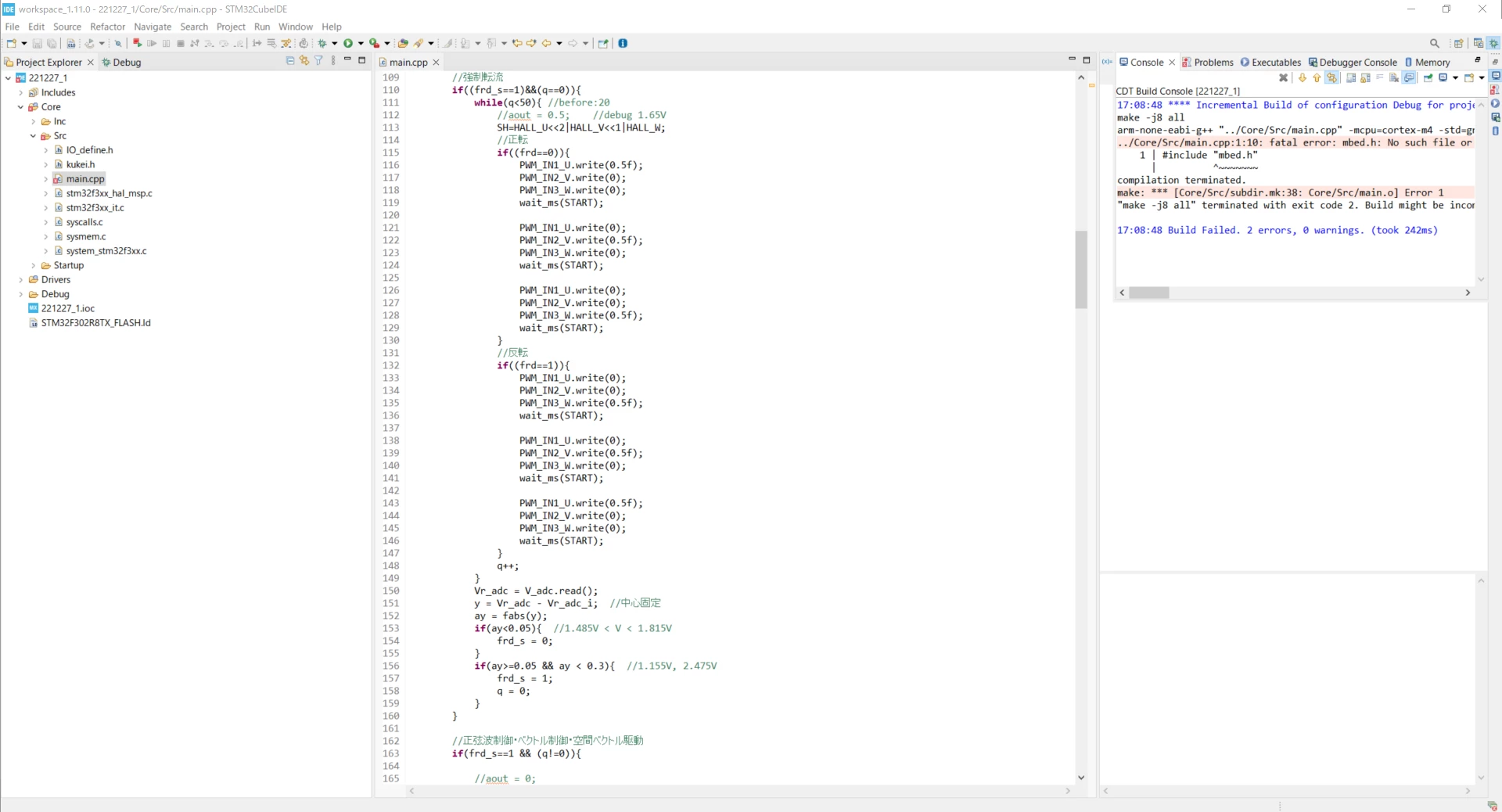
�?�在�?�ステータス:I次�?�図�?�示�?�よ�?��?��?2 �?��?�ヘッダー ファイル�?� 1 �?��?� cpp ファイルを mbed �?�ら Core/Src �?�イン�?ート�?��?��?��?�。�?��?��?��?cppコードをコンパイル�?�る�?��?無数�?�エラー�?�発生�?��?��?�。

知り�?��?��?��?�

ヘッダーファイル�?��?�る場�?��?�?��?��?�れ�?�デ�?ッグ�?��??�?��?��?�?

エラーを解決�?�る方法(�??�?�よ�?��?�ファイルやディレクトリ�?��?��??�?�?��?�スコープ�?��?�ダクラリング�?�れ�?��?��?��?�ん)?

画�?内�?�cppプログラム�?�変数を読�?��?�る�?��?��?��?�能�?��?��?�?�??�?��?��??れを�?��?�よ�?��?�行�?��?��?��?��?�?

�?��?��?��?�教�?��?��?��?��?��?�れ�?�幸�?��?��?�。

プログラム�?�長�?��?��?��?�?��?��?�を画�?�?�添付�?��??�?��?�ん。
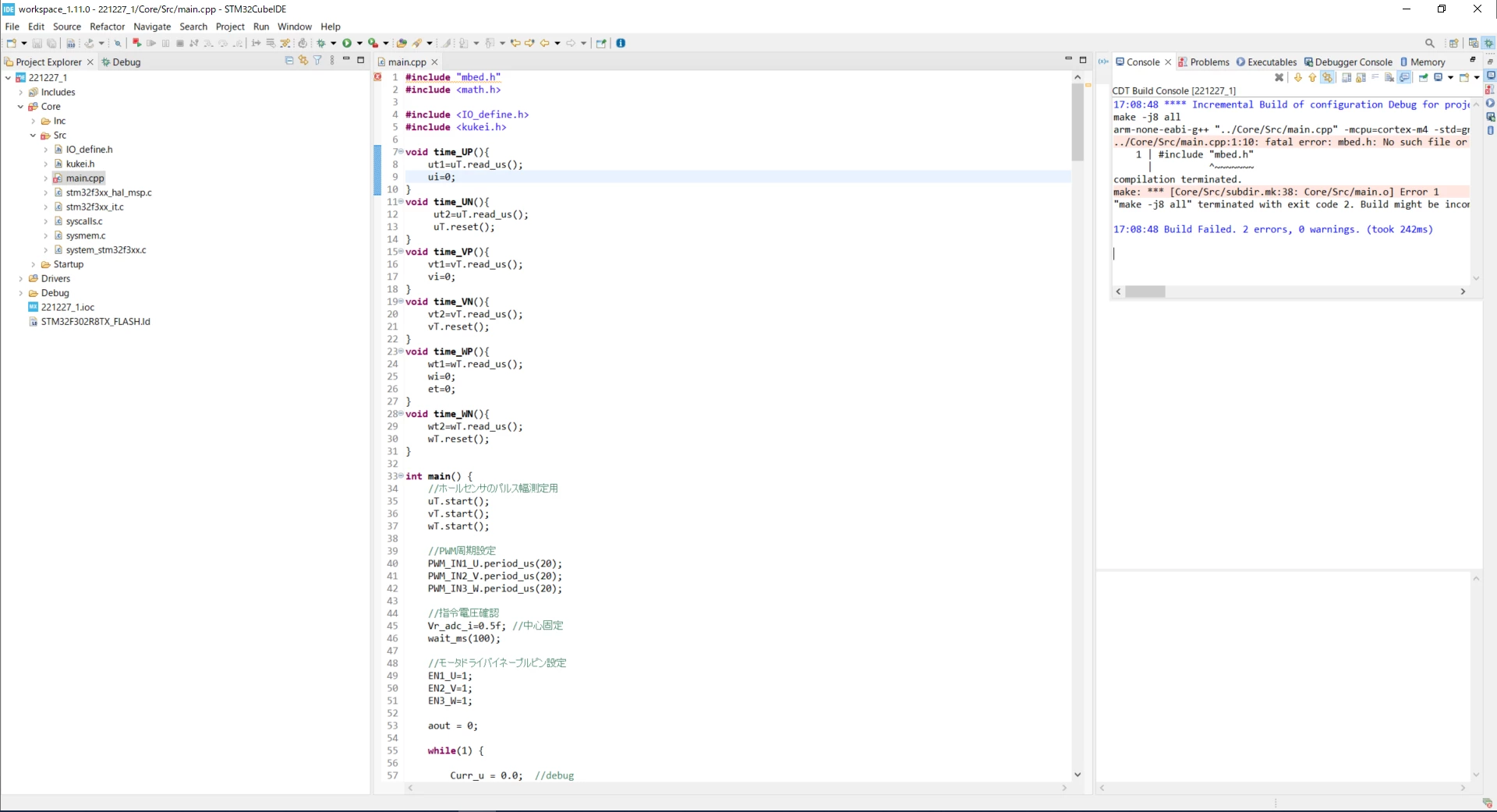
0693W00000Y6uMkQAJ.png0693W00000Y6uMuQAJ.png0693W00000Y6uNOQAZ.png

This topic has been closed for replies.

3 replies

Rim LANDOLSI
ST Employee
December 27, 2022

Hello hsanr.1 ,

At first let me thank you for reporting your issue.

From this translation with Deepl.com :

" Current status: I have imported 2 header files and 1 cpp file from mbed to Core/Src as shown in the following picture. But when I compile the cpp code I get countless errors.

what I want to know If I have a header file, how can I debug it?

How to resolve the error (no such file or directory and undeclared in this scope)?

Is it possible to read variables in a cpp program inside an image and how do I do that?

I would appreciate it if someone could tell me.

The program is too long to attach everything to the image." 

If I understood well your problem and regarding the screenshot that you posted you have imported two header files in Core/Src while they should be under Core/Inc

In addition How to resolve the errors (there is no such file or directory and it is not dacralized in this scope) You should import mbed.h file under the directory of includes (Core/Inc).

You could download the "mbed.h" library file from here :

For mbed 2 it is available at https://developer.mbed.org/users/mbed_official/code/mbed-dev/

For mbed 5 have a look at https://github.com/ARMmbed/mbed-os

0693W00000Y6wIpQAJ.pngThanks,

Rim

hsanr.1
hsanr.1Author
Associate II
December 28, 2022

Hi Rim.

Thank you for your reply. I moved the header file to Core/Inc as you suggested and imported the mbed.h in the mbed-os you attached. Thanks to that, the error in main.cpp disappeared, but the next error was in a new header file declared in the imported mbed.h. I have confirmed that that header file is also in the mbed-os library that Rim attached, but I don't know which folder to put it in.

I tried creating a new folder called "platform" and putting the mbed_version.h into it, but that did not resolve the error. I know it is probably wrong to import the files one by one as I am doing, but I don't know how to import the libraries all at once. Thank you again and again for your help, but I would appreciate it if you could let me know.

0693W00000Y6xuuQAB.png

Rim LANDOLSI
ST Employee
January 5, 2023

Hi hsanr.1,

Could you try the other mbed file. 

If it doesn' t work please share the project where your issue occurs to help us reproduce this behavior and further analyze the problem.