

Associate II
June 27, 2023
Solved

edit paths in CPU GCC

(apologies for posting twice, i posted in another STM community by mistake and someone provided an answer: https://community.st.com/t5/other-software/mcu-gcc-path/m-p/570320)

Hello

I am trying to save memory by keeping the system headers (paths are shown in the diagram) and drivers in one folder, and modify the paths in the projects to point to that folder.

I need to modify many of the paths in the "project/c++/mcu gcc". Is there a way to export/import the paths to a file?

Or are the paths already stored in a file so that i can edit that file directly ?

thanks
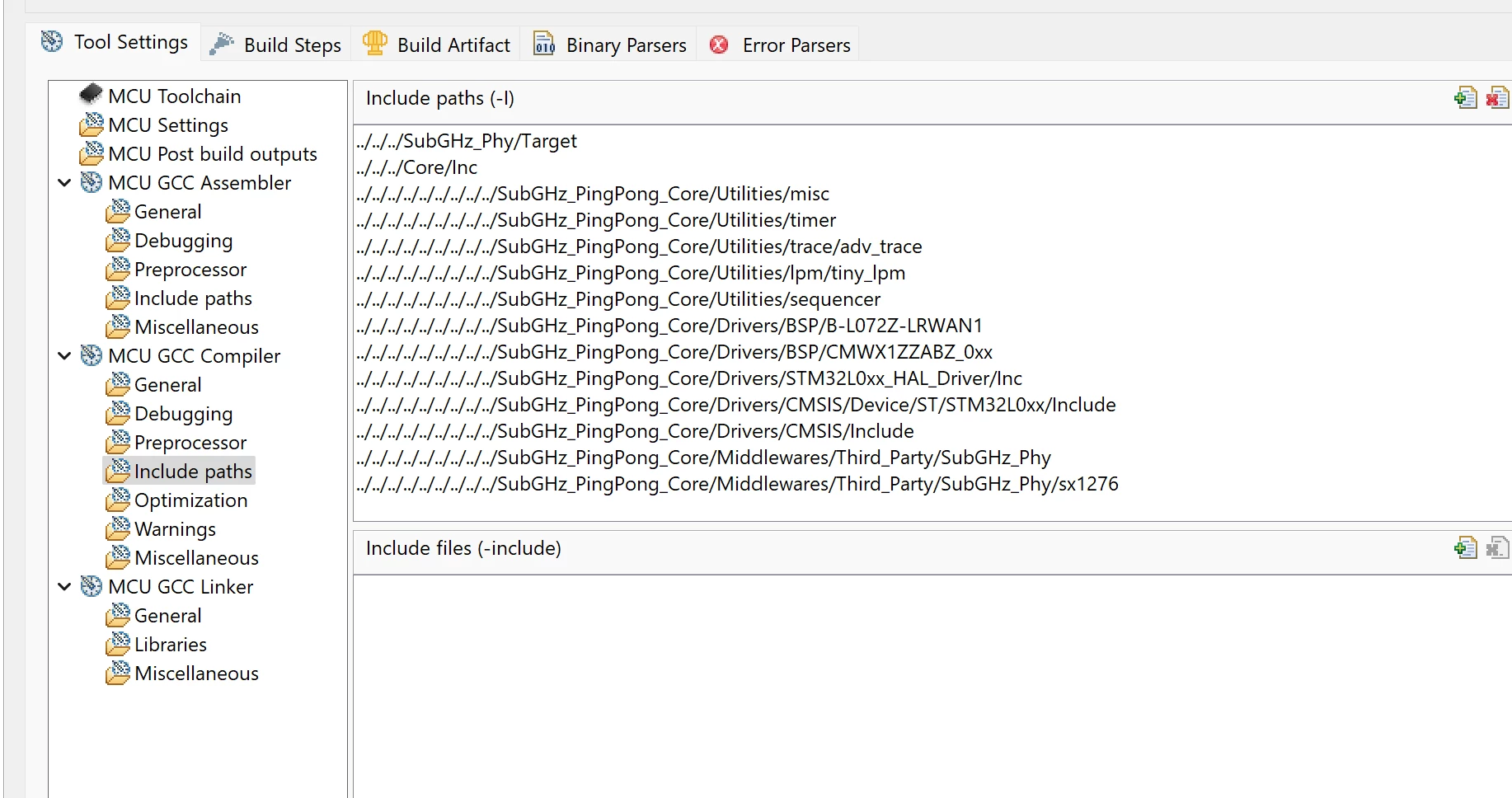
paths.png

    This topic has been closed for replies.
    Pavel A.
    Pavel A.Best answer
    June 27, 2023

    This can be done by using the Eclipse build variables. Define the Cube library location as a variable and define all these paths with the variable. Syntax:  ${VARIABLE}/...

    You can edit the .cproject file (of course make a backup first).

    IAR EWARM has a similar way to define build variables.

    2 replies

    Pavel A.
    Pavel A.Best answer
    June 27, 2023

    This can be done by using the Eclipse build variables. Define the Cube library location as a variable and define all these paths with the variable. Syntax:  ${VARIABLE}/...

    You can edit the .cproject file (of course make a backup first).

    IAR EWARM has a similar way to define build variables.

    sgabranAuthor
    Associate II
    June 27, 2023

    Hi,

    thanks for the info.

    I also figured out another way, there was an option to export/import the paths as .xml file
