

Question
Debugging with "Autostart local GDB server" not working in STM32CubeIDE v1.15.0
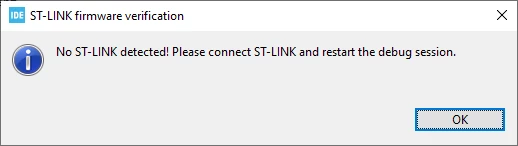
Yesterday (03-04-2024) the debugger was running out of the box on the STM32H735G development kit. Today the IDE seems not to start the gdb server at all when starting the debugger the following error is prompted:
These are the settings:
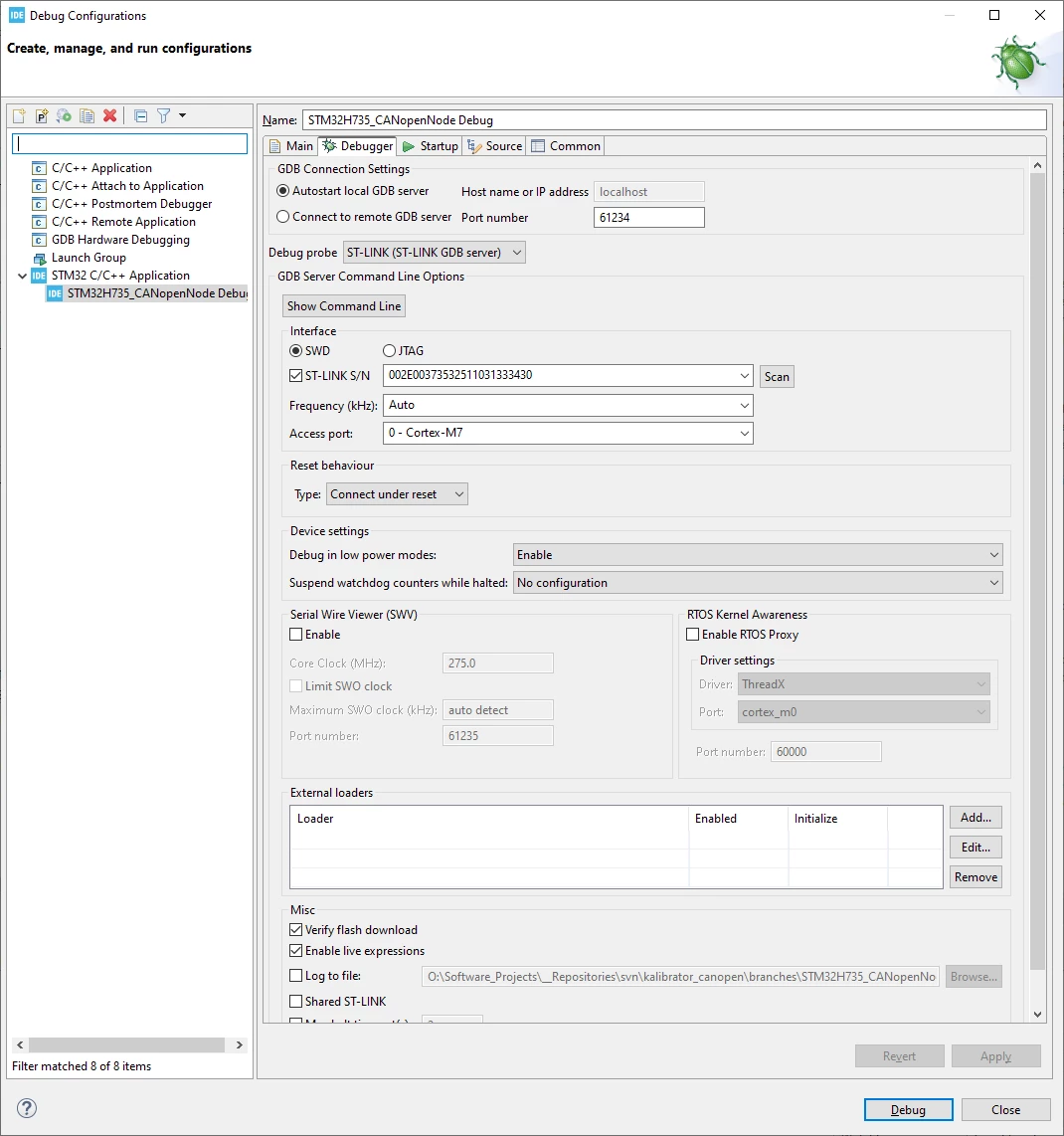
I already tried the following things:
- disable the firewall port restrictions
- start the gdbserver manually from: C:\ST\STM32CubeIDE_1.15.0\STM32CubeIDE\plugins\com.st.stm32cube.ide.mcu.externaltools.stlink-gdb-server.win32_2.1.200.202401191126\tools\bin (find attached the config.txt that I changed with the path of the programmer) and "Connect to remote GDB server". Note: this was actually working but is not the preffered solution in our case.
Any suggestions how to fix debugging with "Autostart local GDB server" ?