Visitor
July 22, 2026
Question

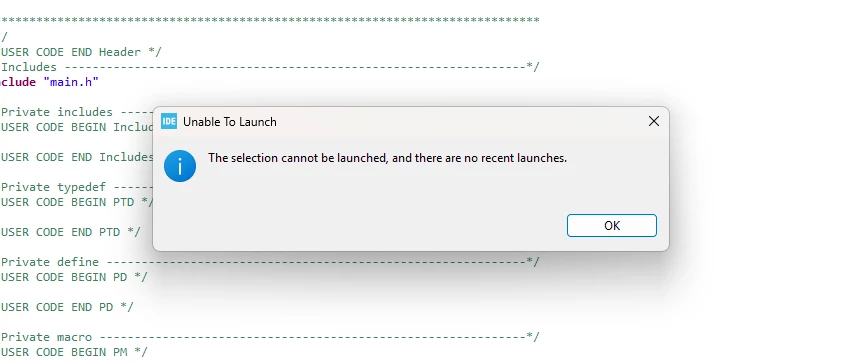
debugging issue - not launching selection

  • July 22, 2026
  • 1 reply
  • 37 views

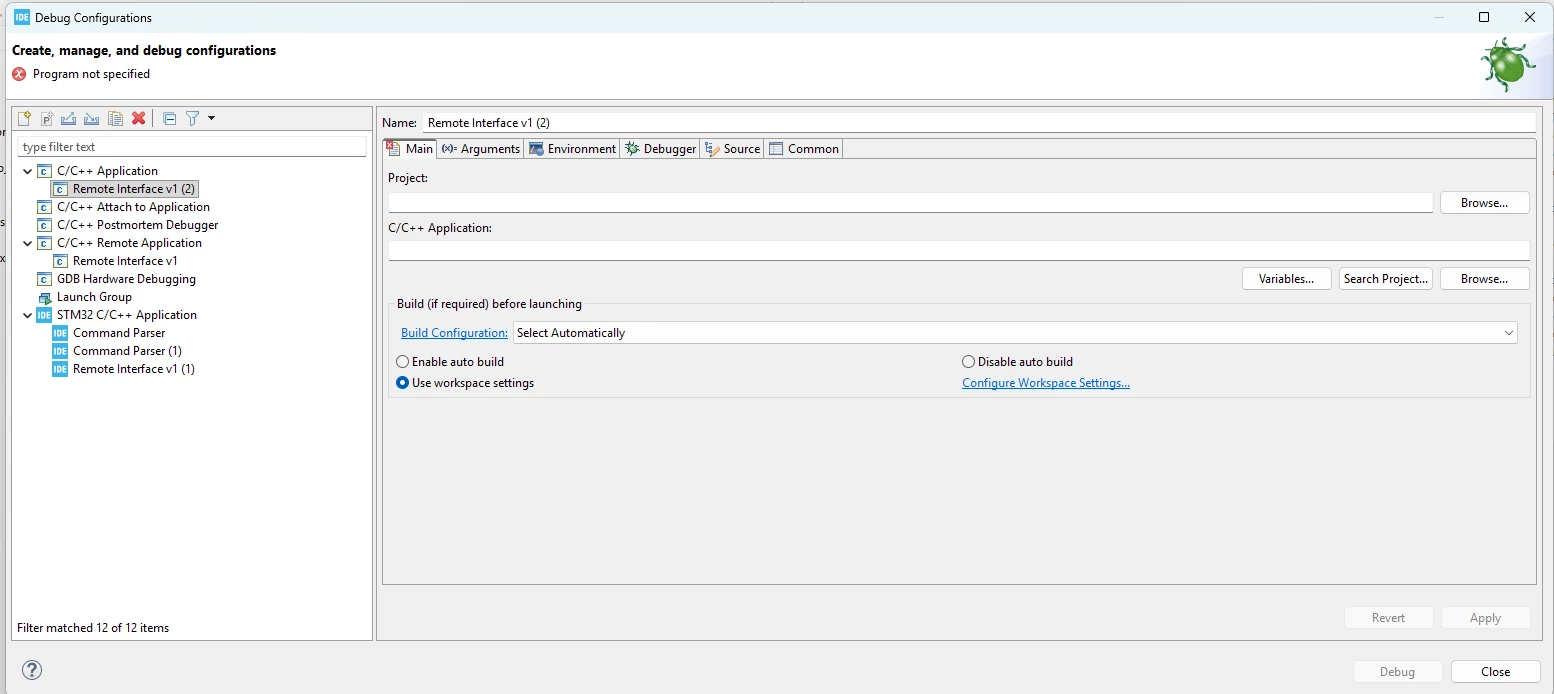
I am unable to debug my code currently, due to the debugging configurations not being set up - this is from importing the cubemx project into the cubeIDE. an error saying the selection cannot be launched but when attempting to add configs in the debugging properties it does allow me to add any - is there anyway of using default debugging and running settings without having to add custom ones? 


1 reply

ST Technical Moderator
July 22, 2026

Hello ​@mslwd8797 

In order to set up your debug configuration correctly, you must follow these steps:

  • Build with Project > Build Project
  • Go to Run > Debug Configurations...
  • Create STM32 C/C++ Application
  • In Main:

          select Project
          select .elf file


BR, Souhaib

To give better visibility on the answered topics, please click on 'Best answer' on the reply which solved your issue or answered your question.
mslwd8797Author
Visitor
July 23, 2026

for me the build project is greyed out