


DMcCu.2
Visitor II
November 6, 2020
Question

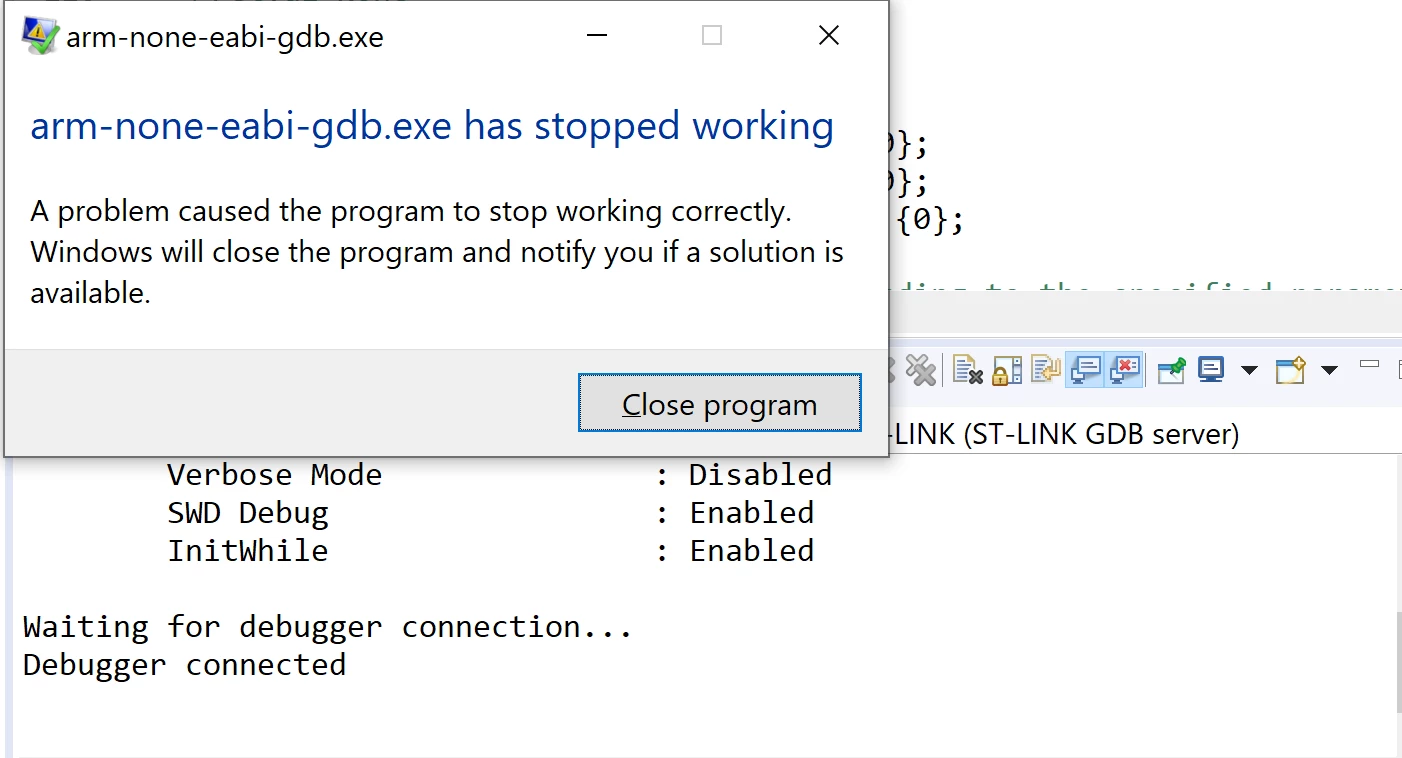
Debugging issue: "arm-none-eabi-gdb.exe has stopped working"

  • November 6, 2020
  • 3 replies
  • 5568 views

When I try to debug my code before running, I get the following error "arm-none-eabi-gdb.exe has stopped working". I am using STM32CubeIDE 1.4.0 with a Nucleo L476RG board. I have tried restarting the IDE and computer. Any advice is appreciated, thanks.
0693W000005AfZbQAK.png

This topic has been closed for replies.

3 replies

MPanz.1
Visitor II
November 30, 2020

Experiencing the same issue. Any help with getting past this error?

LaurentL
ST Employee
November 30, 2020

Hi,

Can you try on the new STM32CubeIde 1.5.0 ?

Thanks,

Laurent

To give better visibility on the answered topics, please click on Accept as Solution on the reply which solved your issue or answered your question.
MPanz.1
Visitor II
November 30, 2020

I am using 1.5.0. Just bought a Nucleo64 board to play around with the STM32 and following Digikey's youtube intro videos. But I did fix the issue last night by playing around with the Debug Configuration settings. I set the Reset Behavior to "Software System reset" and the issue went away. Thanks for replying.

Markus GIRDLAND
ST Employee
December 2, 2020

If you go into debug configuration and activate the "gdb server log" and set the settings to when it crashed. Could you send that log to me?

You can send it to me in a private message.

JWait.1
Visitor II
March 28, 2021

I tried to modify debug configuration as Markus mentioned above, then this issue doesn't appear on my L476RG.

I am using IDECube 1.6.0 / Windows 10 OS.