
LimoGr
Associate II
March 6, 2023
Solved

CubeIDE is not opening the generated code

  • March 6, 2023
  • 1 reply
  • 5211 views

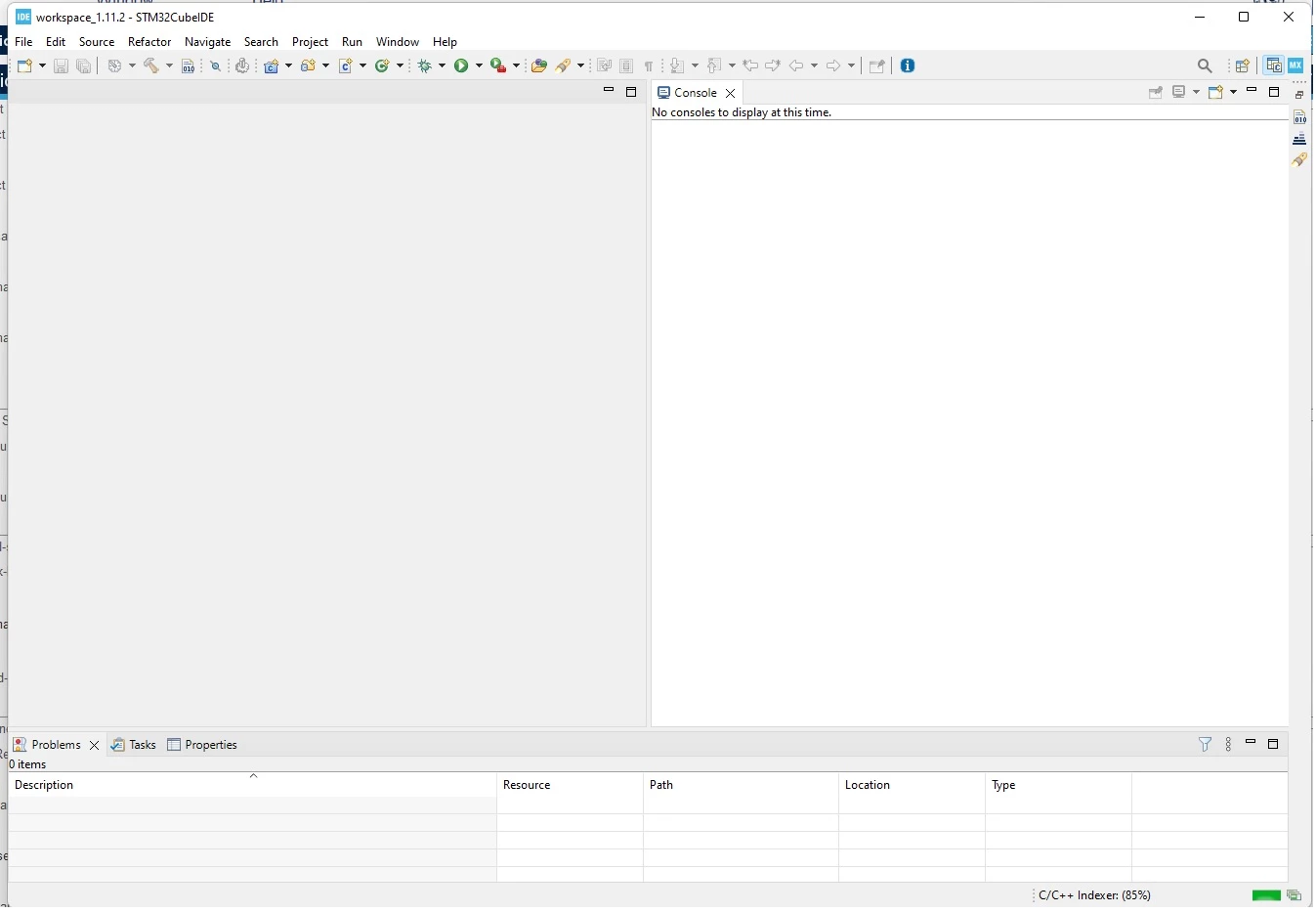
Hi! This is my first project using stm32f407 board, After all the configuration, I generate a code on cubeMX but cubeIDE gives me an empty page. Sorry if the question is stupid, I am not familiar with this software0693W00000aIH0rQAG.jpg
Best answer by RBENF.1

Hello @LimoGr​ 

Try right-clicking the C/C++ perspective icon in the upper right corner and click reset.

Alternatively, click Window > Show View > Project Explorer, and browse from there, import your projet if need be.

Also, you might want to use CubeMX directly from CubeIDE. New > STM32 Project will eventually lead you to CubeMX perspective and you can directly generate your code from there.

Regards,

Ryan

1 reply

RBENF.1
RBENF.1Best answer
ST Employee
March 7, 2023

Hello @LimoGr​ 

Try right-clicking the C/C++ perspective icon in the upper right corner and click reset.

Alternatively, click Window > Show View > Project Explorer, and browse from there, import your projet if need be.

Also, you might want to use CubeMX directly from CubeIDE. New > STM32 Project will eventually lead you to CubeMX perspective and you can directly generate your code from there.

Regards,

Ryan

LimoGr
LimoGrAuthor
Associate II
March 7, 2023

It worked! Thank you!