Associate II
December 18, 2023
Solved

CubeIDE highlight selected text

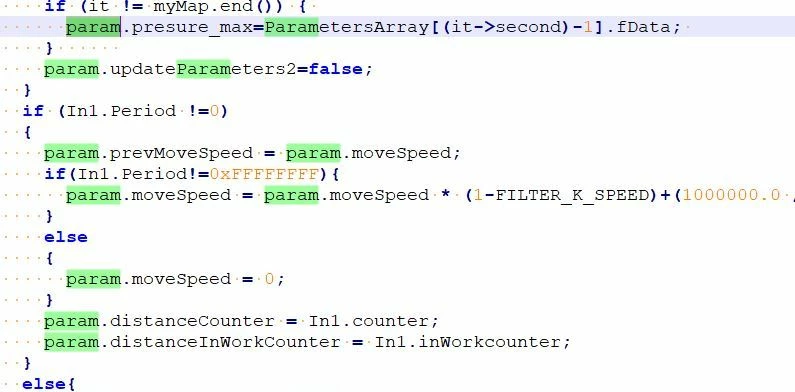
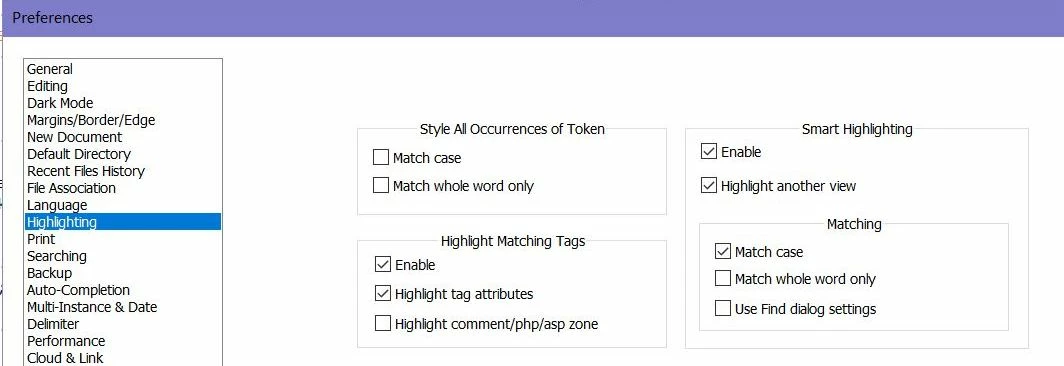
I am definitely in favor of this feature which I am used to with Notepad++ (which they call Smart Highlighting In All Views).
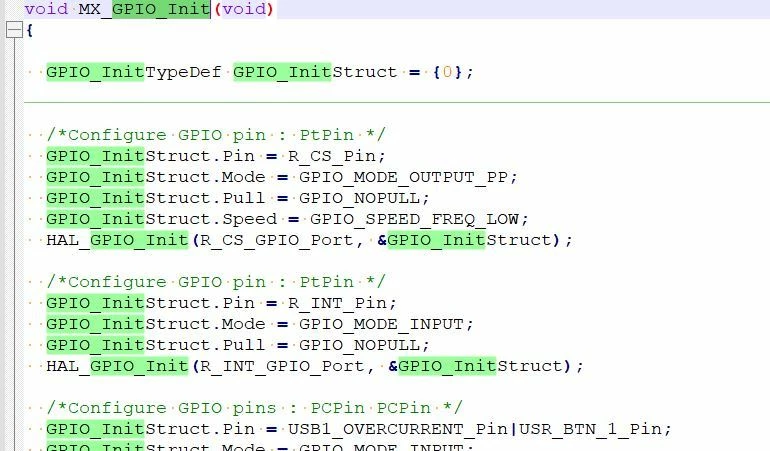
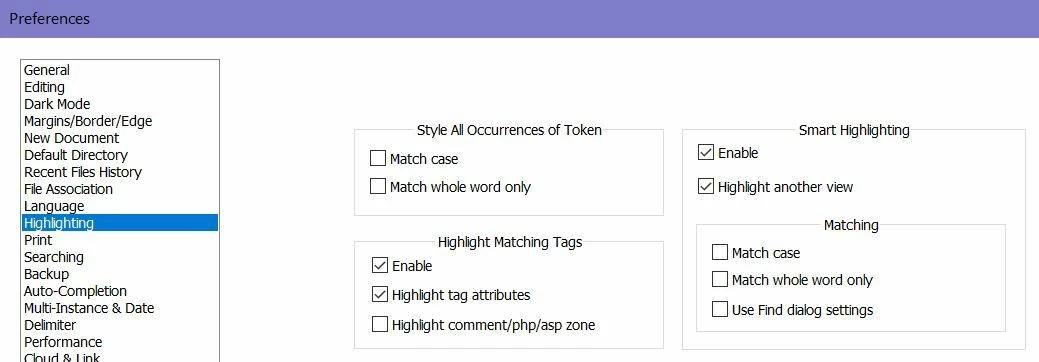
1_Notepad.JPG

2_Notepad.JPG

3_Notepad.JPG

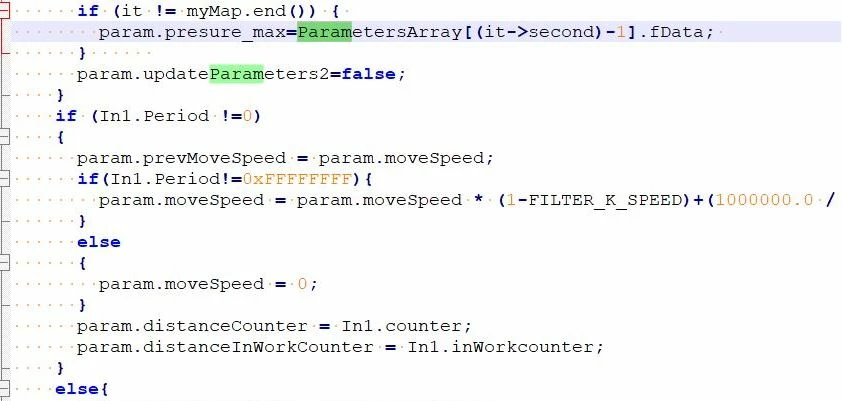
If choise Match case

4_Notepad.JPG

5_Notepad.JPG

Is it possible to configure CubeIDE to highlight selected text (part of a word), change the Match case of the text? That is, highlight all matches in the text of parts of words?



This topic has been closed for replies.
AScha.3
AScha.3Best answer
Super User
December 18, 2023

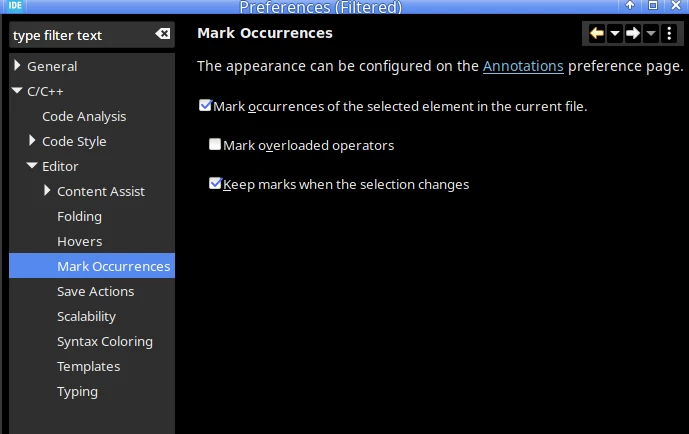
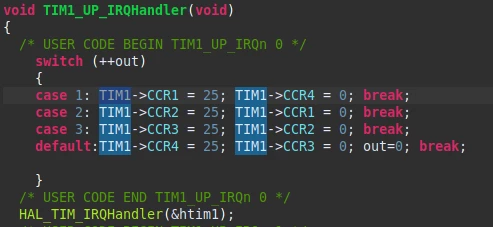
...isnt it doing this anyway? (i dont remember: is default or i set it )

TIM1 is just marked with the mouse here...

AScha3_0-1702938003573.png

right click mouse in text edit window -> preferences...

AScha3_1-1702938185790.png


If you feel a post has answered your question, please click on " Best Answer ".

2 replies

TDK
December 18, 2023

It should work very similarly to Notepad++ except it will only be applicable to one window.

Ctrl+F brings up the search, type what you want to search, text becomes highlighted.

TDK_2-1702937374161.png


First button to the right is for case sensitivity. Second is to select whole words only. (Third is to search via regex.)

TDK_0-1702937355112.png


You can also do Search -> File to search in all open files, but the results are in a separate window, not highlighted.

"If you feel a post has answered your question, please click ""Accept as Solution""."
AScha.3
AScha.3Best answer
Super User
December 18, 2023

...isnt it doing this anyway? (i dont remember: is default or i set it )

TIM1 is just marked with the mouse here...

AScha3_0-1702938003573.png

right click mouse in text edit window -> preferences...

AScha3_1-1702938185790.png


If you feel a post has answered your question, please click on " Best Answer ".