Associate
May 23, 2024
Solved

Code generation issue after migrating from 1.14.1 to 1.15.1

  • May 23, 2024
  • 3 replies
  • 1927 views


Hi, 

I had migrated my project from 1.14.1 to 1.15.1.

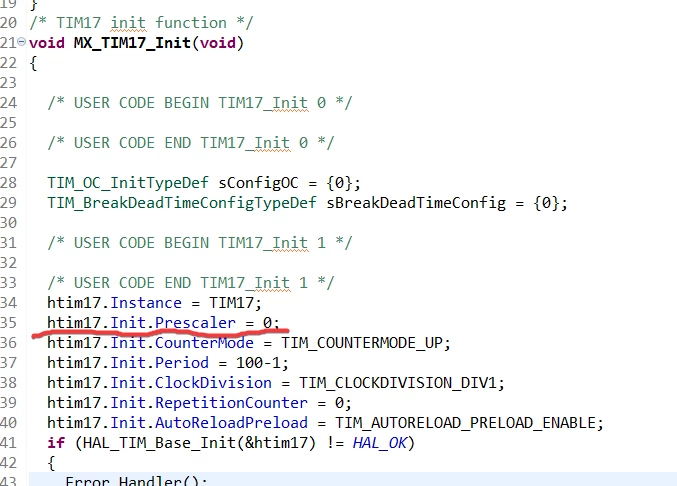
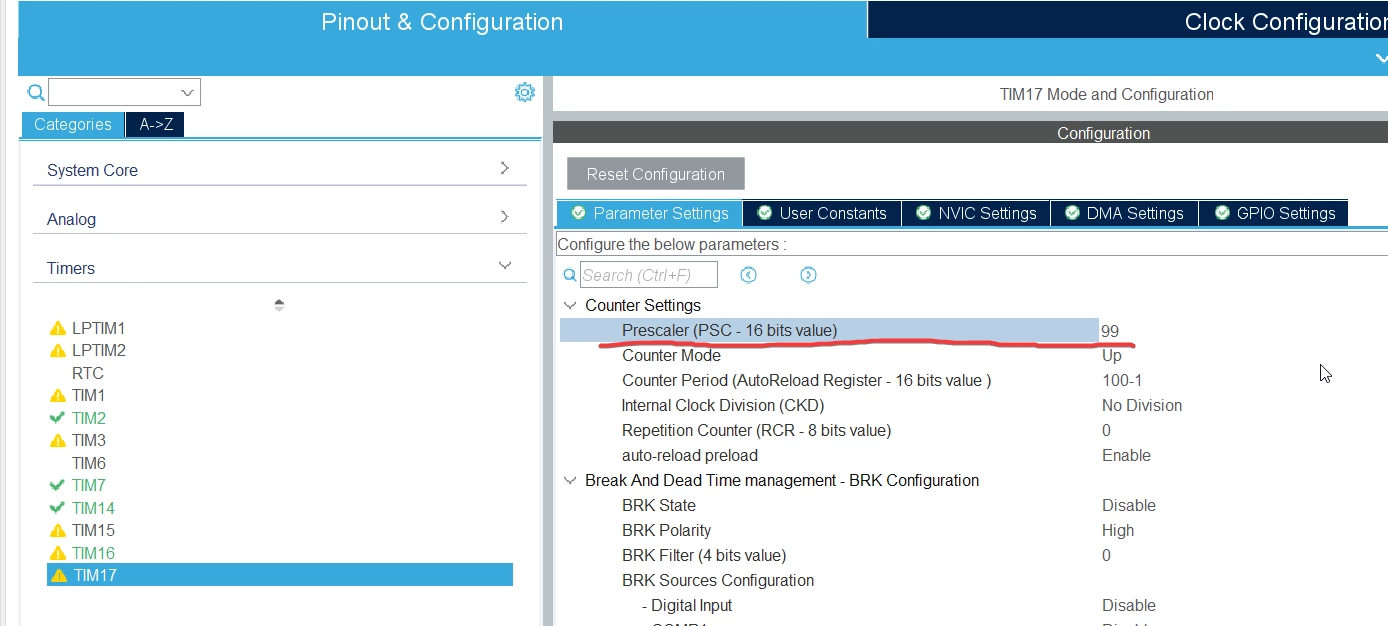
When I change PSC on TIM17 from 0 to 99 on IDE and regenerate the code. 

The PSC value remains unchanged on tim.c, is this a bug or something I need to configure after migration?

This is really annoying that we need to check the parameter one by one to see if the change on IDE is generated to the source code.  
 

Philip0107_0-1716457510791.png

Philip0107_2-1716457678736.png


Thanks for your help.

    This topic has been closed for replies.
    Best answer by Mahmoud Ben Romdhane

    Hello @Philip0107 ,

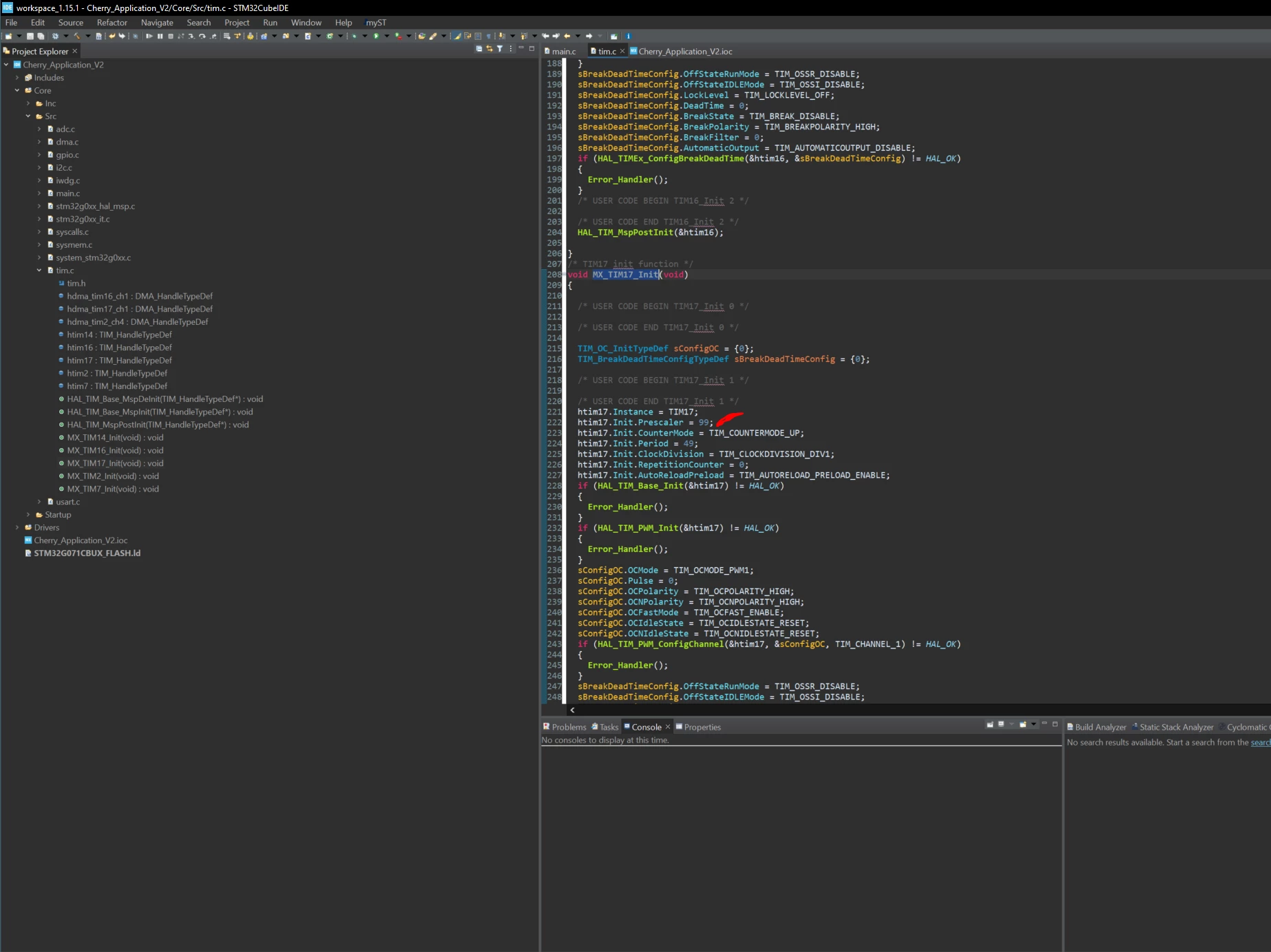
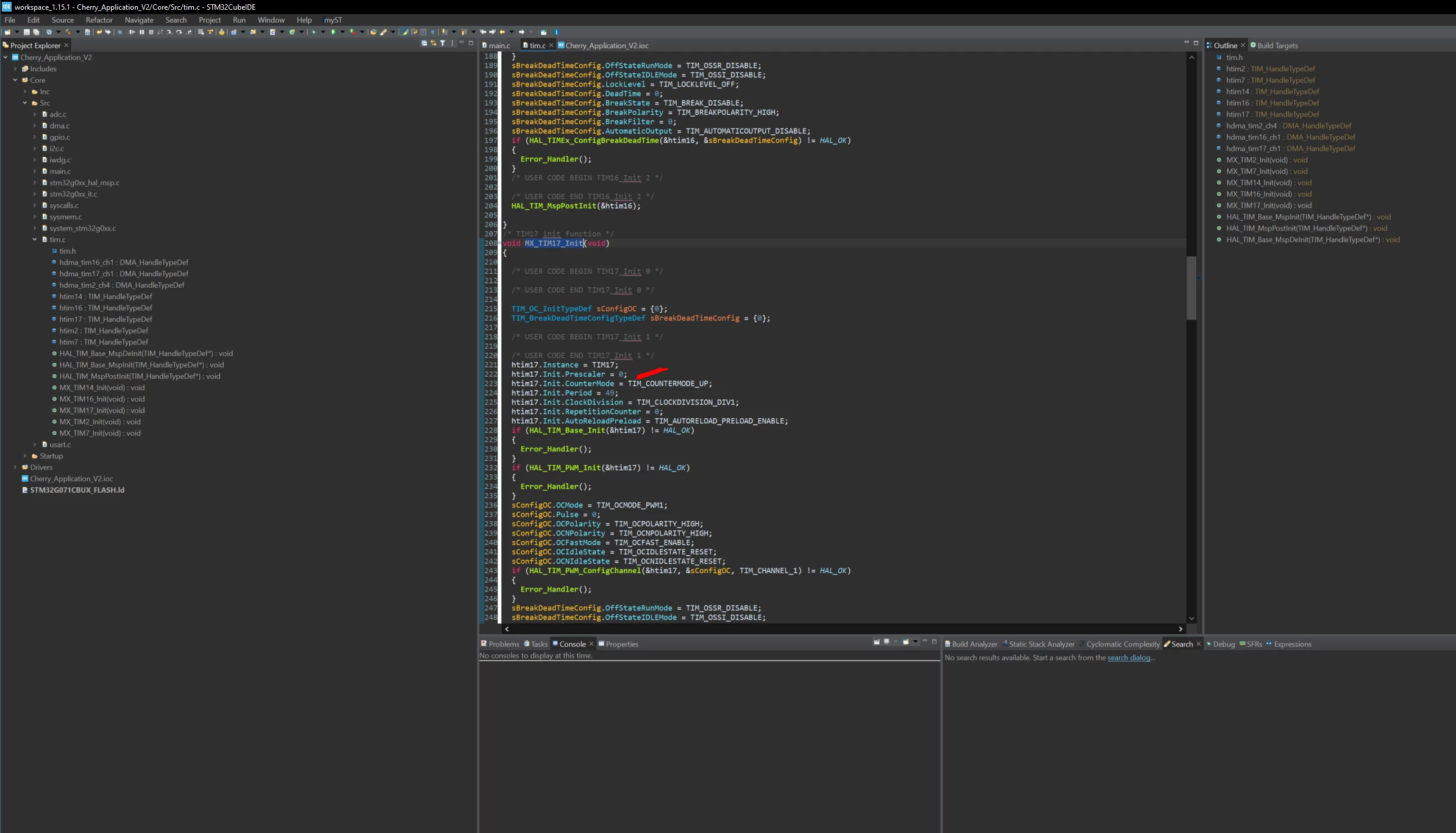
    I loaded the ioc file that you had attached on STM32CubeIDE 1.15.1, and I changed the Prescaler value of TIMER17, but the problem was not reproduced.

    MahmoudBenRomdhane_0-1716544160667.png

    MahmoudBenRomdhane_1-1716544299375.png

    Thanks.

    Mahmoud


    3 replies

    ST Technical Moderator
    May 23, 2024

    Hello @Philip0107 ,

    First let me thank you for posting and welcome to the ST Community.

    For more investigation, I suggest please that you provide the ioc. File.

    Thanks.

    Mahmoud.

    To give better visibility on the answered topics, please click on Accept as Solution on the reply which solved your issue or answered your question.
    Associate
    May 24, 2024

    Hi @Mahmoud Ben Romdhane , 

    Thanks for your help :)

    The ioc file is attached, it seems TIM17.Prescaler remains unchanged. 

    Philip

    ST Technical Moderator
    May 24, 2024

    Hello @Philip0107 ,

    I loaded the ioc file that you had attached on STM32CubeIDE 1.15.1, and I changed the Prescaler value of TIMER17, but the problem was not reproduced.

    MahmoudBenRomdhane_0-1716544160667.png

    MahmoudBenRomdhane_1-1716544299375.png

    Thanks.

    Mahmoud


    To give better visibility on the answered topics, please click on Accept as Solution on the reply which solved your issue or answered your question.