SS13
Associate III
March 21, 2023
Solved

Change STM32CubeIDE Generated Code file path

  • March 21, 2023
  • 5 replies
  • 1752 views

I want to change the path for where the STM32CubeIDE writes the source code files generated when the .ioc file changes. 

I am using STM32CubeIDE Version: 1.12.0.

Is it possible, and if so, how?

This topic has been closed for replies.
Best answer by Wijeden RHIMI

Hello @SS13​ ,

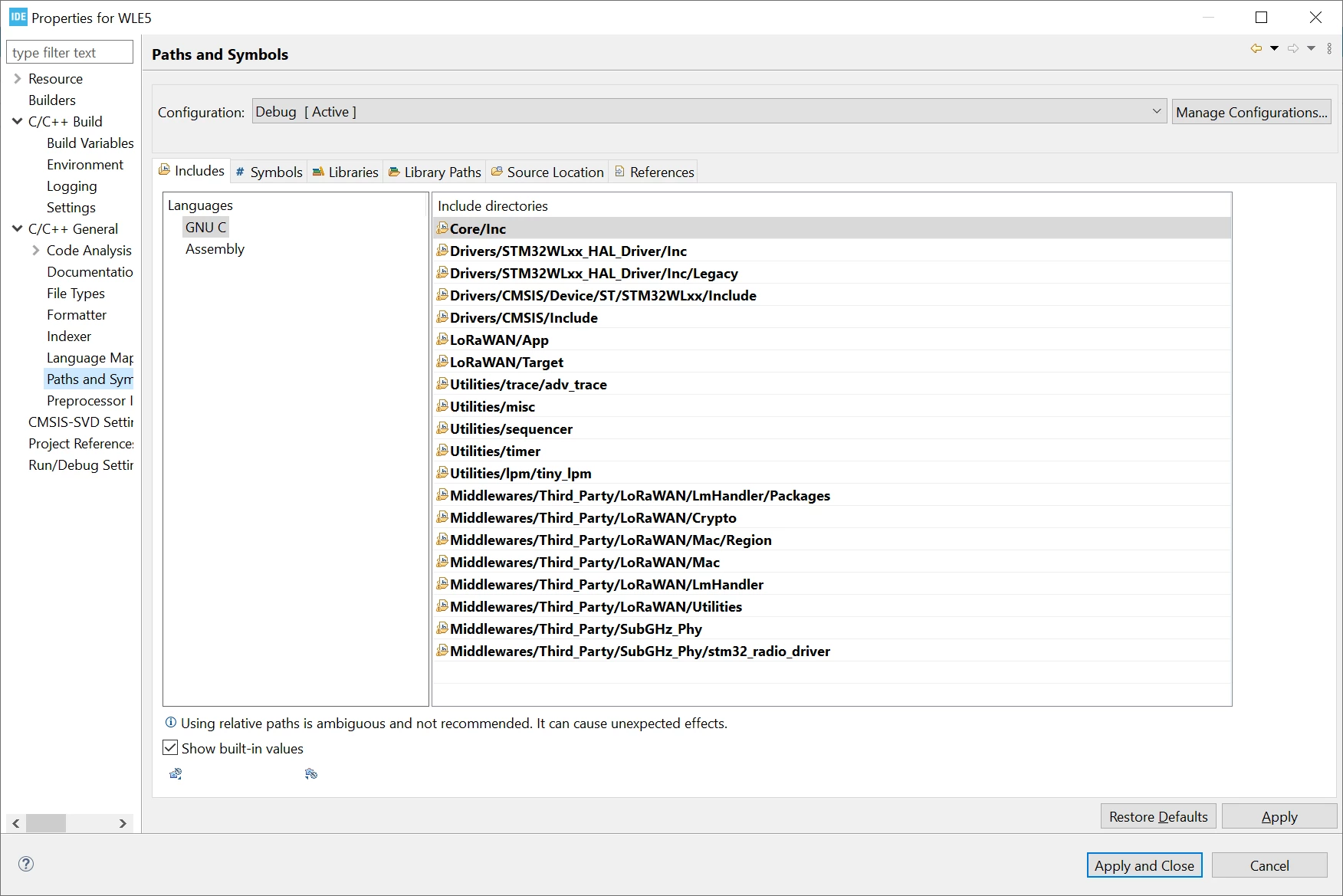
You can customize the project as you wish, putting resources in locations as desired through the project settings:

0693W00000aJkxuQAC.png 

But you need to understand how Eclipse works in order to not mess things up, so a link to this could be helpful:

https://www.eclipse.org/escet/use/projects.html

Don't hesitate to ask more questions !

Thanks,

Wijeden,

5 replies

Wijeden RHIMI
ST Employee
March 23, 2023

Hello @SS13 ,

Do you mean that you need to edit the path of source folder ?

waiting your response !

Thanks ,

Wijeden,

SS13
SS13Author
Associate III
March 24, 2023

Yes. By default the source code is created in a "Core" folder. I won't want my project structured this way.

Wijeden RHIMI
Wijeden RHIMIBest answer
ST Employee
March 27, 2023

Hello @SS13​ ,

You can customize the project as you wish, putting resources in locations as desired through the project settings:

0693W00000aJkxuQAC.png 

But you need to understand how Eclipse works in order to not mess things up, so a link to this could be helpful:

https://www.eclipse.org/escet/use/projects.html

Don't hesitate to ask more questions !

Thanks,

Wijeden,

Wijeden RHIMI
ST Employee
March 30, 2023

Hello @SS13​ 

Does the previous solution help you ?

Thanks,

Wijeden,

SS13
SS13Author
Associate III
March 31, 2023

Yes. That link is helpful.

Thanks!