asim khan
Associate II
June 13, 2021
Question

Cant print on SWV ITM Data Console
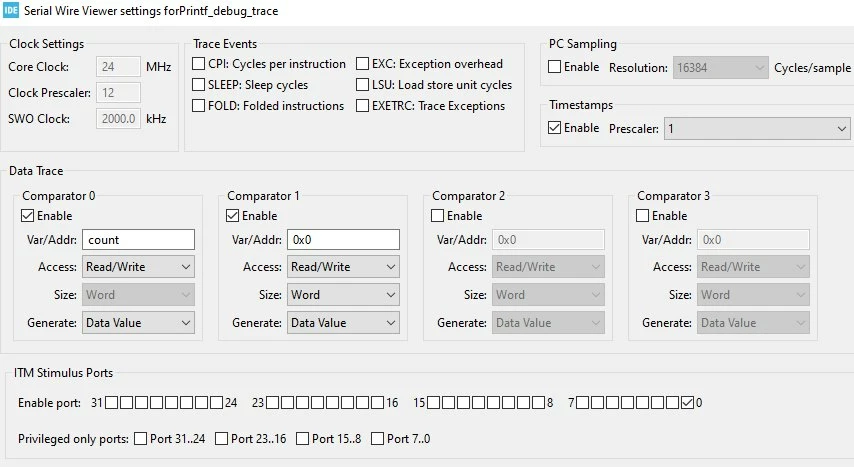
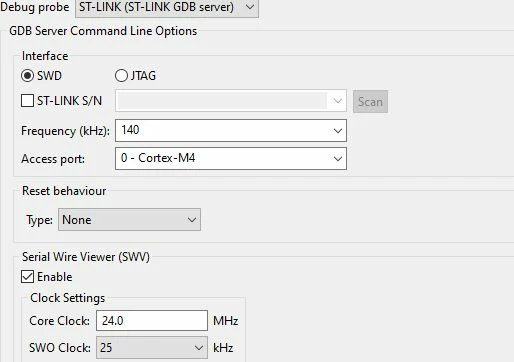
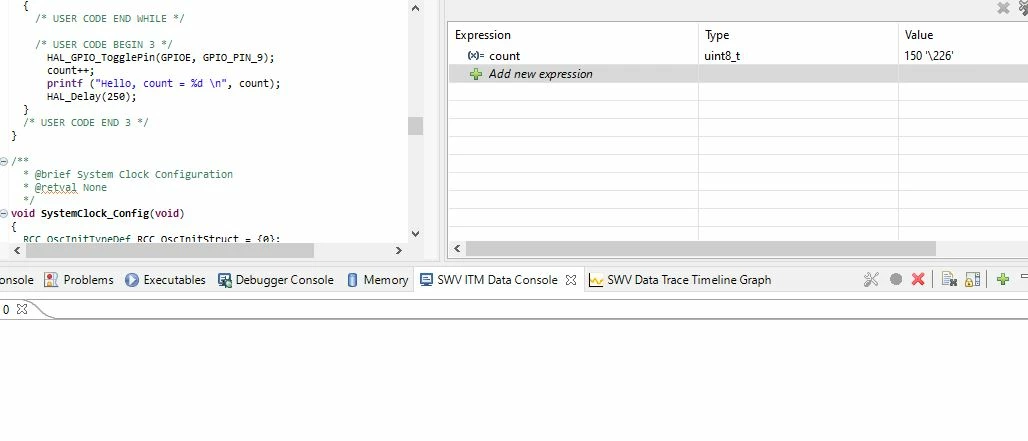
0693W00000BapnPQAR.jpg0693W00000BapnFQAR.jpg0693W00000Bapn5QAB.jpgI am trying to Debug with SWO and SWV in STM32CubeIDE. But i am not getting any thing on SWV ITM Data console and Timline Graph. As you can see in live expression window count is incrementing as expected. My clock is running on 24Mhz.

This topic has been closed for replies.

7 replies

Pavel A.
June 13, 2021

Is your CoreClock indeed 24 MHz? This is not the oscillator frequency,

The value must be equal to global var SystemCoreClock after return from SystemClock_Config() in main(), in MHz.

For example if SystemCoreClock is 64000000 specify 64.0

Also you must click on the ITM console start button, not earlier than when the debugger stops on the first breakpoint (usually at main). Otherwise it won't start.

asim khan
asim khanAuthor
Associate II
June 13, 2021

Clock are same and I first clicked the console start button before hitting resume for debugging.

Pavel A.
June 13, 2021

Which STM32?

asim khan
asim khanAuthor
Associate II
June 13, 2021

STM32F303-->STM32Discovery board

VKost.5
Visitor II
August 20, 2022

The following helped me. On my STM32F3DISCOVERY board, the SB10 jumper was not soldered. Soldered SB10 and SWV data appeared. This is because the SWV data is transmitted on the SWO PB3 pin on the STM32F303VCTx.

SArbo.1
Visitor II
August 22, 2022

On my STM32F429I Discovery-DISC1 I had to solder SB9 then it worked.

Two things to check... 1. Your SWO clock freq... must be the same as main clock, in my case 180 Mhz. 2. Solder the bridge for you board, in my case SB9..... for SWO

Associate III
August 5, 2024

How did you manage to get it work?