
Solved
Can't start STCubeIDE.app on Mac OS. How to solve it?
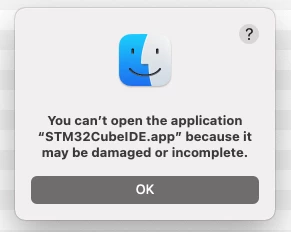 OS info:

STCubeIDE Info:
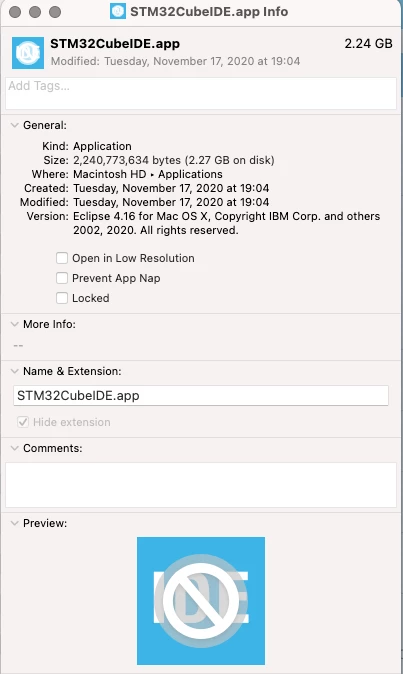

OS info:
STCubeIDE Info:
HI Ltony.1,
This is a well know issue already discussed on ST Community, for now all you need is to execute the following command in a Terminal:
xattr -c /Applications/STM32CubeIDE.appThen you may have to unlock STM32CubeIDE from Gatekeeper too.
Note also that STM32CubeIDE does not officially support Big Sur, you might run into sporadic troubles. Anyway some user already tried this MacOS version and didn't reported major issues.
Enter your E-mail address. We'll send you an e-mail with instructions to reset your password.
