Kim KyungTack
Associate III
Mar 20, 2024 2:42 AM UTC
Solved

Build Analyzer does not work after STM32CubeIDE update.

Hi.


I was using STM32CubeIDE 1.14.0 until yesterday.

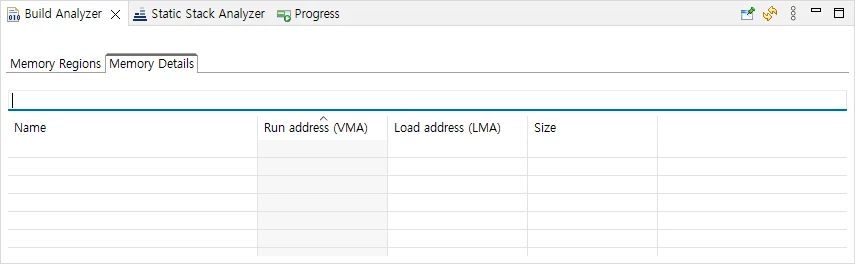
Build Analyzer worked fine in 1.14.0, but after updating to 1.15.0 using the update feature provided by CubeIDE, nothing is displayed in Build Analyzer. 

The build was successful and the <project>.map file was created, but the Build Analyzer information was not displayed, and I uninstalled and reinstalled CubeIDE, but it was the same.
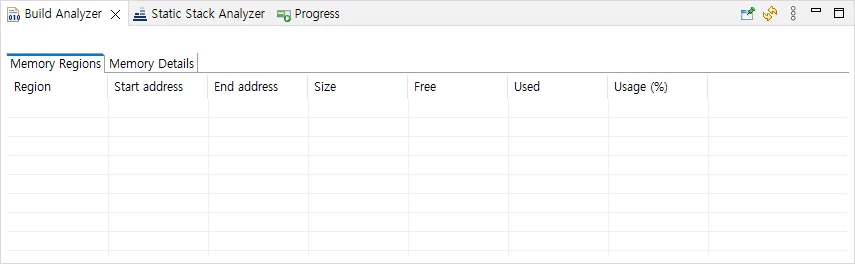
 

Build Analyzer - 1.png

Build Analyzer - 2.png


This topic has been closed for replies.
christelle burguera
ST Employee
Mar 20, 2024 7:28 AM UTC

Hello Kim,


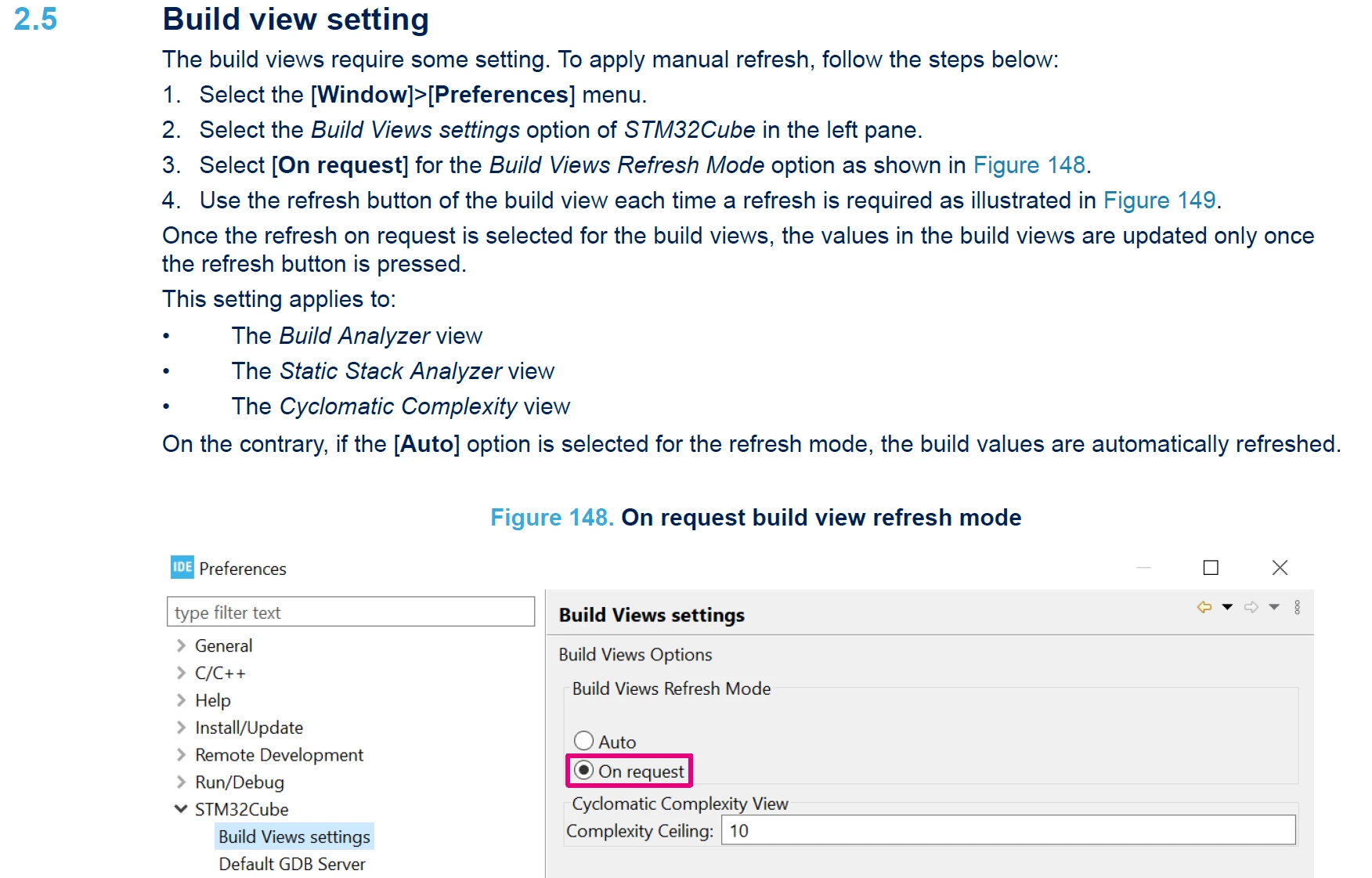
You have to click on the "Refresh" button:

BuildAnalyzer.png

Please, refer to the User Manual, section 2.5 where this new button is explained and how you can change the behavior:

BuildAnalyzerUM.png


BR

Christelle

27 replies

PHolt.1
Senior
Jun 26, 2025 6:25 AM UTC

This is a bug. The Build Analyser should appear automatically after a Build. 

In most cases you see it only on a second build (ctrl-b). To see it after the 1st build (post editing) you have to click on the .map file (which is under Debug).


christelle burguera
ST Employee
Jun 26, 2025 6:35 AM UTC

to prevent a very long load in some cases, the refresh is not done automatically, you have to click on the refresh button

Visitor II
Jun 30, 2025 10:43 PM UTC

I have the same problem, on windows 10. and the version of stm cube ide is the 1.18.1. refresh button do not work for me, i have to wait for at least 30 secondsand some times more to show something and not always work. i try  with "auto" and "on request" with several number but i can't get a normal beheavior. T_T